Why Your Phone Keeps Overheating (And How to Fix It Fast)
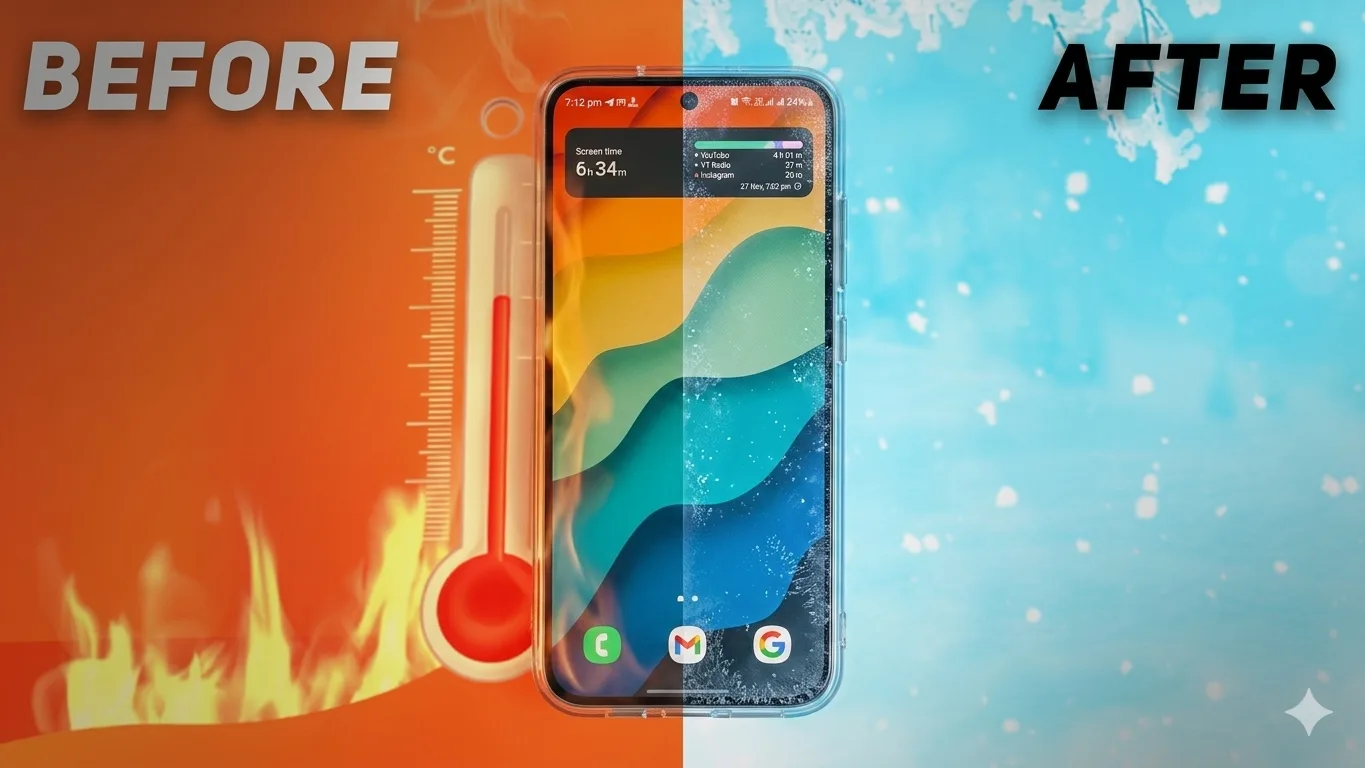
Smartphones overheating has become one of the most common problems users face today. One moment your phone is smooth and fast, the next moment it’s hot, laggy, and draining battery like crazy. Most people think it’s just “normal” or blame the phone brand, but the truth is usually much simpler — everyday habits and small settings are what quietly turn your device into a pocket heater.
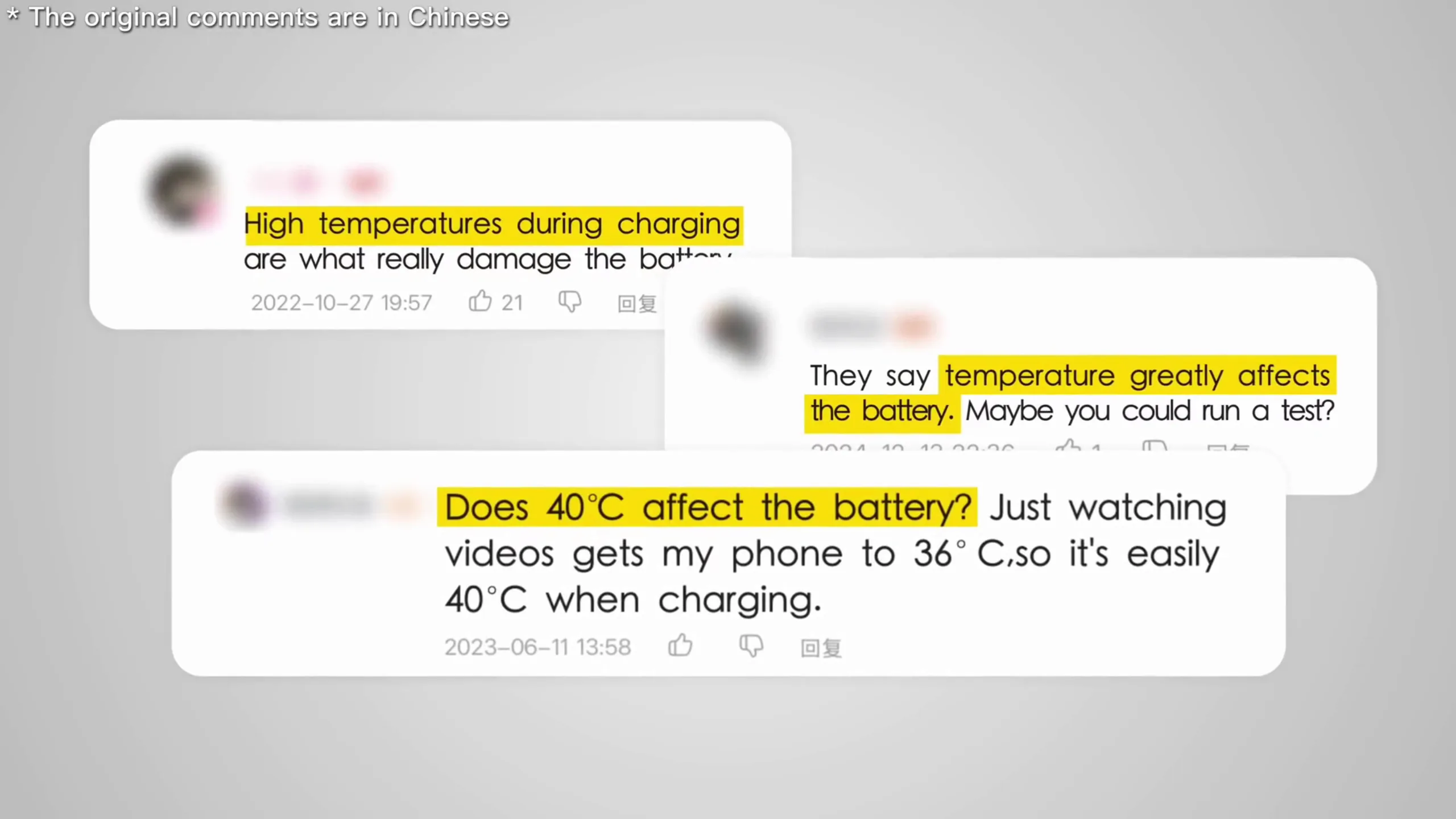
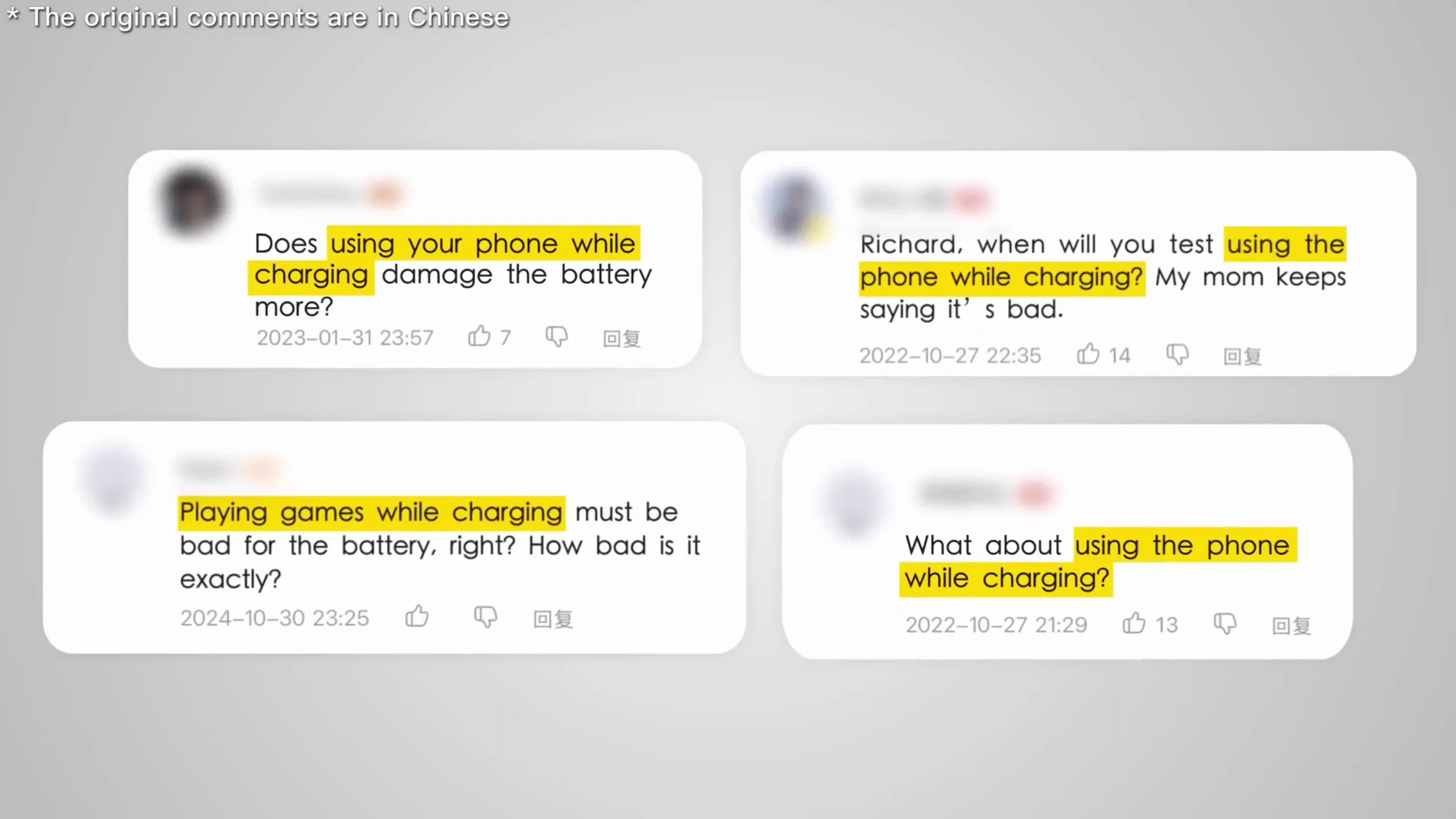
And once your phone starts overheating regularly, it doesn’t just feel uncomfortable. It affects performance, slows down apps, reduces battery life, and in some cases, permanently weakens battery health over time.
So instead of guessing or relying on random advice online, let’s break down the real reasons your phone is overheating and what you can actually do about it.
Why Your Phone Overheats (Even When It Looks Normal)
A smartphone is basically a compact computer with no cooling fan. Unlike laptops or gaming PCs, it depends entirely on passive cooling — meaning heat has to naturally escape through the body of the phone.
So when heat builds up faster than it can escape, things start going wrong.And in most cases, it’s not one big issue. It’s multiple small ones working together quietly in the background.
1. Charging + Heavy Usage at the Same Time

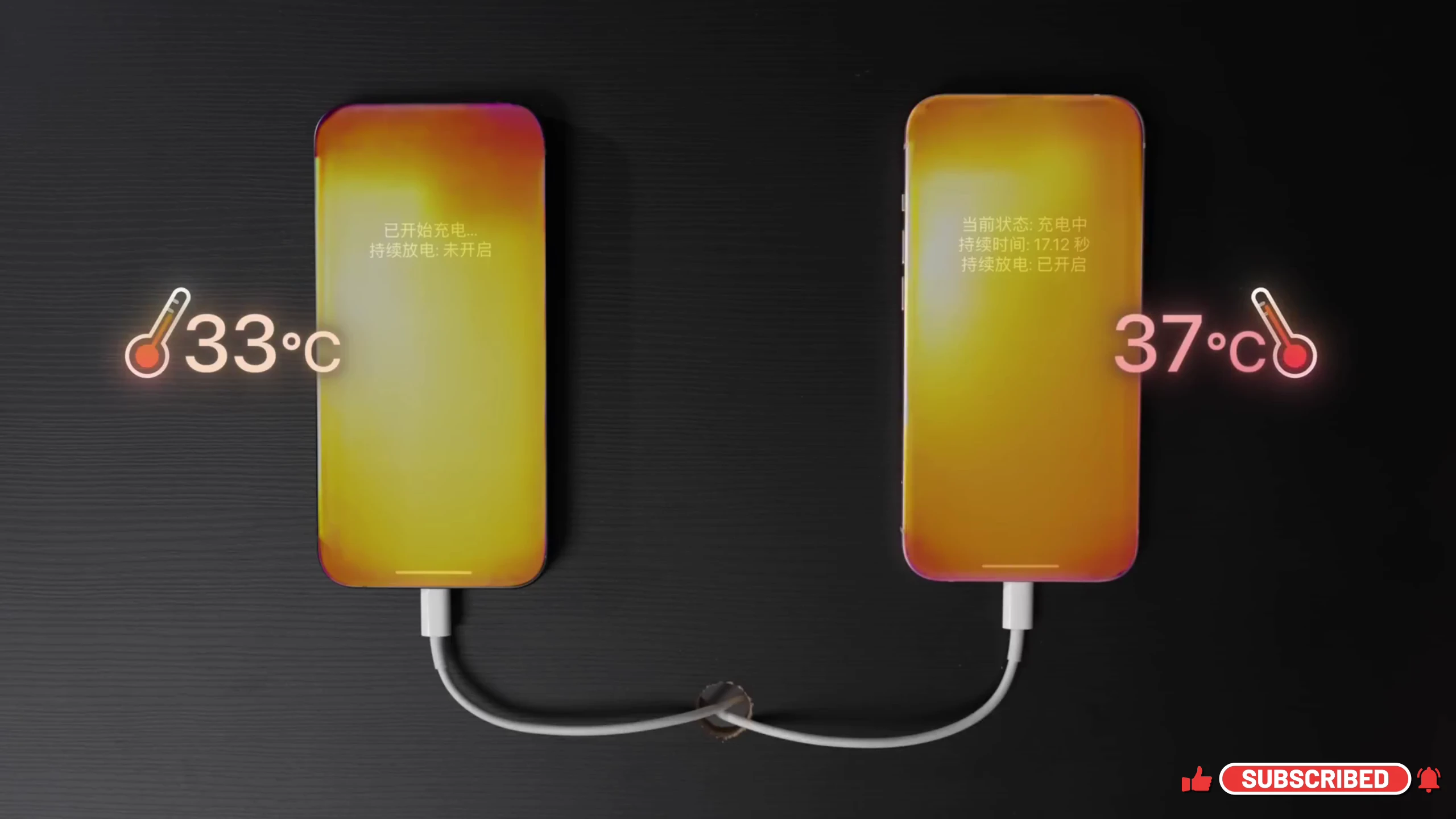
This is one of the most common habits people don’t think about. Plugging your phone in and immediately jumping into gaming, streaming, or hotspot usage creates a double heat load:
- charging naturally produces heat
- heavy apps also push the processor hard
When both happen together, the temperature rises quickly. That’s when you start noticing:
- lag during gaming
- screen dimming
- faster battery drop
- phone getting uncomfortable to hold
The fix is simple. If you need fast charging, let the phone charge in peace. If you want to game or stream, unplug it or at least avoid heavy tasks during charging.
2. Heat Trapping From Cases and Environment
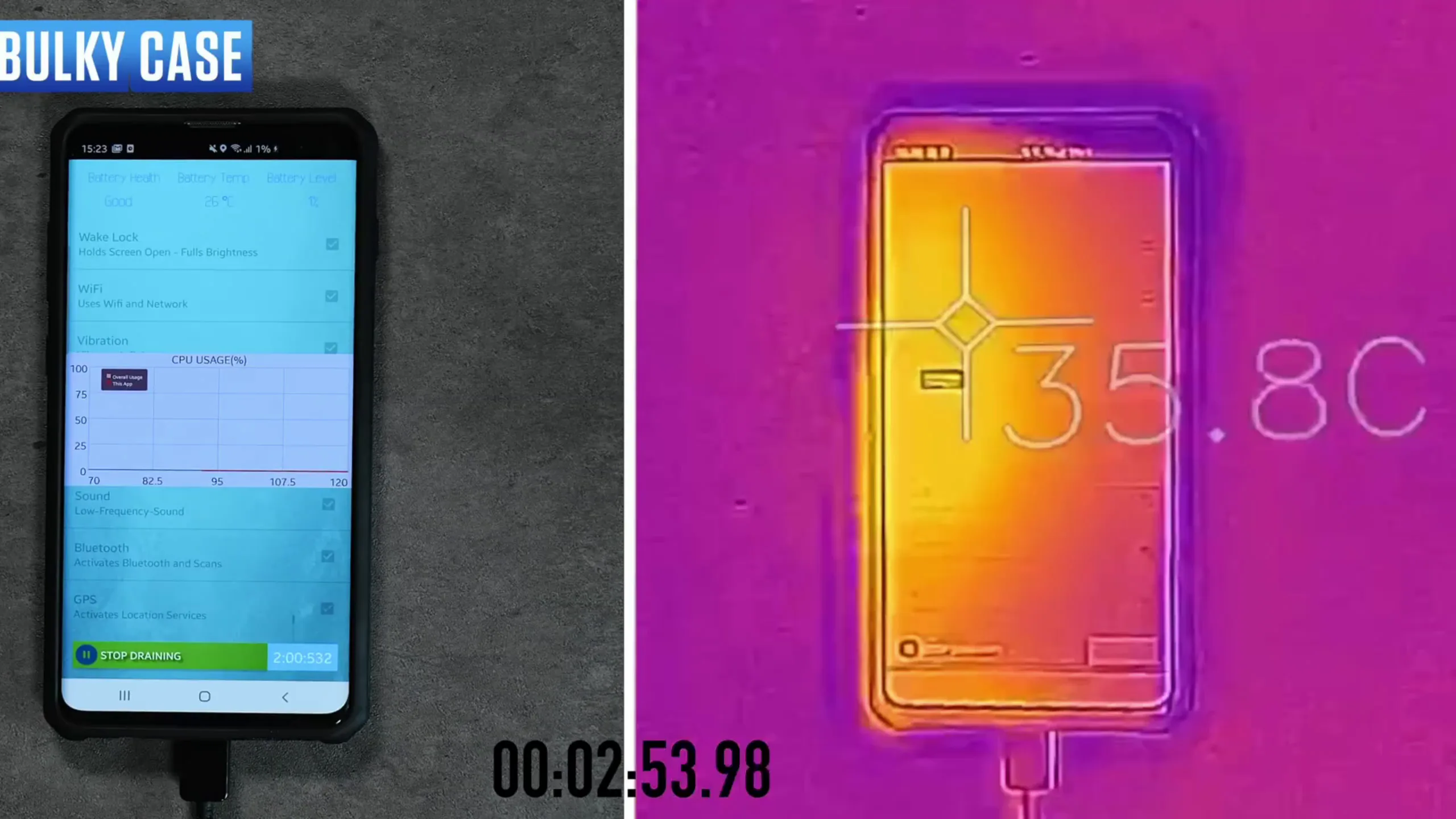
Your phone depends on air around it to cool down. But many people unknowingly block that process. Thick phone cases, especially rugged ones, trap heat instead of letting it escape. Combine that with hot environments like:
- direct sunlight
- car dashboards
- outdoor usage under heat
and your phone starts cooking from both inside and outside. It gets worse when a heavy case is added on top — it’s basically like wrapping your phone in insulation.
If your phone feels warm, removing the case for a while makes a noticeable difference. It’s a small adjustment, but it helps cooling happen faster.
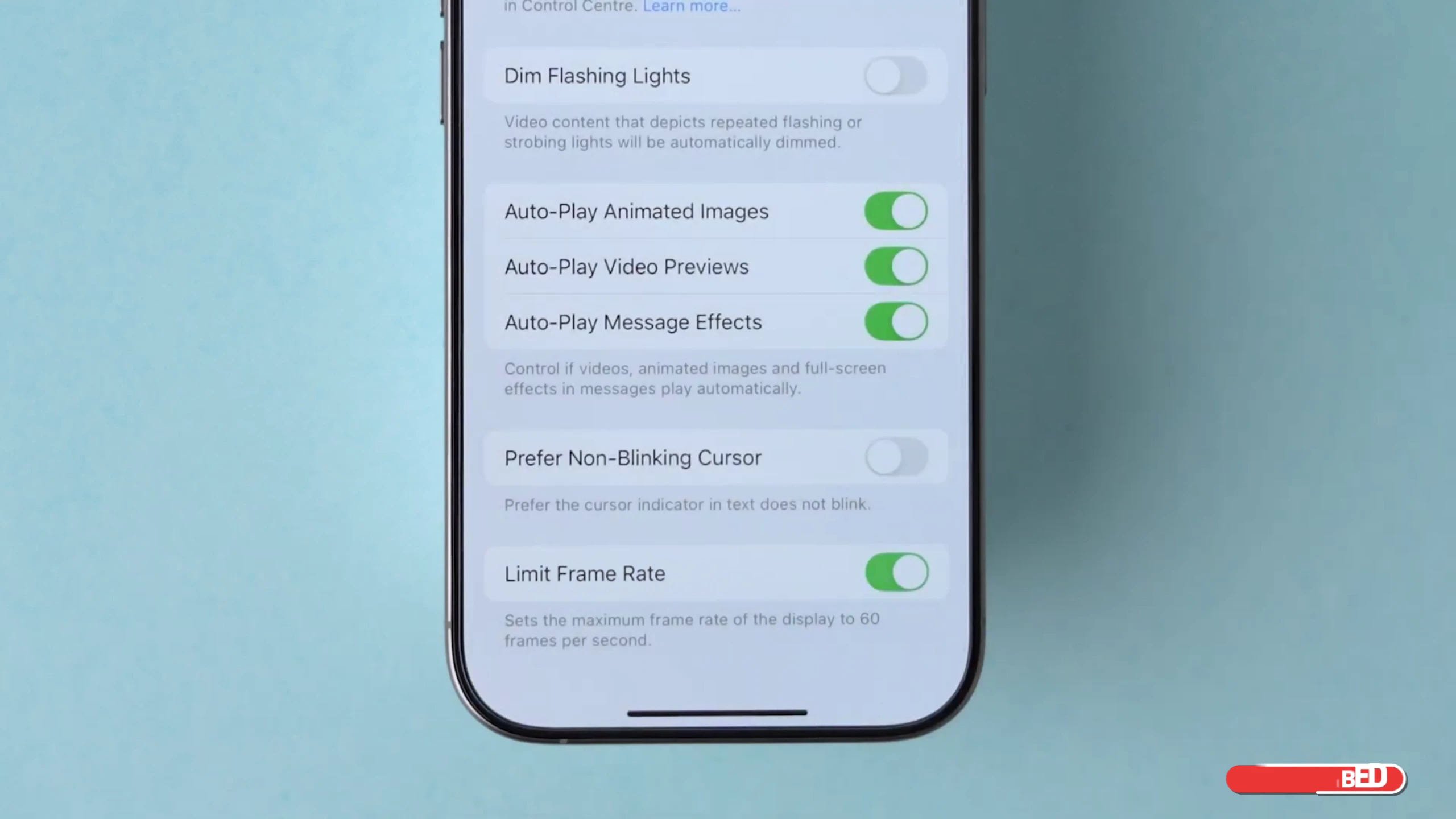
3. Bright Display and High Refresh Rates
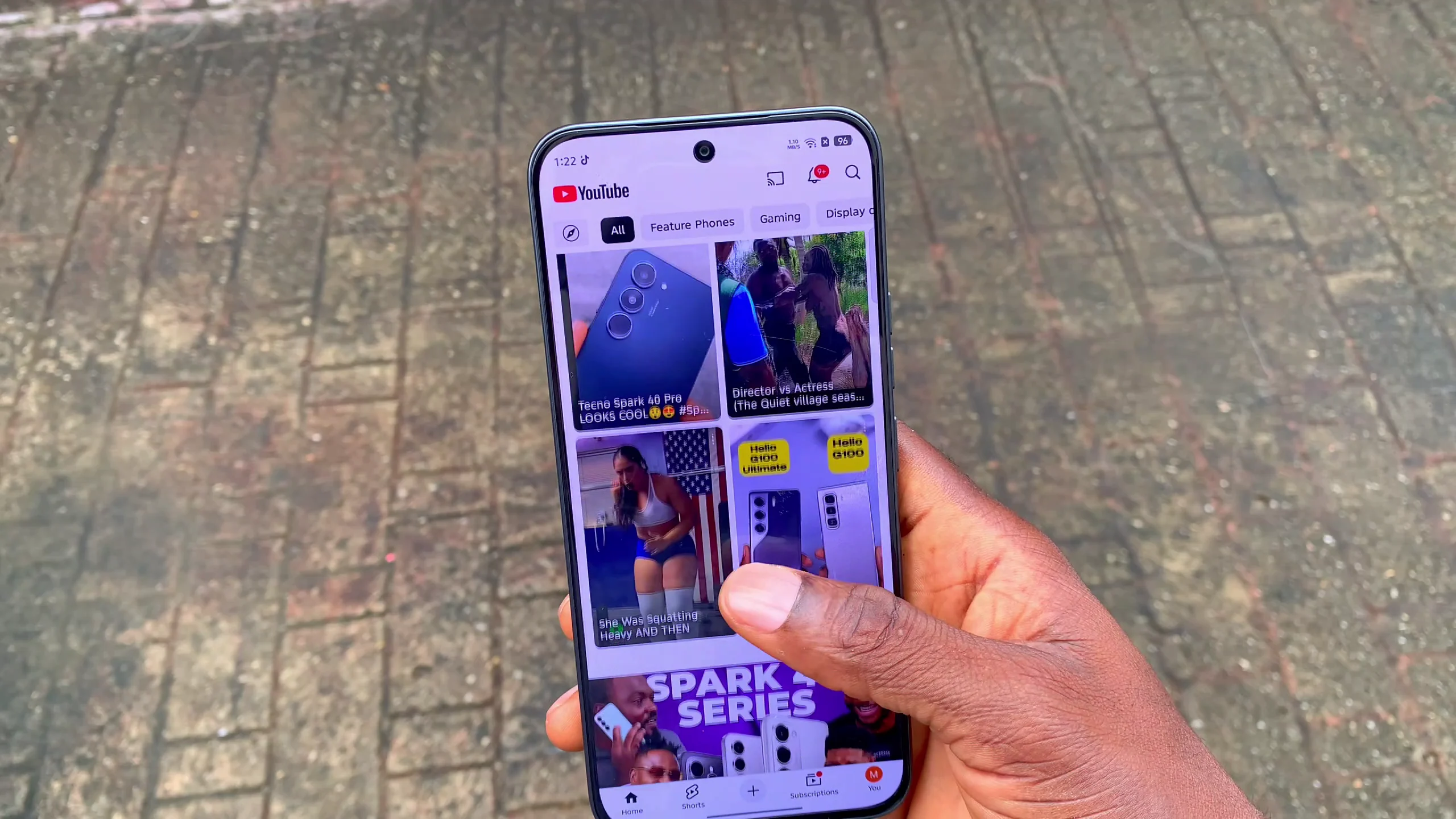
Your screen is one of the biggest power consumers on your phone. When brightness is pushed to maximum, the display works harder, drawing more power and generating more heat.
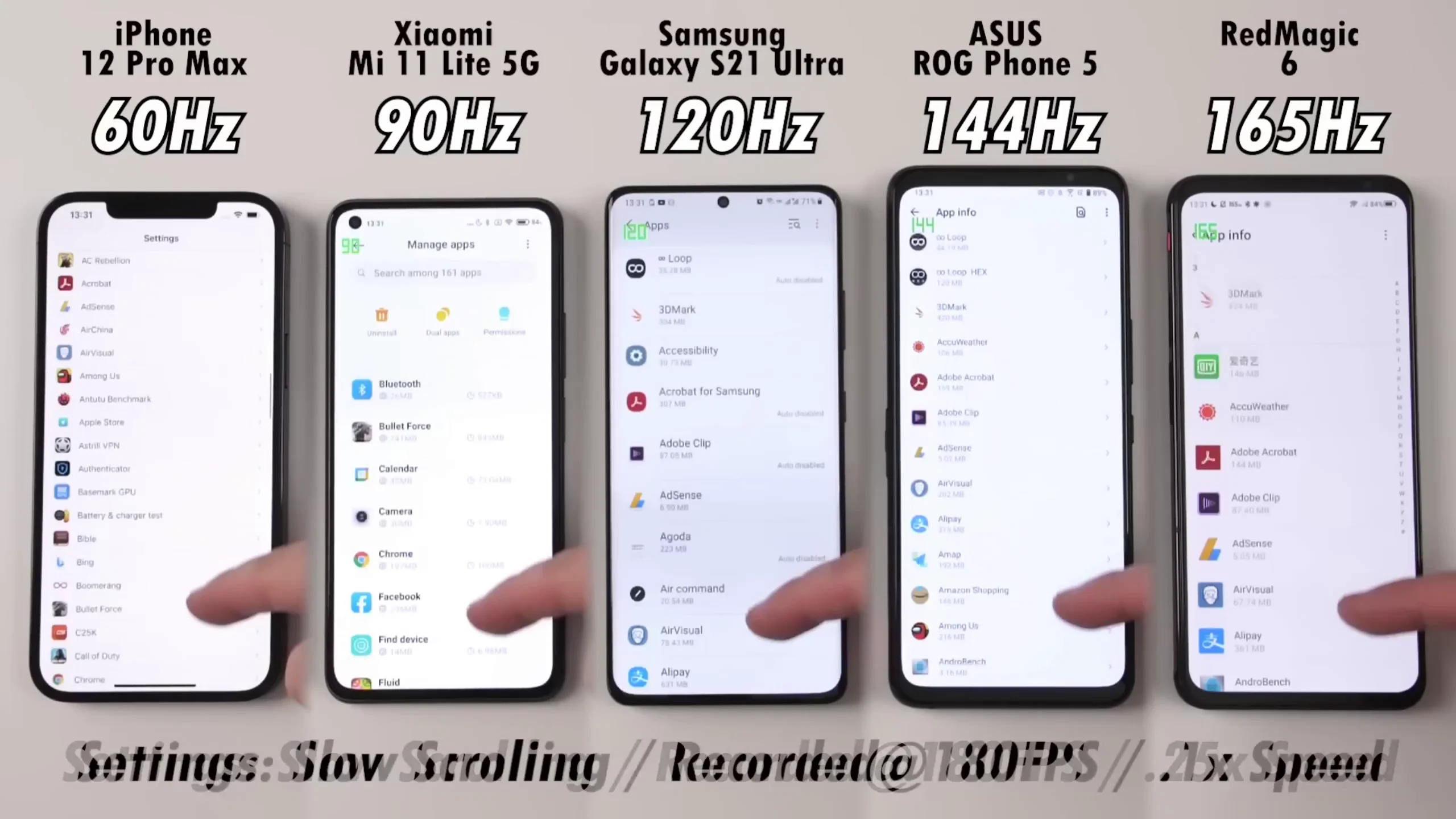
Modern phones also come with high refresh rates like:
- 90Hz
- 120Hz
- 144Hz
These make scrolling smoother, but they also force your system to refresh the screen more frequently, which increases workload on the processor. Over time, that extra work translates into heat.
A smarter approach is:
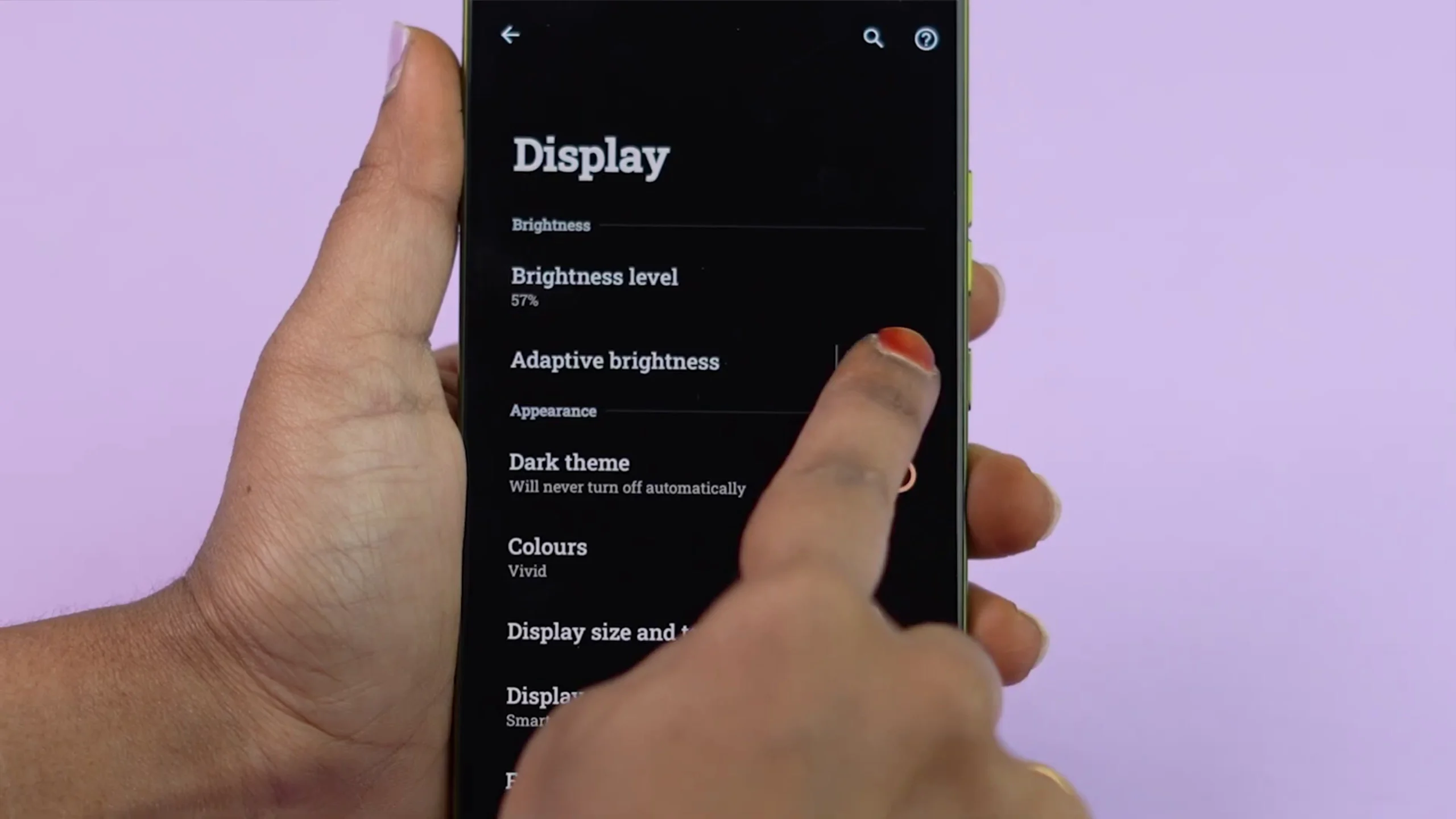
- use adaptive brightness
- reduce refresh rate when not needed
- avoid max brightness unless necessary
It’s one of the easiest ways to reduce heating without losing usability.
4. Background Apps and Weak Network Signals
Even when you’re not actively using your phone, it may still be working hard. Apps in the background constantly:
- refresh notifications
- track location
- sync data
- scan for connections
Individually, they don’t seem like much. But together, they keep your processor active all day. Another major hidden cause is poor network signal.
When signal strength is weak, your phone increases power output to stay connected. That constant struggle generates heat, especially in low-network areas or while moving around.
A quick fix when this happens:
- close unused apps
- turn on airplane mode temporarily in bad signal zones
This gives your phone a break and reduces unnecessary power usage.
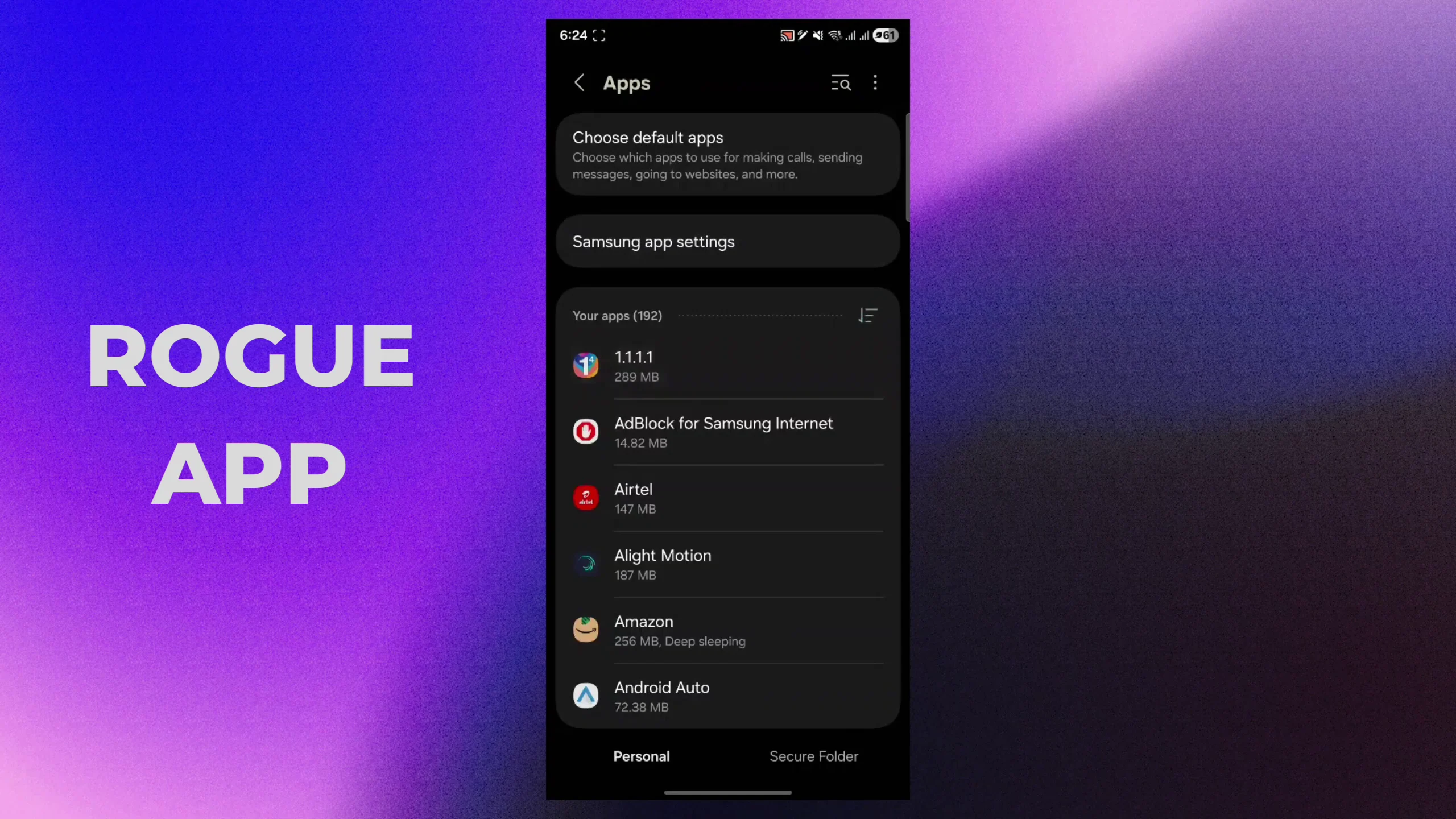
5. Software Bugs and Rogue Apps
Sometimes overheating has nothing to do with usage habits.
A poorly optimized app update can cause a process to run continuously in the background without stopping. This keeps the processor active even when you’re not doing anything. That’s why one day your phone is fine, and the next day it suddenly starts heating up for no reason.
What helps:
- check for system updates
- review battery usage stats
- identify apps draining unusual power
- uninstall or force stop problematic apps
- restart your phone regularly (at least once a week)
A simple restart often clears stuck processes that you don’t even see.
6. How to Cool Down an Overheating Phone Properly
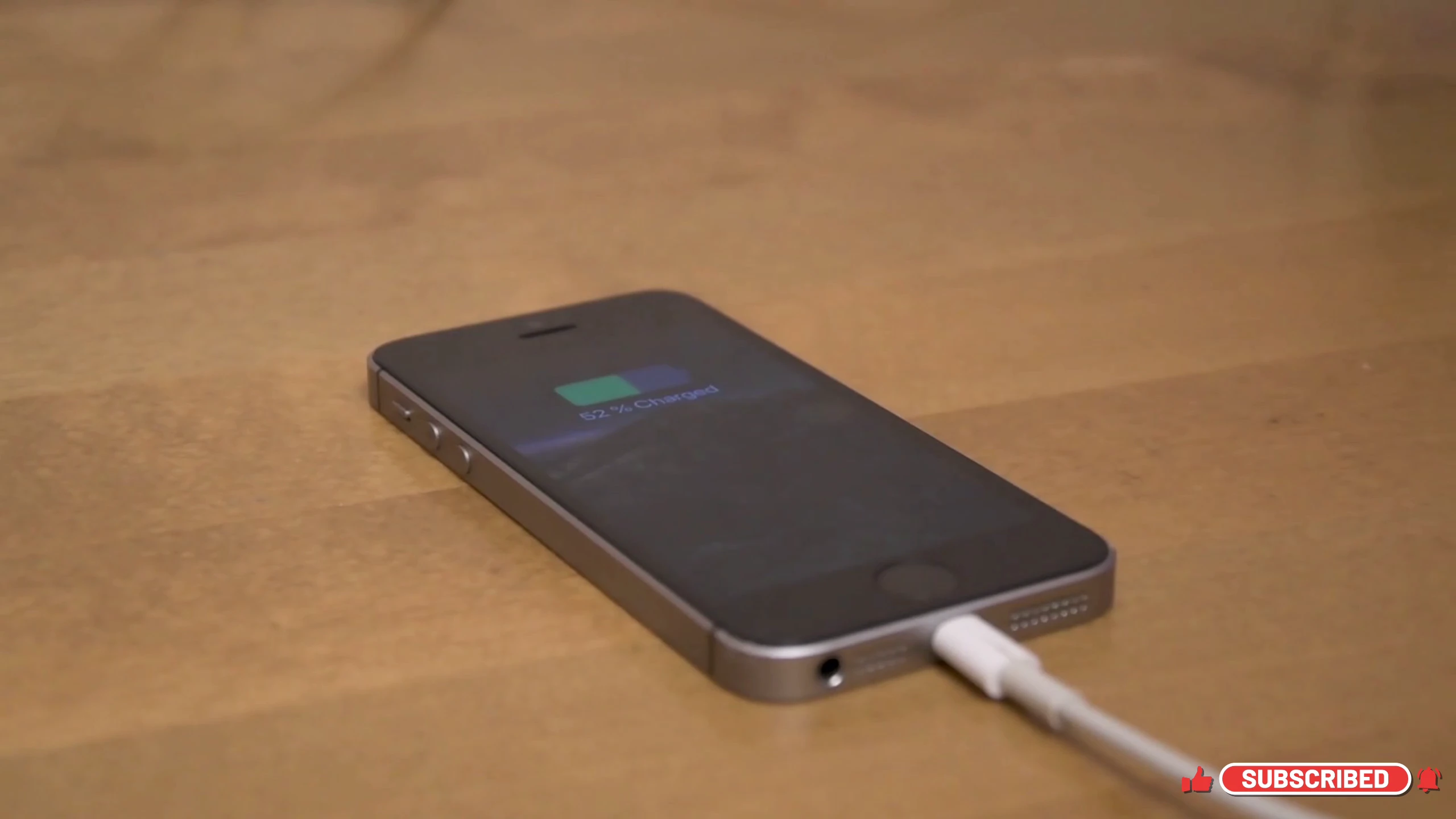
When your phone is already hot, your reaction matters.
First rule: do NOT put it in a fridge or freezer.
That sudden temperature change can create condensation inside the device, which may damage internal components permanently. Instead, do this:
- unplug the charger immediately
- remove the case
- turn off the screen
- place it on a cool, flat surface (tile, glass, or stone)
Let it cool naturally for 10–15 minutes.
If you frequently experience overheating during gaming, external cooling fans designed for phones can also help reduce temperature during heavy use.
Final Thoughts
Phone overheating is rarely caused by one single issue. It’s usually a combination of:
- charging habits
- heat exposure
- background activity
- display settings
- network conditions
- software behavior
The good news is that most of these are easy to fix once you know what to look for. You don’t need extreme measures or complicated tools. Just smarter usage habits and small adjustments can make a huge difference in performance, battery health, and overall comfort.
At the end of the day, your phone is designed to handle heat — but not constant stress from avoidable habits. And once you fix those habits, everything feels smoother again.