Why Your Phone Feels Slower Than When You Bought It — And How to Fix It
Why Your Phone Feels Slower Than When You Bought It — And How to Fix It
Have you noticed that your smartphone doesn't feel as fast as it did when you first bought it?
Apps may take longer to open, scrolling can feel less fluid, and switching between applications might occasionally come with a noticeable delay. Even simple tasks that once felt instant can start to feel sluggish.
It's easy to assume that your phone is simply getting old. Some people even believe manufacturers intentionally slow down older smartphones to encourage users to upgrade.
While hardware does become outdated over time, that's not always the reason a phone feels slower. In many cases, performance problems are caused by accumulated software, background processes, excessive customization, storage pressure, heat, and settings that aren't actually helping your device perform better.
Before spending money on a new smartphone, there are several things worth checking.
1. Virtual RAM May Not Be Helping
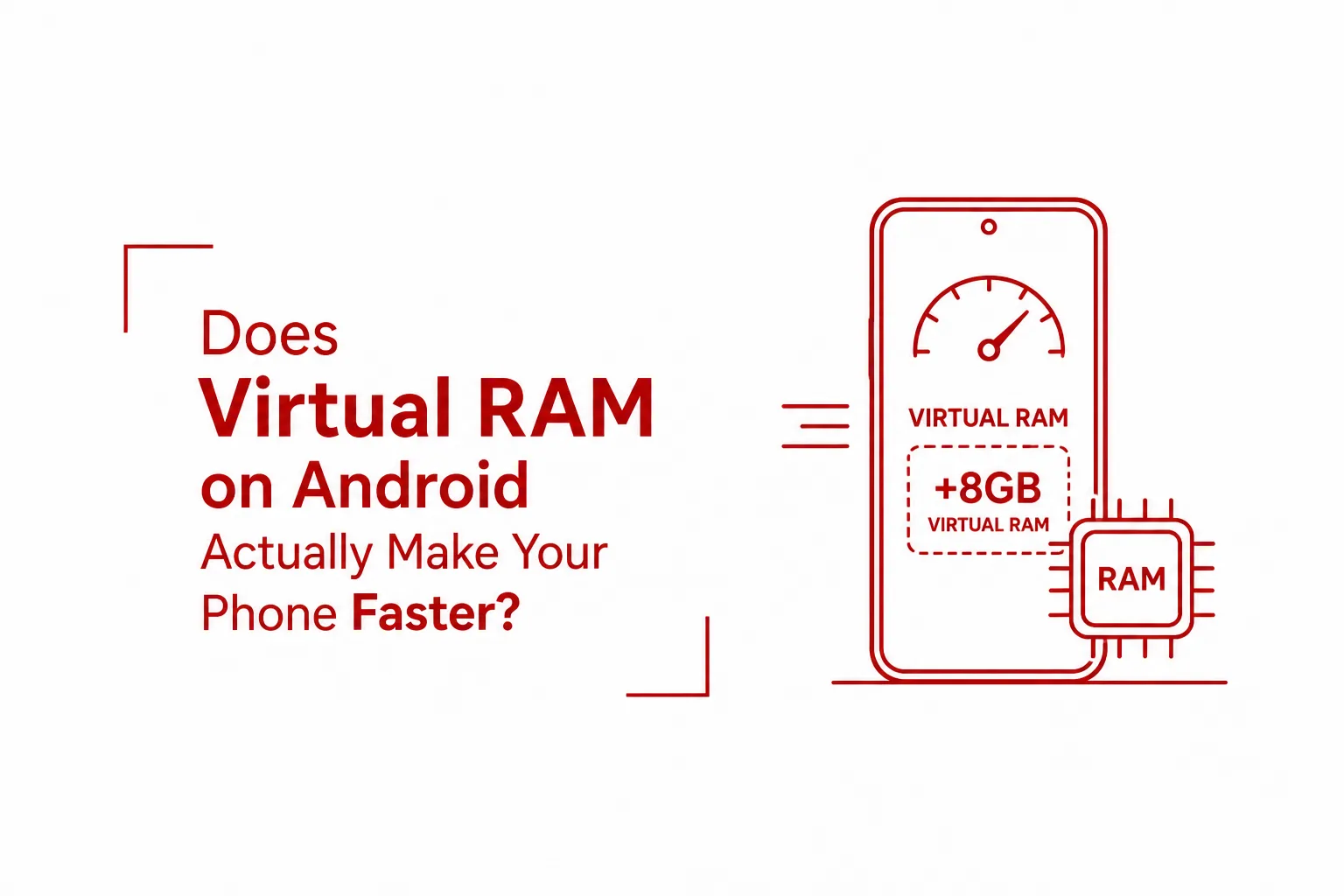
Virtual RAM has become a common feature on Android smartphones. Depending on the manufacturer, it can appear under names such as RAM Plus, Memory Extension, Extended RAM, or Dynamic RAM.
The idea sounds appealing. A phone with 8GB of physical RAM might offer an option to add another 4GB or 8GB of "virtual" memory using internal storage.
However, virtual RAM isn't the same thing as having additional physical RAM.
Instead, the phone reserves part of its internal storage and uses it as temporary memory when necessary. The problem is that storage is considerably slower than actual RAM.
Think of physical RAM as having everything you need sitting on your desk. Virtual RAM is more like keeping some of those items in another room. You can still access them, but it takes longer to get them.
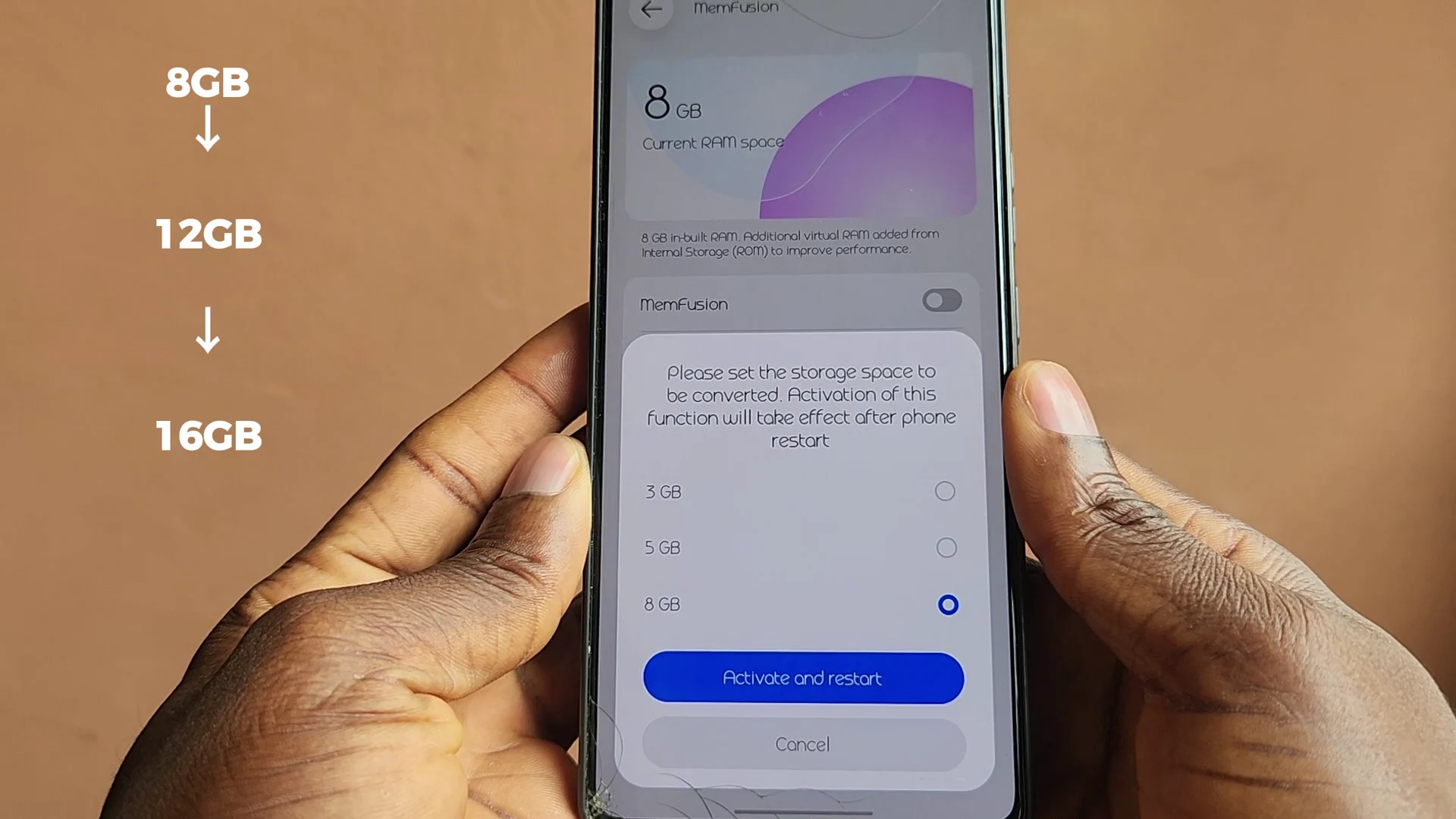
On smartphones that already have enough physical RAM, enabling virtual RAM may provide little benefit and can sometimes make certain operations feel less responsive because the system has to move data between RAM and slower storage.
If your phone has 6GB, 8GB, or more physical RAM, try disabling virtual RAM and using the phone normally for several days. Depending on the device and workload, you may notice smoother app switching and fewer unnecessary storage operations.
This isn't a universal rule, however. Phones with limited physical RAM can benefit from memory extension in some situations, so it's worth testing both settings rather than assuming one option is always better.
2. Background Apps Could Be Consuming Resources
Another common cause of smartphone slowdowns is the number of applications and services working in the background.
A new phone often comes with several pre-installed applications. Some may regularly check for updates, synchronize information, display notifications, collect analytics, or refresh content even when you aren't actively using them.
Then there are the apps you've installed yourself.
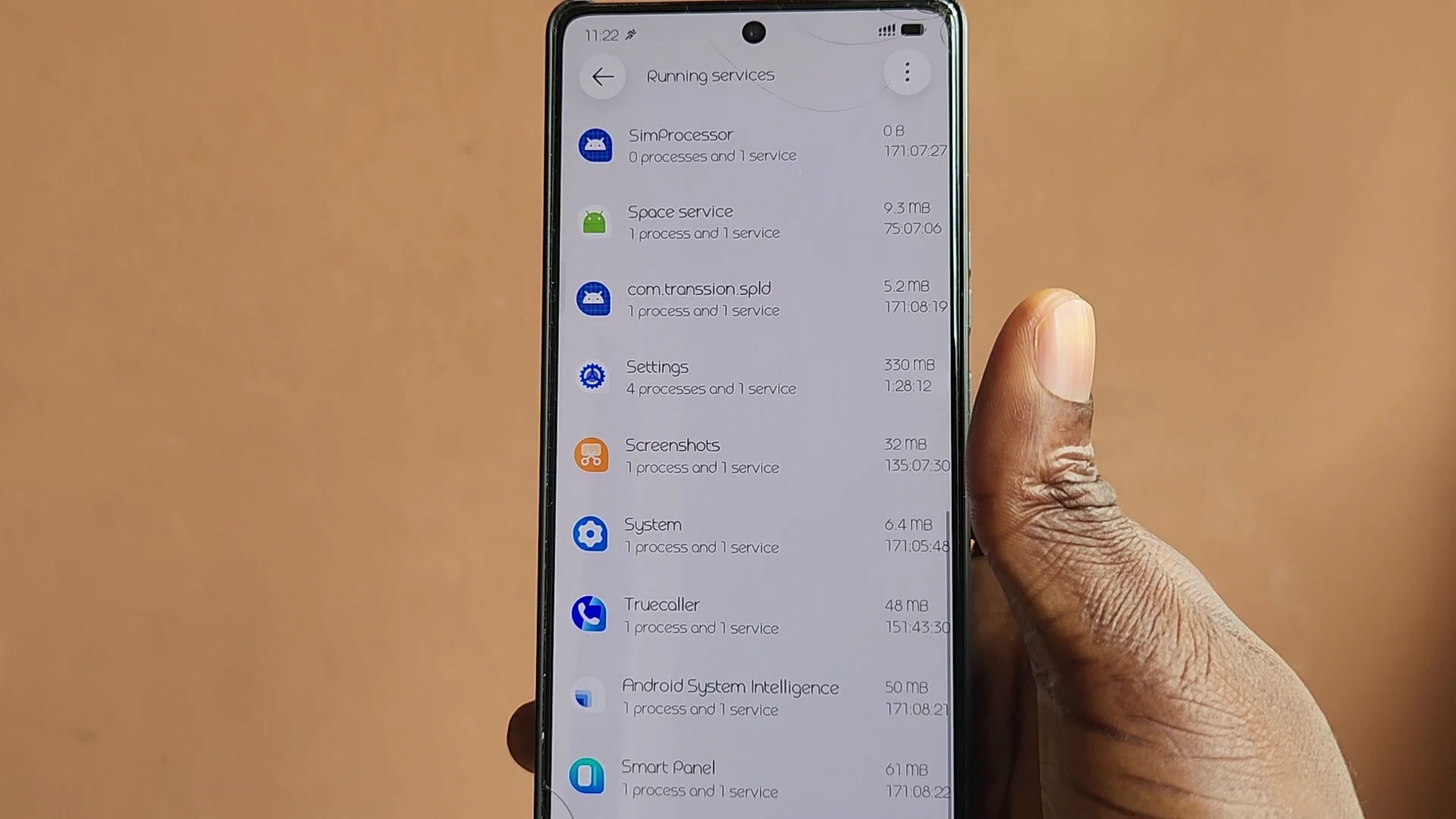
Over time, it's easy to accumulate dozens of applications that are rarely or never used. That forgotten game, an old photo editor, a cleaner application, several shopping apps, and other utilities can gradually add to the workload placed on your device.
A simple app cleanup can make a difference.
Go through your installed applications and remove anything you haven't used for months. If your phone includes pre-installed applications that cannot be uninstalled, check whether they can be disabled.
It's also worth avoiding apps that promise to "boost RAM" or dramatically speed up your phone. Modern Android devices already have their own memory management systems, and constantly forcing applications out of memory can actually create additional work when those apps need to be opened again.
A cleaner app list is generally more useful than a third-party RAM booster.
3. Unnecessary Background Battery Activity Can Slow Things Down
Closing an application from the recent apps screen doesn't necessarily mean that the application has completely stopped running.
That's normal for certain types of apps. Messaging services, email applications, cloud storage, and other services may need some background access to provide notifications and synchronize information.
The problem occurs when applications that don't really need continuous background activity are allowed to run without restrictions.
Games, shopping applications, wallpaper apps, social media platforms, and other software can sometimes perform background tasks even when you aren't actively using them.
Android's battery settings can help identify these applications.
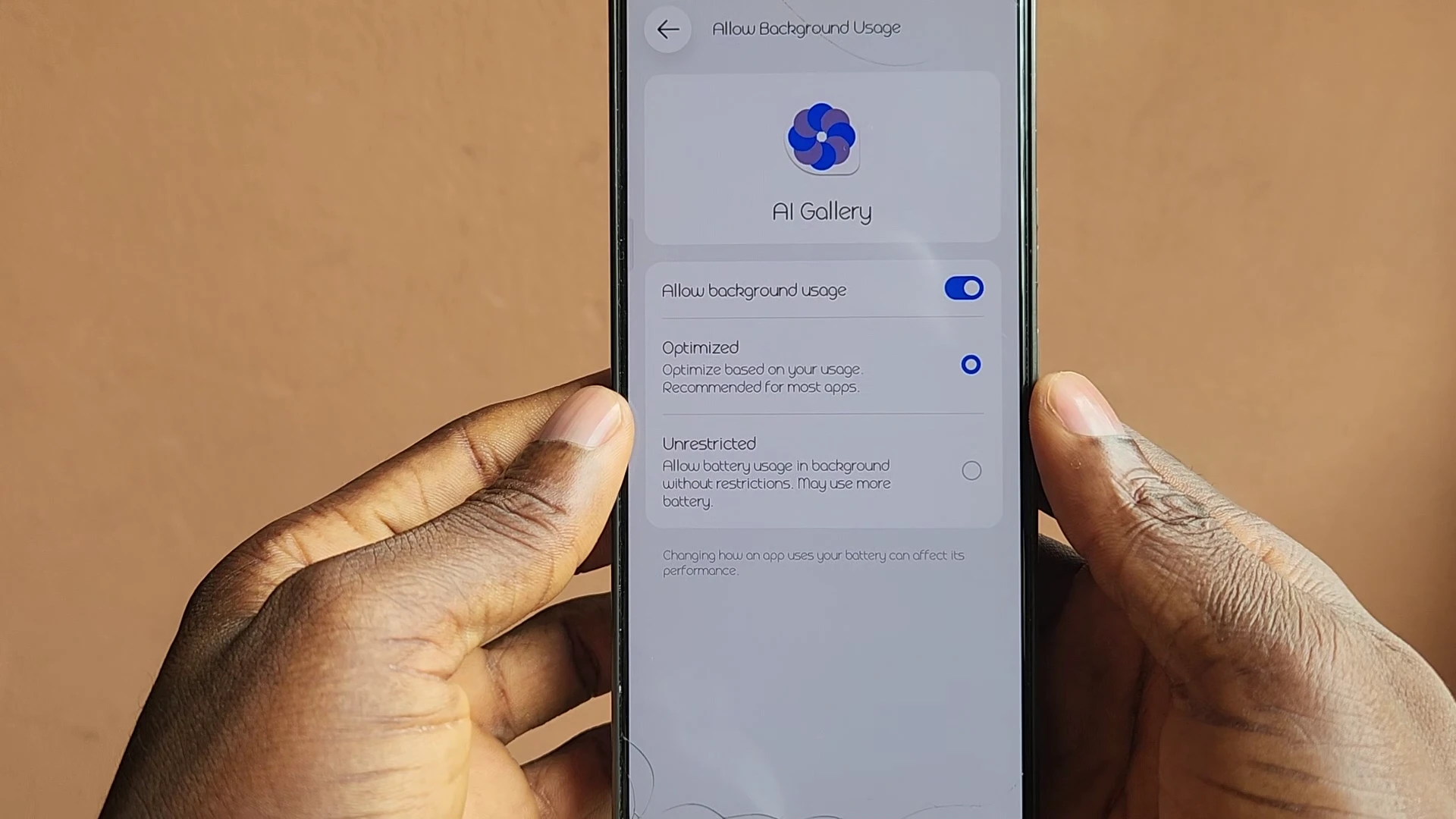
Look through the battery settings on your phone and check which apps have unrestricted background access. If an application doesn't need to operate continuously, consider changing its setting to Optimized or Restricted.
This can reduce unnecessary background activity while also helping your battery last longer.
There's another benefit: less background activity can mean less heat.
4. Heat Can Reduce Smartphone Performance
Temperature has a major effect on smartphone performance.
Modern processors are designed to reduce their speed when the device becomes excessively hot. This process is commonly known as thermal throttling.
It's a protective mechanism that prevents excessive heat from damaging internal components.
The problem is that you may experience a noticeable drop in performance while the phone is trying to cool itself down.
Heavy gaming, charging while using demanding applications, direct sunlight, poor ventilation, and excessive background activity can all contribute to higher temperatures.
Reducing unnecessary background processes can therefore have an indirect effect on performance. If the processor has less work to do when you're not actively using the phone, the device may stay cooler and maintain better performance during demanding tasks.
If your phone regularly becomes hot during ordinary use, that's worth investigating instead of simply assuming the processor is too slow.
5. Too Much Customization Can Add Extra Work
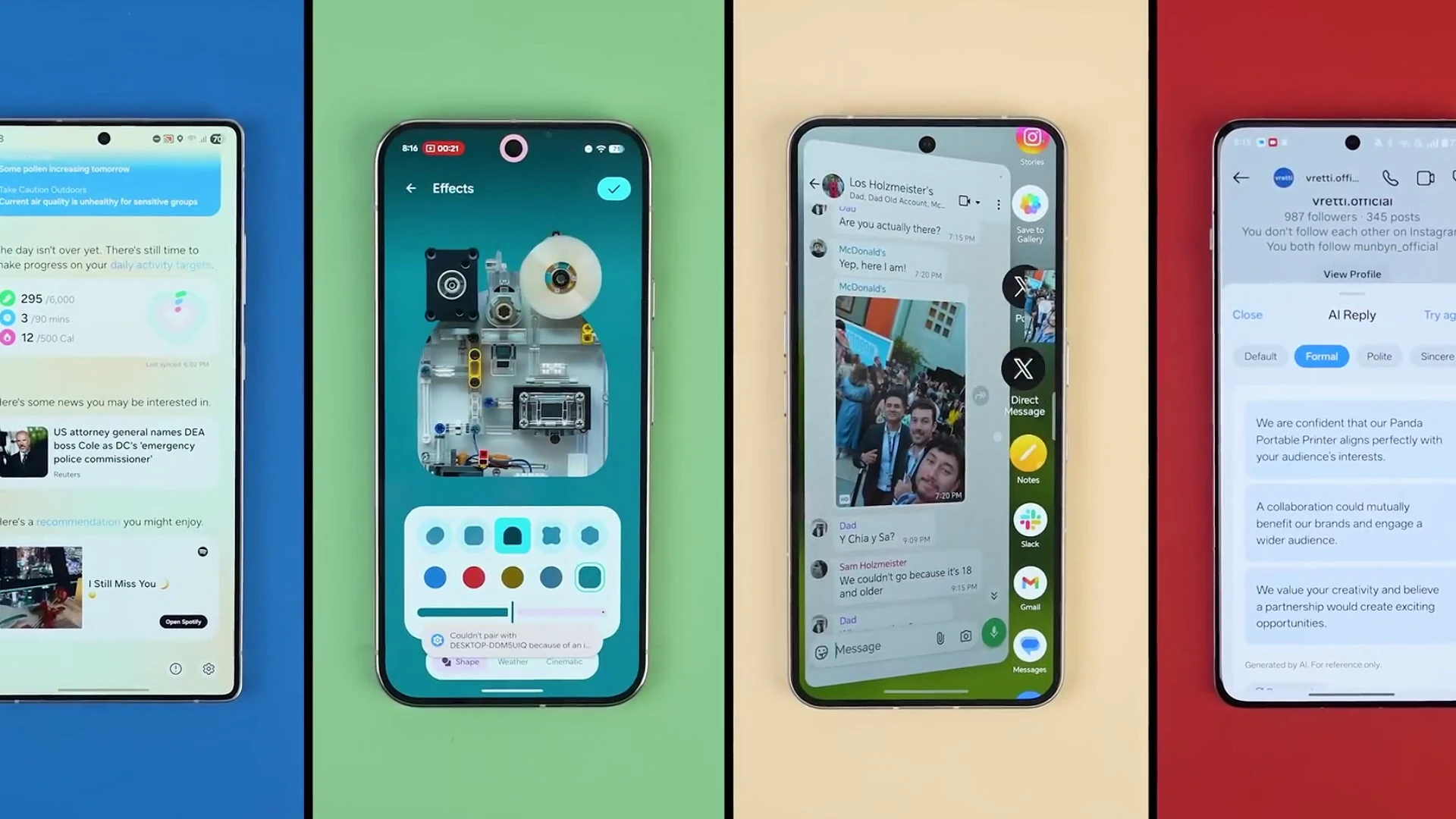
Android gives users enormous freedom to customize their phones.
Third-party launchers, animated wallpapers, widgets, transition effects, live weather information, and other visual features can make a home screen look impressive.
But every additional feature can require system resources.
A weather widget may periodically update information. A live wallpaper continuously renders animations. Multiple widgets may refresh data throughout the day, while third-party launchers can introduce additional processes and visual effects.
On a powerful flagship, the difference may be difficult to notice.
On an older or entry-level smartphone, however, these additional tasks can have a much more obvious effect on responsiveness.
If your phone has started feeling sluggish, try simplifying the interface temporarily.
Use the default launcher, replace a live wallpaper with a static image, and remove widgets you rarely use. You don't necessarily have to give up customization permanently. The goal is simply to determine whether these features are contributing to the slowdown.
A simpler home screen can reduce the amount of work your phone performs in the background and during everyday interactions.
6. Changing Animation Speed Can Make Your Phone Feel Faster
One of Android's lesser-known settings is hidden inside Developer Options.
Developer Options contains a variety of advanced controls, but three settings are particularly useful when you're trying to make a phone feel more responsive:
- Window Animation Scale
- Transition Animation Scale
- Animator Duration Scale
On many Android devices, these are set to 1.0x by default.
Reducing them to 0.5x makes Android's interface animations complete more quickly.
It's important to understand what this actually does. It doesn't increase the processor's clock speed, add physical RAM, or improve the phone's hardware.
Instead, it reduces the amount of time you spend watching interface animations.
That can make the phone feel considerably faster because applications open, menus transition, and interface elements animate more quickly.
How to Change Animation Scales
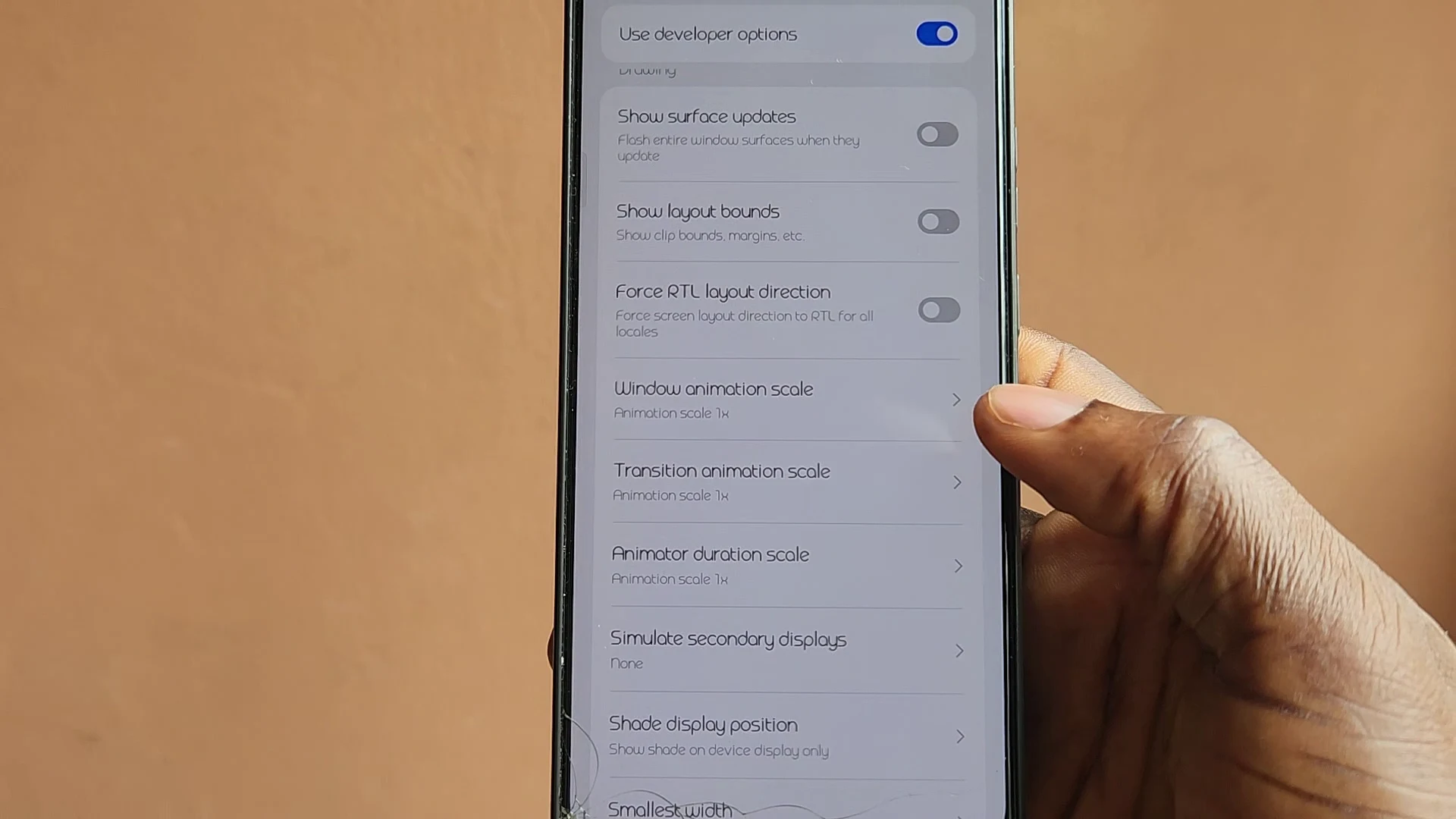
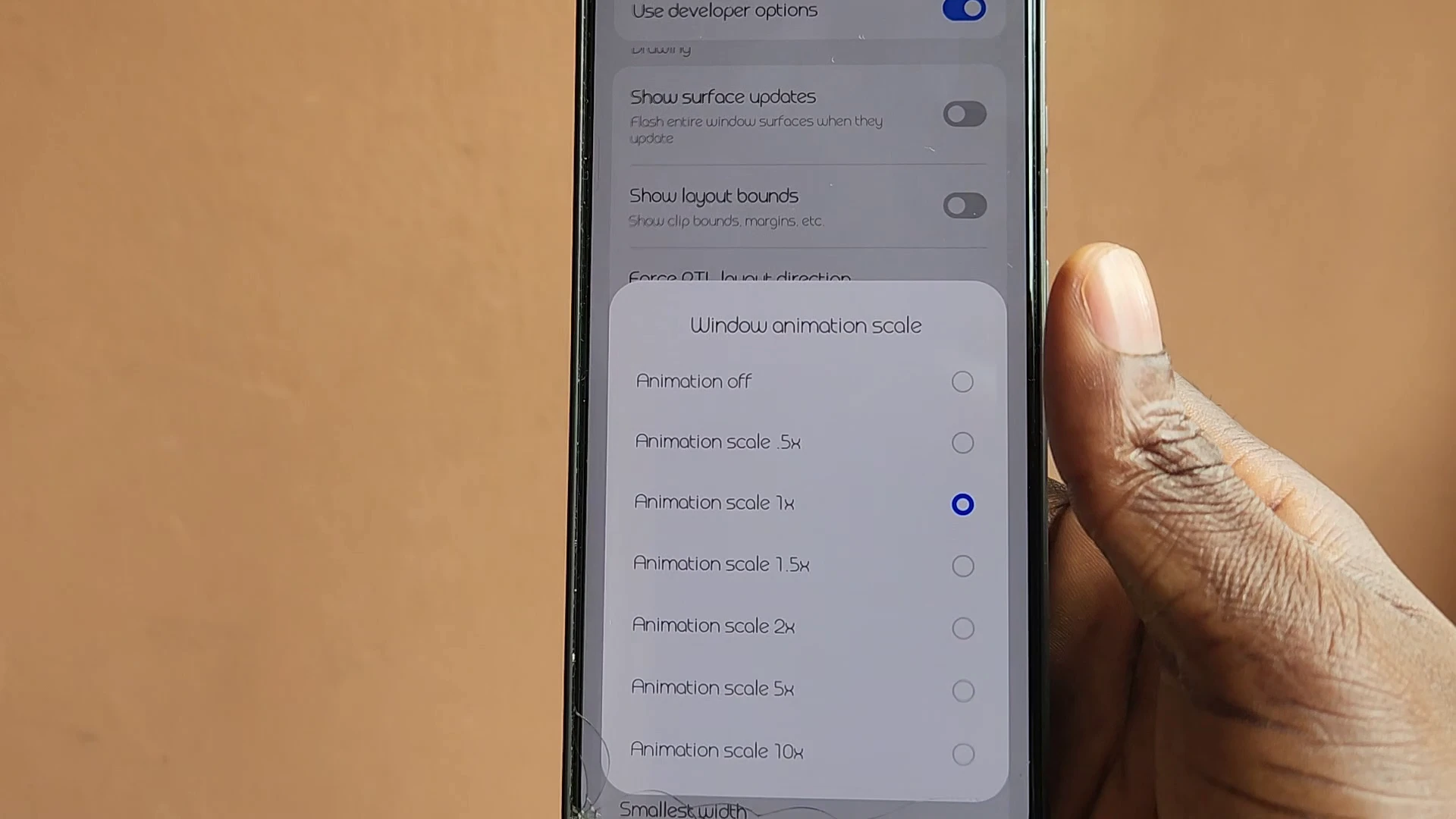
The exact menu names can vary between Android manufacturers, but the general process is similar.
Go to Settings → About Phone and look for Build Number or a similar software information option.
Tap it repeatedly, usually around seven times, until Android confirms that Developer Options have been enabled.
Return to the main Settings menu and open Developer Options.
Look for:
Window Animation Scale → 0.5x
Transition Animation Scale → 0.5x
Animator Duration Scale → 0.5x
If you prefer an even faster-feeling interface, some devices allow animations to be completely disabled. However, 0.5x is a good middle ground because the interface still retains some visual feedback without making transitions feel unnecessarily slow.
7. A Factory Reset Can Help — But It Isn't a Miracle
Factory resetting a smartphone is one of the most frequently suggested solutions for performance problems.
And sometimes, it genuinely works.
If you've used the same device for several years, accumulated large amounts of application data, installed and removed hundreds of apps, and gone through multiple major software updates, a fresh start can eliminate many software-related problems.
A factory reset removes your applications, settings, accounts, and personal data from the device and returns the software to a clean state.
However, it isn't a magic performance upgrade.
If the phone has an aging processor, limited RAM, or hardware that simply cannot keep up with modern applications, resetting it won't turn it into a flagship.
A factory reset can address software clutter and certain configuration problems, but it cannot physically upgrade the processor or increase the amount of installed RAM.
Anyone considering a reset should also back up important photos, documents, contacts, and other personal information beforehand.
8. Storage Space Can Also Affect Performance
One factor that is often overlooked is how much free storage remains on the phone.
Smartphones need available storage for temporary files, application data, system operations, updates, and other processes. When internal storage becomes extremely full, the device may have less room to work with.
Instead of waiting until your storage is completely packed, regularly check your storage settings and remove unnecessary files.
Old downloads, duplicate photos, large videos, unused applications, and cached data can take up significant amounts of space.
You don't need to obsess over keeping a specific percentage free on every phone, but maintaining a reasonable amount of available storage is a sensible part of keeping a device healthy.
9. Software Updates Can Change Performance
Software updates can have mixed effects on older smartphones.
Updates often bring security improvements, bug fixes, new features, and optimizations. However, newer versions of applications and operating systems can also demand more from older hardware.
That's one reason a phone that felt perfectly smooth when new may struggle more several years later.
This doesn't mean you should automatically avoid updates. Security updates are important, and manufacturers sometimes release updates specifically to fix performance problems.
Instead, pay attention to what changes after major updates. If performance suddenly drops after an update, check whether the manufacturer has released a subsequent patch or whether other users are reporting the same issue.
The Bottom Line
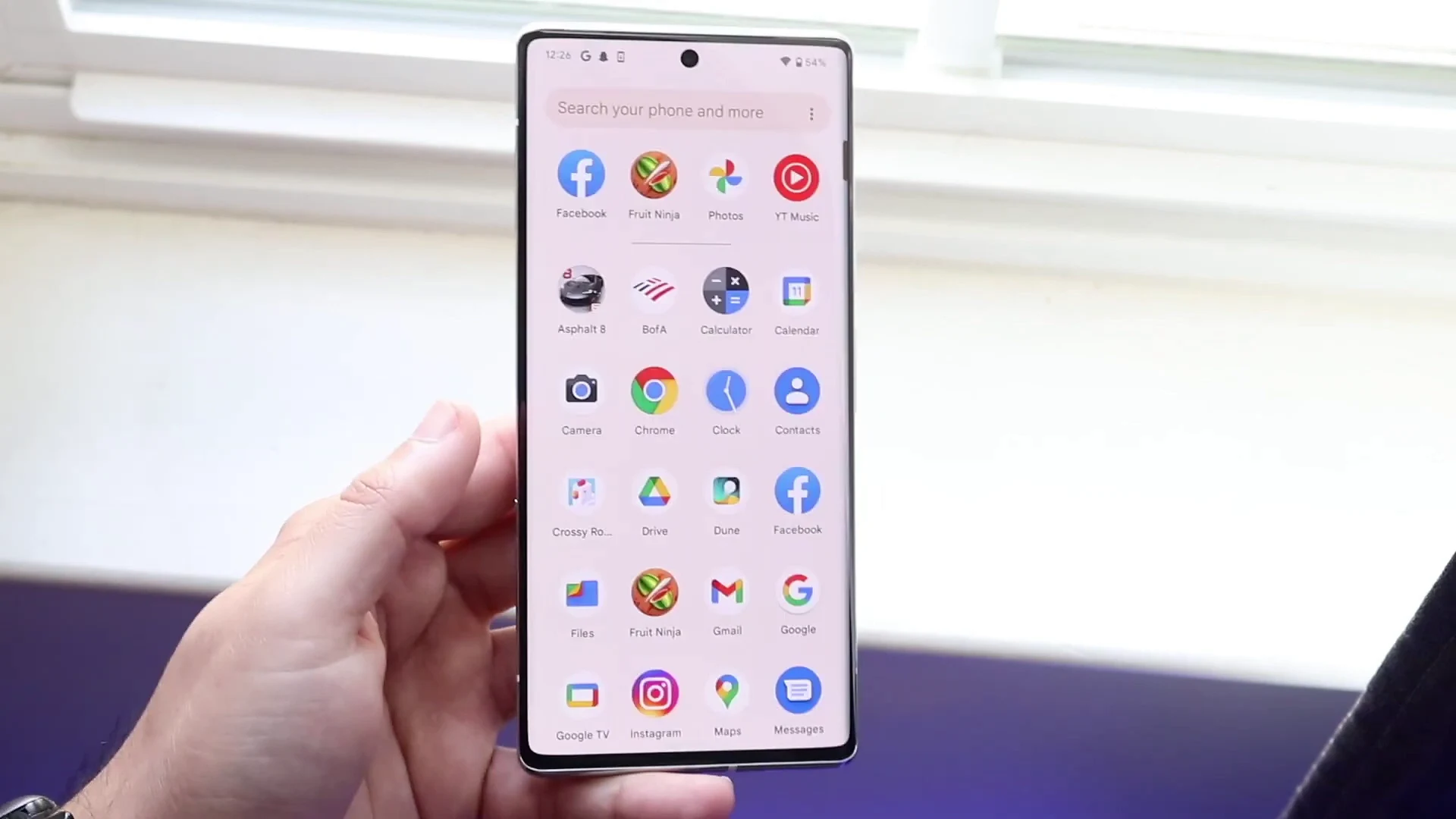
A smartphone becoming slower over time doesn't automatically mean it's time to replace it.
Performance can be affected by many different factors, including virtual RAM settings, unnecessary background activity, excessive customization, heat, limited storage, software changes, and accumulated applications.
Before buying a new device, try some of the simpler solutions first.
Disable virtual RAM if your phone already has plenty of physical RAM and performs better without it. Remove applications you no longer use. Restrict unnecessary background activity. Simplify your home screen, and consider reducing interface animations to 0.5x through Developer Options.
If the phone has been heavily used for several years and still feels slow after you've cleaned everything up, a factory reset may be worth considering.
None of these methods can transform an entry-level phone into a flagship. But they can remove some of the unnecessary workload that makes an otherwise usable smartphone feel slower than it should.
Sometimes, your phone doesn't need to be replaced. It just needs a little digital housekeeping.