Octopi Launcher Review: A Worthy Heir to Nova's Throne?
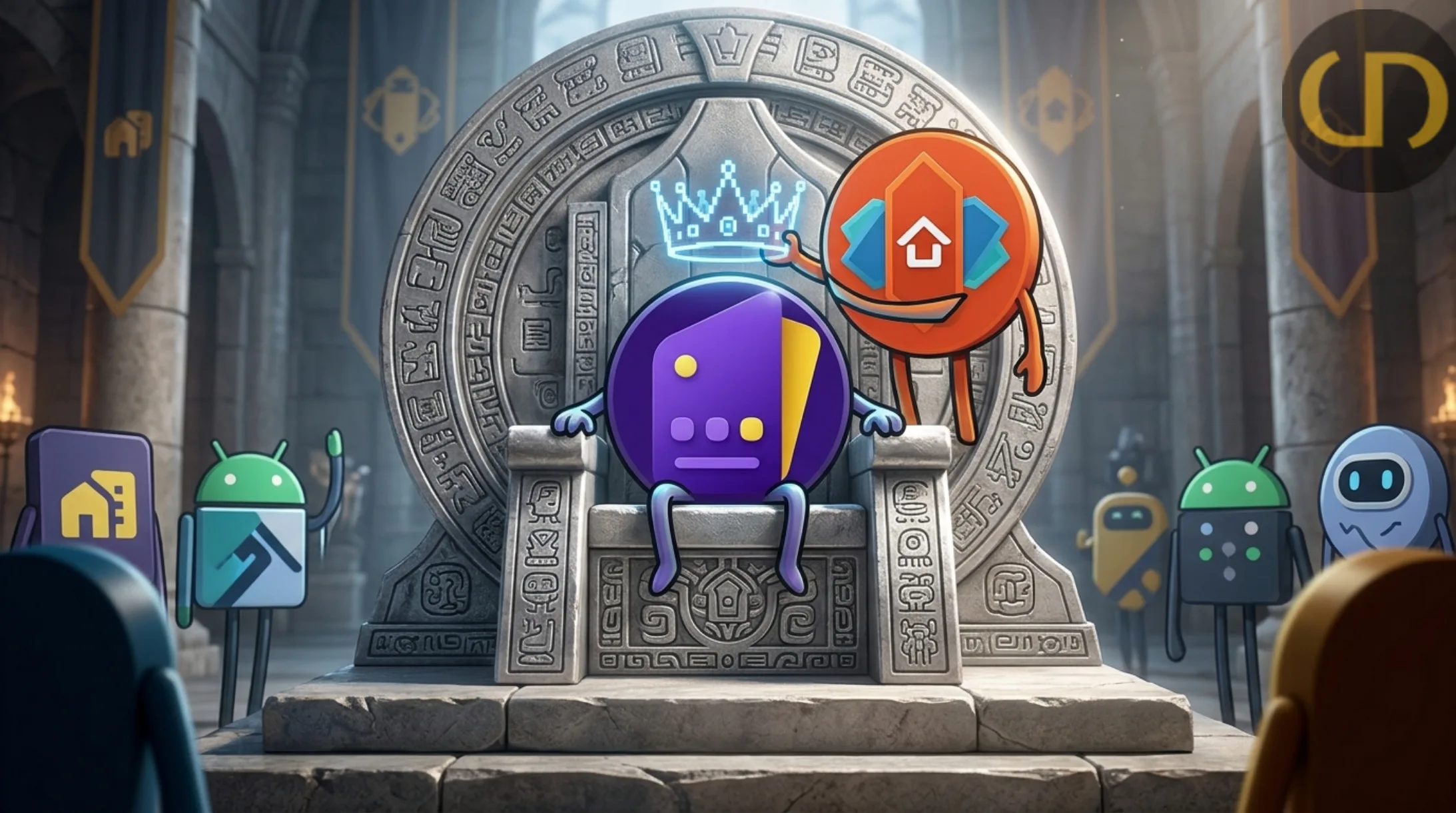
I have been using Nova Launcher since I can remember, I probably even had it on my very first Android device, a Tecno M3 (fond memories of that little wonder; how far Android has come since then).
I made the mistake of updating the Nova Launcher app on my phone, and boom: welcome to ad land. It felt as if I didn't have enough ad problems on my Poco device already, which is a literal ad engine if we want to be blunt. Forgive me, I digress into personal sentiment and grudges. Long story a little bit shorter, I did a search for a replacement launcher for the soon-to-be-uninstalled Nova. I had a lot of options to scale and wander through, but of the many, one launcher seemed to stand out.
From its simplistic presence to a huge collection of customizable features that, though plenty, do not overwhelm you. They are placed so strategically and intentionally that if you need them, you will find them, and if you don't, you won't even know they exist.
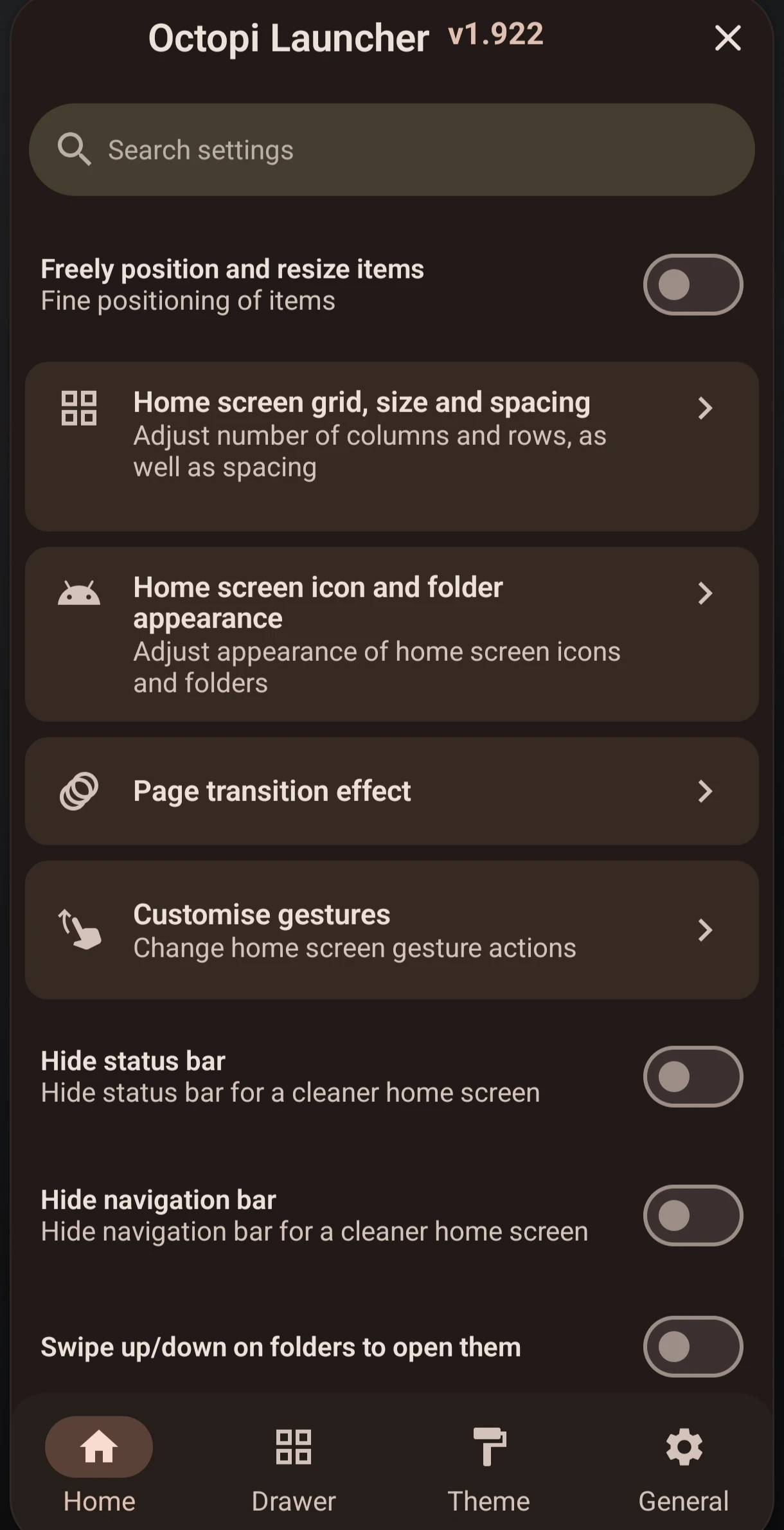
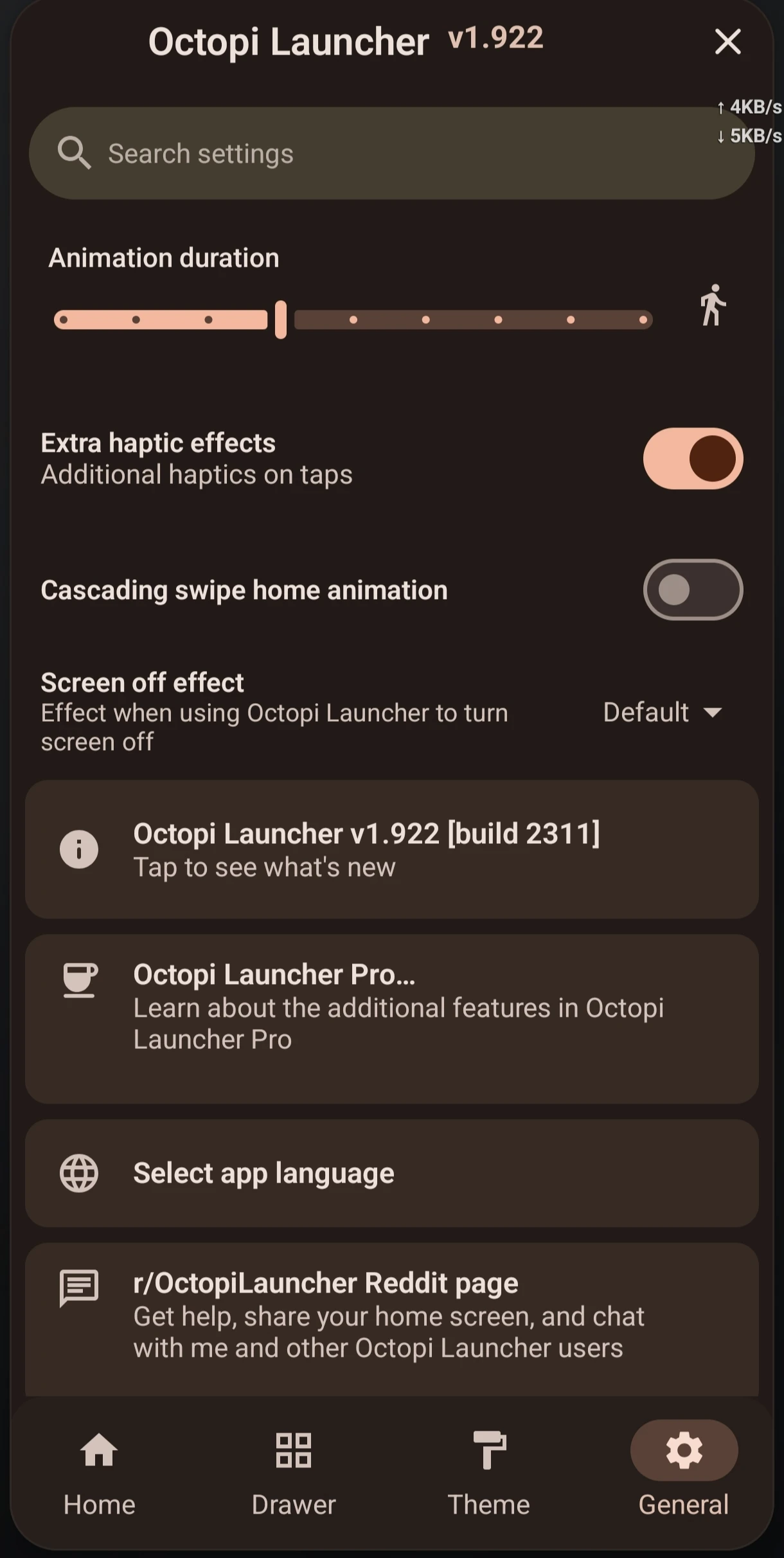
Obviously, the purpose of this review is to share my top 5 features of the launcher and the top 5 areas I think need improvement (I will be nitpicking here because there is little to nothing you could want from your launcher that Octopi Launcher doesn't already have). Alright, like we say over here, "too much talk no dey full belle" let's jump into it.
My Top 5 Features
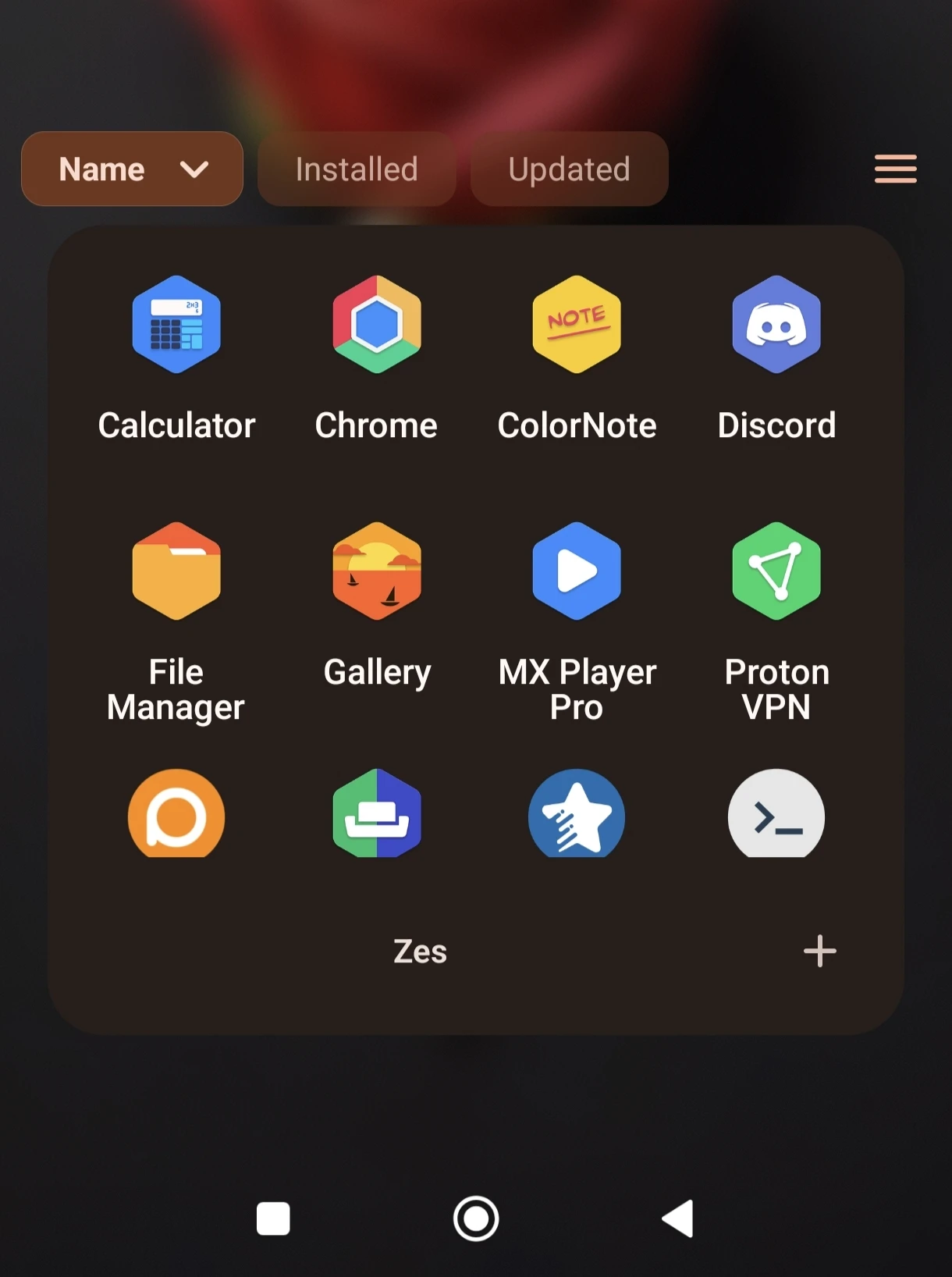
1. Customization: Yep, we all saw this coming. Bless Nova and its dev team, but when it comes to customization, Nova is feeling a bit stale. The good thing is that with Octopi Launcher, that is not the case. Almost every aspect of the launcher can be tweaked to your preferences without needing to take a 5-year course on "how to mOd your dEsIred lauNcheR". My top customizable features are individual icon resizing, icon pack support, folders in the app drawer, dropdown drawers, and the option to enable or disable alphabetized sorting of drawer apps.
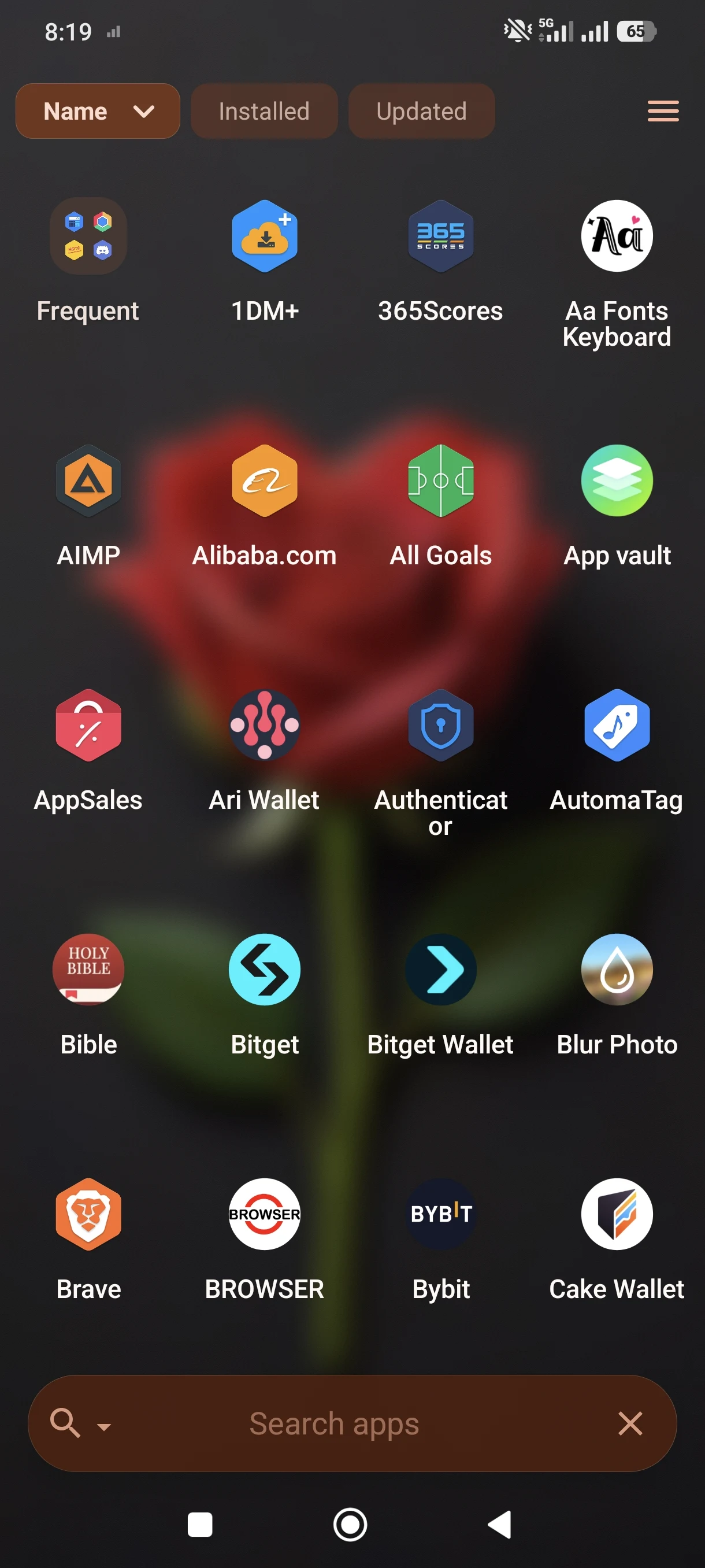
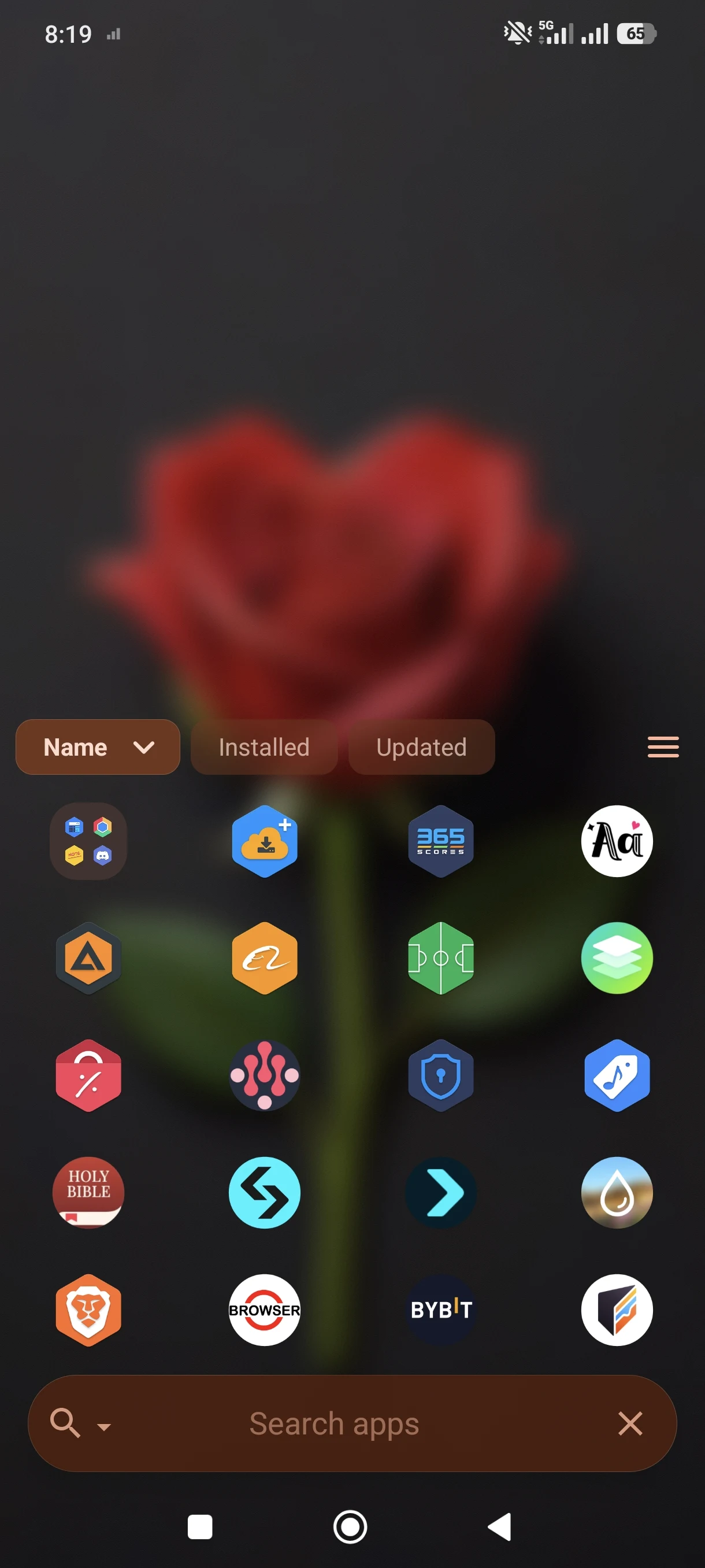
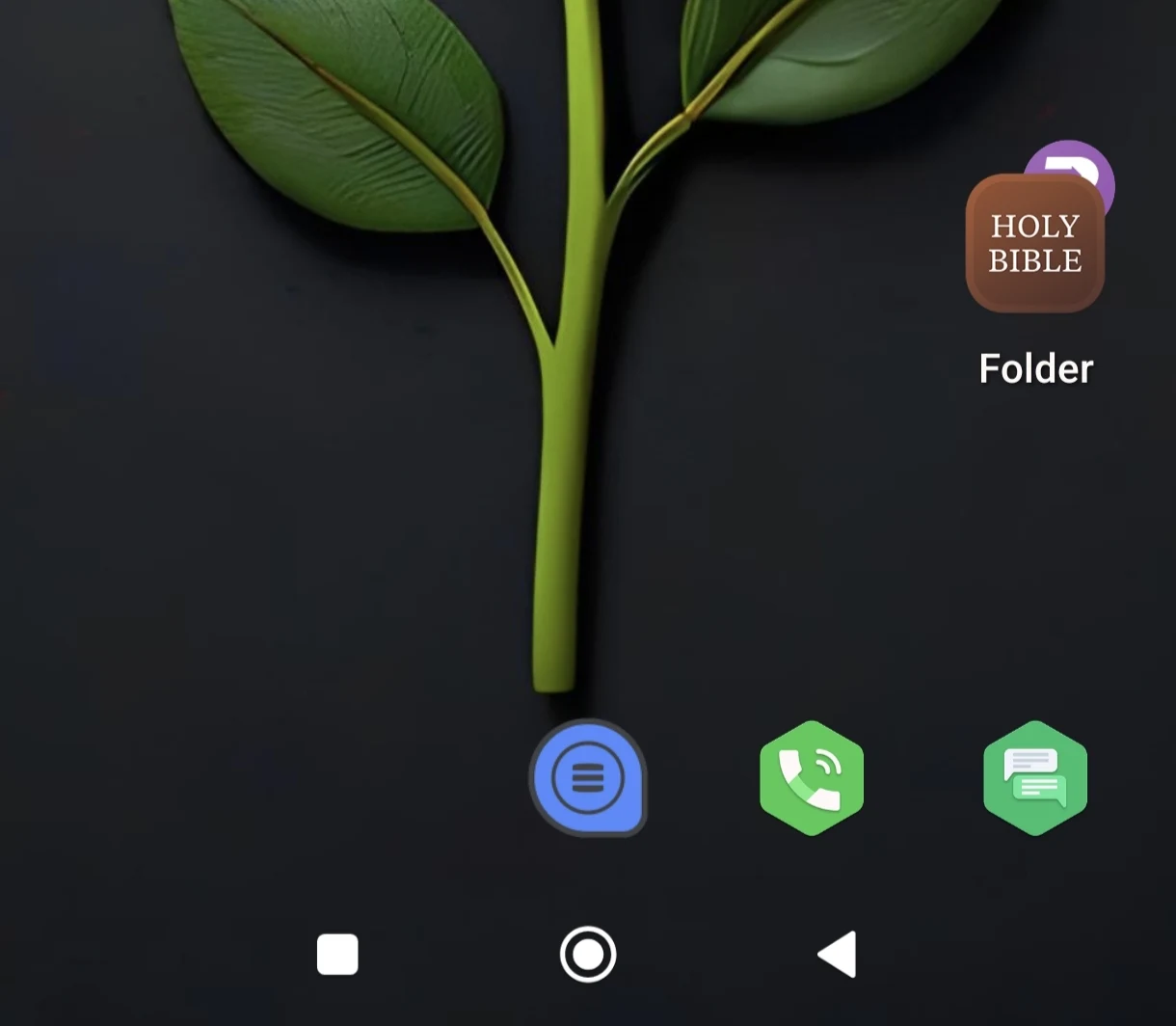
2. Simplicity: Coming from Nova, I really did not want a complete overhaul of how my phone launches or displays apps. Octopi gives me exactly that; a familiar bottom dock, a drawer trigger button, horizontal or vertical app drawer scrolling, and more.
3. Performance and Light Footprint: Even with all the rich visual customization options enabled, the launcher runs butter-smooth without hogging RAM or introducing micro-stutters when transitioning between home screens and heavy app loads.
4. Gesture Support: The built-in gesture controls (like double-tap to lock, swipe down for notifications, and home screen swipe shortcuts) respond instantly and integrate seamlessly with modern Android system navigation gestures. Poco gesture support still don't work here, but the integrated Octopi gesture function allows you to hide navigation buttons.
5. Backup and Restore Reliability: Moving your layout, dock configurations, and icon packs over shouldn't feel like a gamble. Octopi’s backup system is clean, fast, and reliable, letting you export and import your entire setup effortlessly.
Top 5 Areas for Improvement
1. Recent Apps Sorting Option: The app drawer has some very important sorting options like name, installed, and updated, but adding a "recent" option to the list will really make app accessibility seamless.
2. Home Button Behavior: Clicking the home button should return you directly to the home screen, but as of writing this review, it simply leads you back to wherever you launched the app you are interacting with. That is, if you launched an app from the drawer, clicking home will bring you back to the drawer, not the home screen. Which is no big deal, but definitely worth pointing out.
3. Drawer Folder App Sorting: Currently, apps inside folders in the drawer obey the exact same sorting rules as the direct apps in the drawer. This is fine if you only have 2 or 3 apps in the folder, but when it grows to 5 or 6, you tend to want certain apps at the top for easy access. Sadly, since you can't manually position apps in a drawer folder like you can on the home screen, you are stuck hunting for apps just like you would if they weren't in a folder.
4. Notification Badge Customization: While notification badges are supported, expanding the granular control over dot styles, unread count text sizes, and per-app badge overrides would give power users that extra layer of polish.
5. Widget Resizing Freedom: Though the grid sizing is solid, snapping third-party widgets can occasionally feel slightly restrictive when trying to achieve exact symmetrical layouts on dense home screen grids.
Final thoughts.
You know how they say "this app/item isn't for everyone as people... Yahdaysdggg" that's not Octopi Launcher. The app is suitable for every android user. Though supports in-app purchase, there are no ads [as of writing this review]. The app still has some experimental features, but I didn't notice any app issues like crashing or heating since I have been using it for the past two weeks as my default launcher. So yeah, that's my thoughts on Octopi Launcher, what do you think, would you give it a try [Octopi Google Play Store download link] or pass? Have a better alternative to Nova? Let us know your thoughts in the comments below. Until the next one, ZesusHV is me, have a wonderful day.