If Your Phone Is Still Slow After Resetting, Here’s Why
There’s nothing more frustrating than resetting your phone only for the lag to come back a few days later. Most people see a factory reset as the final solution. The “nuclear option.” You back up your files, wipe everything clean, reinstall your apps, and expect your phone to feel brand new again. And honestly, for the first few hours, sometimes even the first couple of days, it usually does feel faster. Then slowly, the problems return.
Apps start opening late again. The keyboard begins to stutter. Scrolling feels heavier. Animations lose smoothness. Multitasking becomes frustrating. And eventually, you’re left wondering whether the reset actually fixed anything at all.
The truth is, a factory reset only solves part of the problem. It clears software clutter, corrupted temporary files, broken settings, and unnecessary background junk. But it does not magically reverse aging hardware, poor optimization, overheating, weak batteries, or modern apps becoming heavier every year.
If your phone is still slow after resetting, the real issue usually goes deeper than people expect.
Most Phones Feel Slow Immediately After a Reset
One of the biggest mistakes people make is judging performance too early after resetting their phone. The moment you sign into your Google account or Apple ID, your phone starts doing a huge amount of work silently in the background.
It begins:
- Downloading apps again
- Restoring photos and videos
- Syncing messages
- Rebuilding app databases
- Re-indexing files
- Optimizing system processes
- Restoring cloud backups
- Syncing contacts and emails
If you restored from a full backup, your processor and storage are suddenly under heavy load all at once. That means the first few hours after a reset are actually one of the worst times to judge your phone’s real performance.
Many people think the phone is already lagging again when the device is simply busy rebuilding itself behind the scenes.
This is especially noticeable on:
- Budget Android phones
- Older iPhones
- Phones with slower storage
- Devices with limited RAM
The best thing you can do after resetting your phone is surprisingly simple: leave it alone for a while. Connect it to Wi-Fi, plug it into a charger, and let it settle properly. In many cases, performance improves dramatically after several hours or even a full day.
Your Battery Might Be Secretly Slowing Down Your Phone
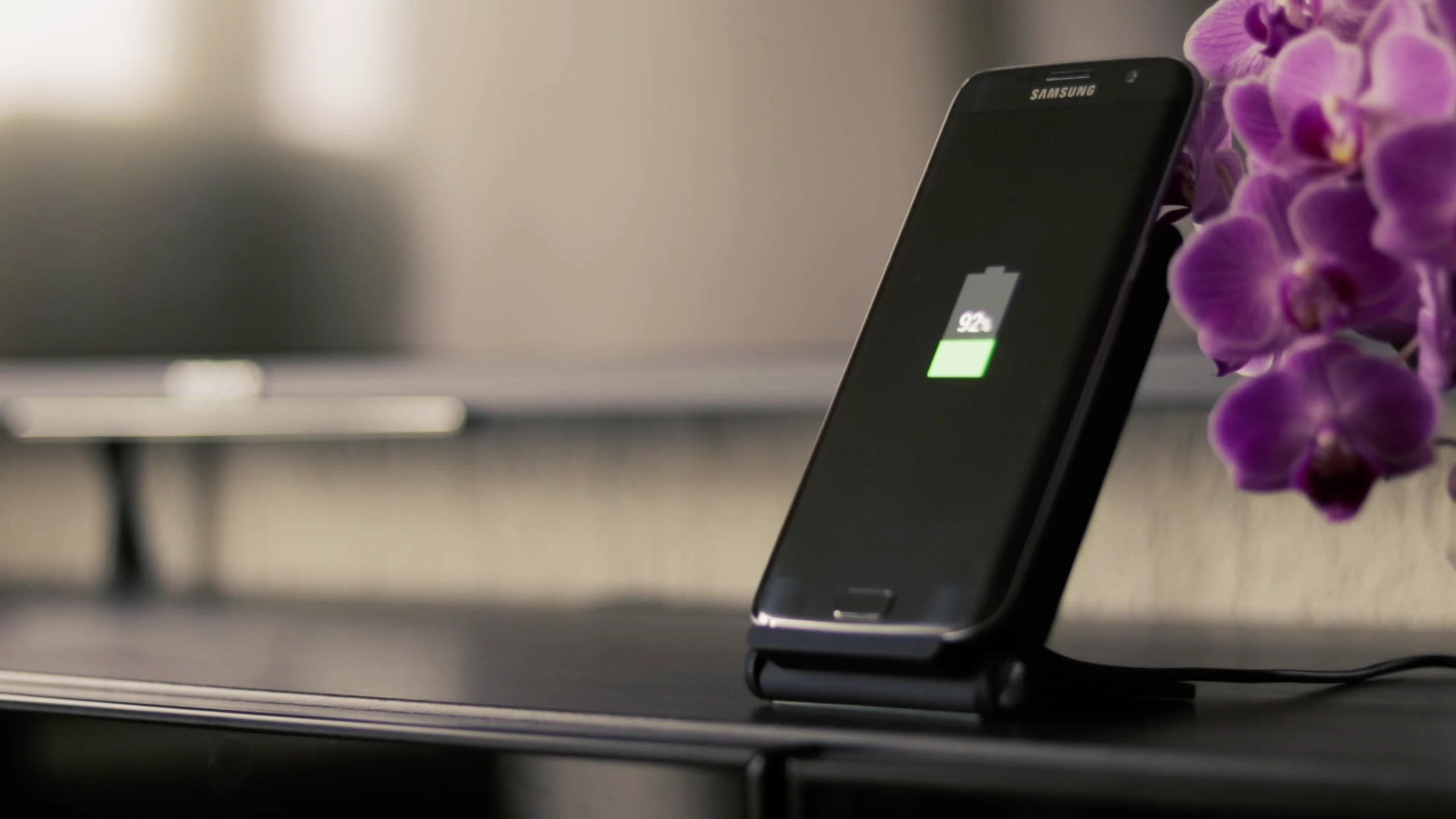
This is one of the most misunderstood causes of slow performance. Modern smartphones intentionally reduce performance when the battery becomes degraded. This process is called performance throttling.
The reason is simple: older batteries struggle to deliver stable power during heavy tasks. Without throttling, the phone could randomly shut down under load.
So instead of allowing instability, the operating system slows down the processor to reduce power demand.
The result?
- Slower app launches
- Delayed multitasking
- Reduced gaming performance
- Stuttering animations
- General sluggishness
And the worst part is that resetting the phone changes absolutely nothing here.
A factory reset cannot repair a physically degraded battery.
This is why some phones suddenly feel “fast again” immediately after a battery replacement even though the software stayed the same.
If your battery health is already poor, no amount of resetting will fully restore performance.
Storage Health Gets Worse Over Time
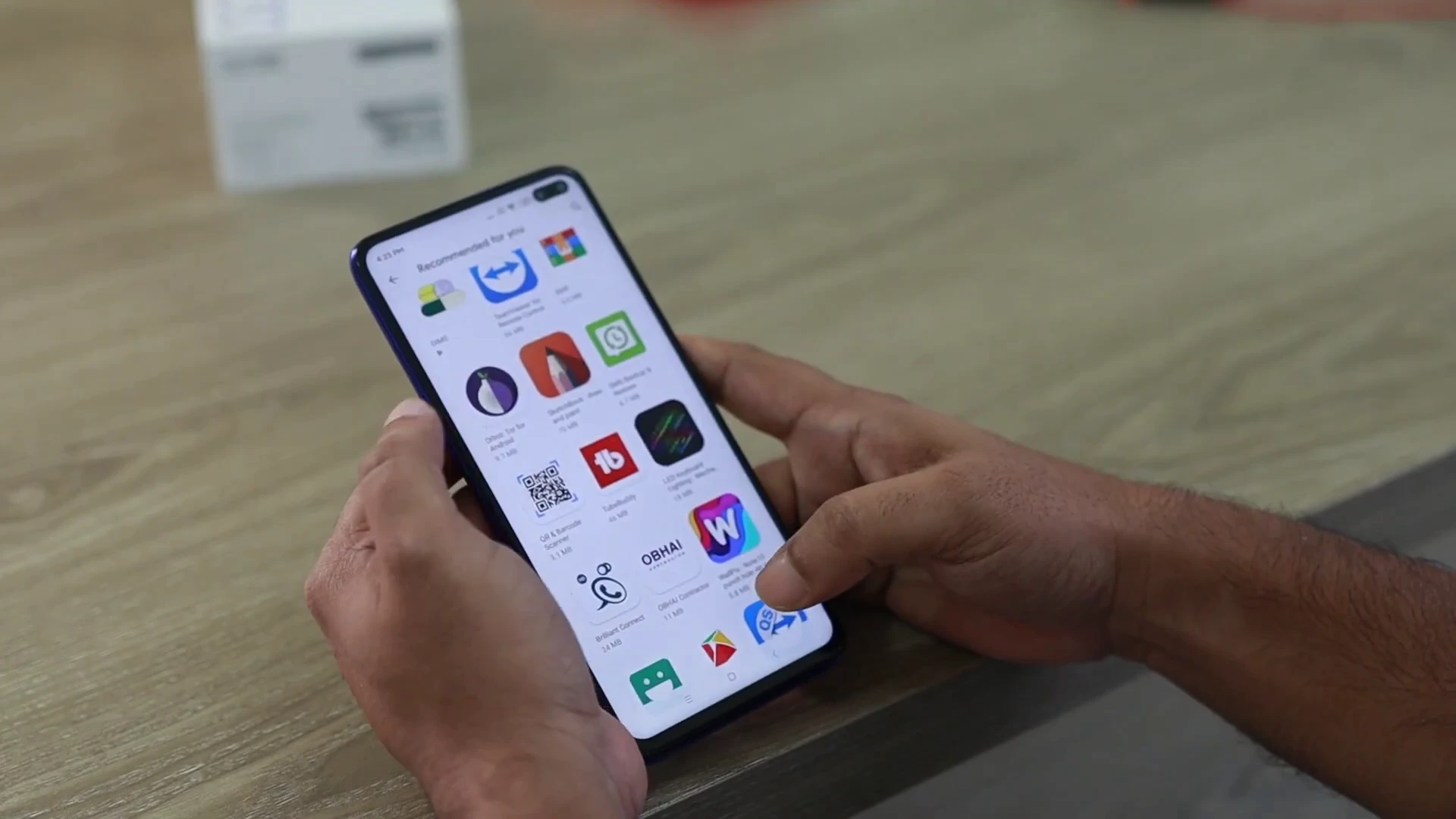
People often focus only on RAM and processors, but internal storage plays a massive role in phone speed. Every smartphone uses internal storage chips that slowly wear down over time. As storage ages:
- Read speeds become slower
- Write speeds drop
- App loading becomes delayed
- System responsiveness suffers
This is especially noticeable on cheaper phones using slower storage technologies. A reset may temporarily help because it clears clutter, but once storage fills back up, the slowdown usually returns. Keeping enough free space available matters far more than many people realize.
When storage becomes too full, the operating system struggles to manage temporary files, caching, updates, and app processes efficiently. As a general rule, phones perform best when at least 15–20% of storage remains free.
Modern Apps Are Much Heavier Than Older Phones
A lot of people don’t realize how dramatically apps have changed over the years. Apps today consume far more resources than they did just a few years ago.
Social media apps constantly refresh in the background. Messaging apps sync media continuously. Modern browsers use more RAM. Even keyboards and launchers now include AI suggestions, animations, cloud syncing, and predictive systems.
Older hardware struggles to keep up with all of this. That’s why a phone that felt powerful in 2021 can suddenly feel slow in 2026 even after resetting. The phone itself didn’t suddenly become “bad.” The software ecosystem simply became heavier. This affects budget phones the hardest because they already operate closer to their hardware limits.
Reducing Animations Can Make Phones Feel Faster
Sometimes improving speed isn’t about making the processor stronger. It’s about reducing workload. On Android, reducing animation scales through Developer Options can noticeably improve responsiveness. This doesn’t technically increase raw performance, but it reduces how long the system spends rendering transitions and graphical effects. The result is a phone that feels snappier and more responsive.
Many Android enthusiasts reduce:
- Window animation scale
- Transition animation scale
- Animator duration scale
…to 0.5x or even completely off.
On iPhones, the “Reduce Motion” setting achieves a similar effect by limiting heavy interface animations.
Small visual changes like this can surprisingly improve the user experience on slower devices.
Booster Apps Usually Make Things Worse
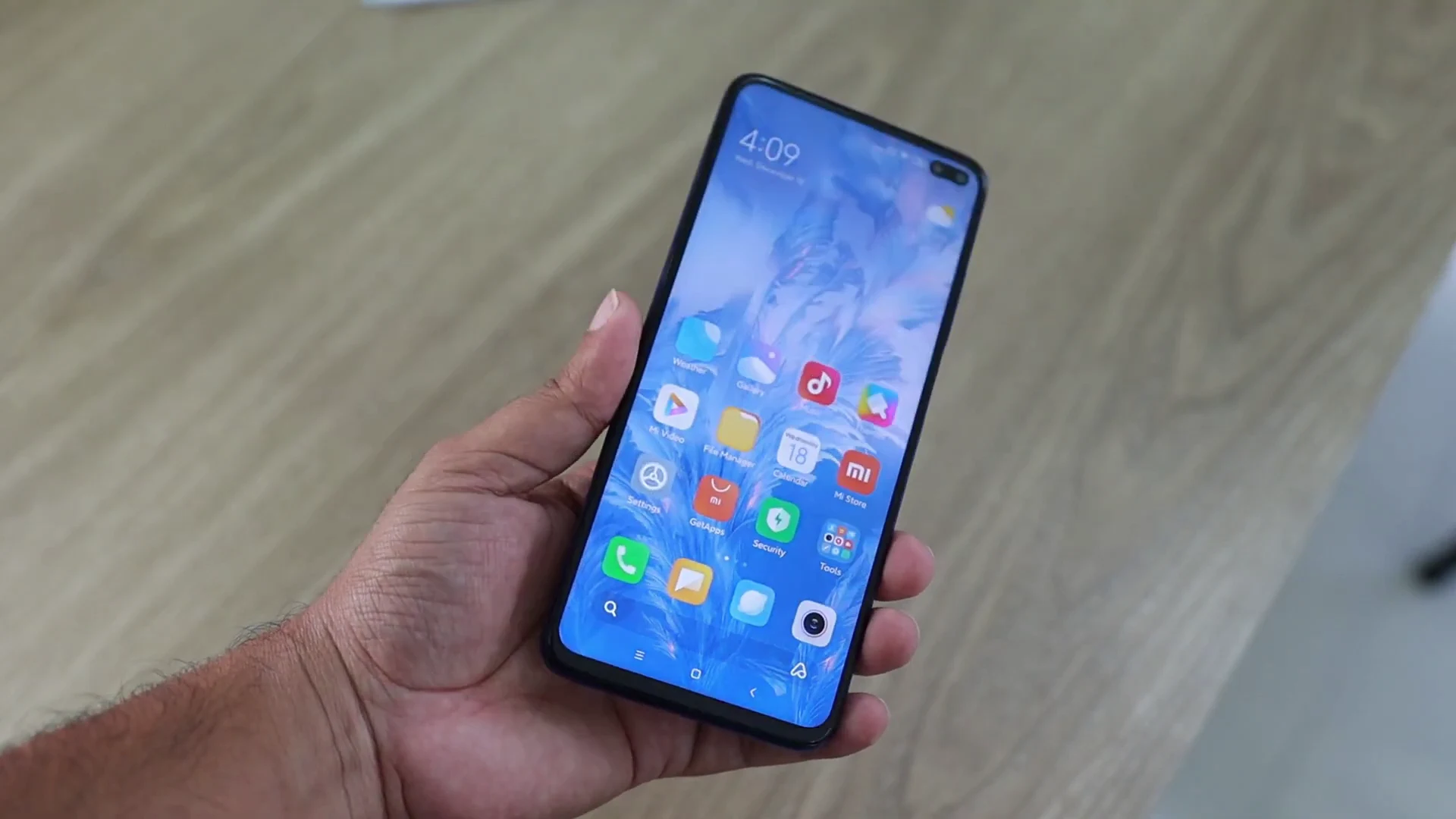
This is probably one of the biggest traps people fall into after resetting their phones. They immediately reinstall:
- RAM cleaners
- Battery savers
- Booster apps
- Optimization apps
Ironically, these apps often cause more lag instead of fixing it. Modern Android and iOS systems are already designed to manage memory intelligently. Constantly forcing apps to close only causes the phone to reload them repeatedly from storage, which increases CPU usage and battery drain.
Many booster apps also:
- Run aggressive background services
- Display ads constantly
- Consume extra RAM
- Continuously scan the system
In other words, the “fix” becomes another source of slowdown.
Keeping your setup lightweight and simple almost always performs better than relying on optimization apps.
Heat Quietly Destroys Performance
Heat is another major factor most people underestimate. Whenever a phone becomes too warm, the processor automatically reduces performance to protect internal components. This is called thermal throttling. Even powerful phones slow down dramatically when temperatures rise.
After a reset, background syncing and app downloads naturally increase heat temporarily. But if your phone constantly feels warm during basic tasks, performance will suffer consistently. Common causes of overheating include:
- Gaming while charging
- Poor ventilation
- Hot weather
- Heavy multitasking
- Weak batteries
- Faulty apps
- Cheap phone cases trapping heat
A hot phone is almost always a slower phone.
Sometimes the Honest Truth Is That the Hardware Has Aged This is the part many people don’t want to hear. Not every phone is designed to age gracefully. Some budget phones already ship with minimal RAM, weaker processors, and slower storage. As apps and software become more demanding over time, these devices eventually hit their limits.
At a certain point, resetting only removes temporary clutter. It cannot transform outdated hardware into modern hardware.
And honestly, understanding this can actually save you frustration. Instead of endlessly fighting the phone, tweaking settings, or reinstalling apps repeatedly, you begin making smarter decisions about:
- How you use the device
- Which apps you install
- When it’s time for an upgrade
Final Thoughts
If your phone is still slow after resetting, it doesn’t necessarily mean the reset failed. It usually means the real issue goes deeper than software clutter.
Battery health, storage aging, overheating, background syncing, modern app demands, and hardware limitations all play a huge role in long-term phone performance. A factory reset is helpful, but it’s not magic.
What happens after the reset matters far more than the reset itself. And once you understand that, troubleshooting becomes much easier — because now you know exactly where to look instead of relying on random internet fixes that rarely solve the real problem.