How to Make Airpods Louder (Simple Steps)
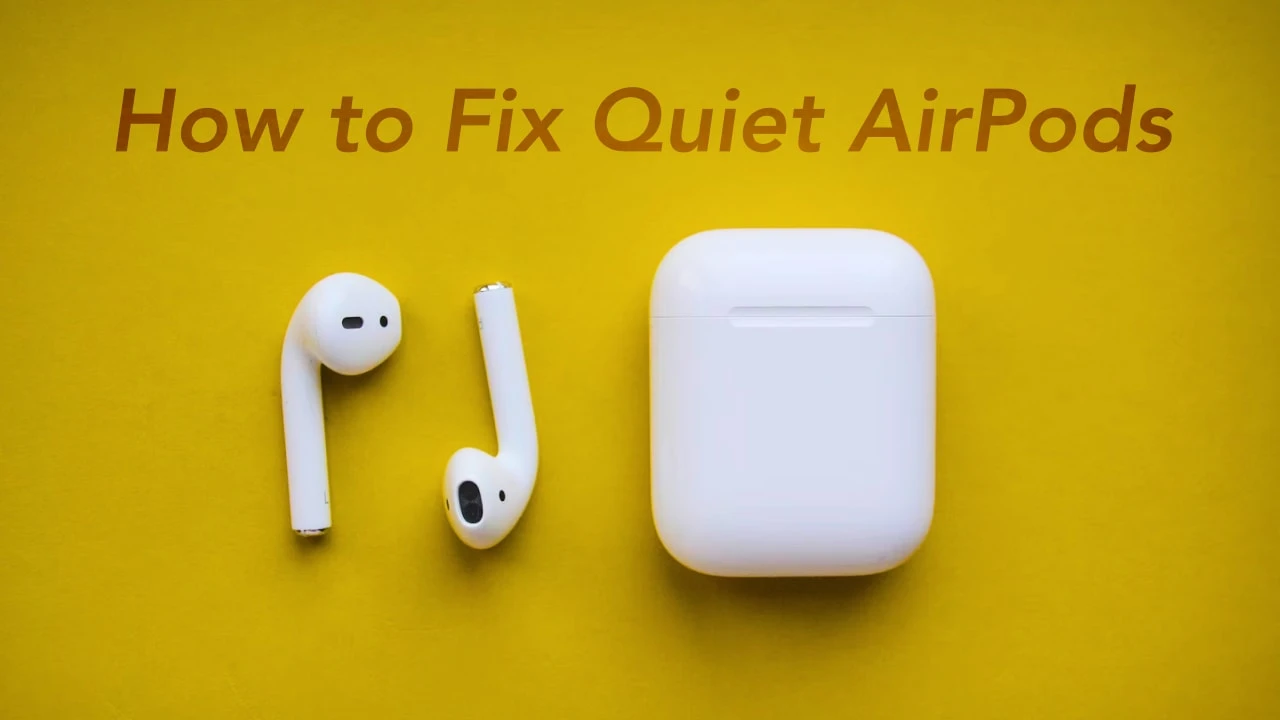
If you find that the volume of your AirPods is too low or not up to your expectations, this guide will show you how to increase the volume. Solving this issue is not a complex task, and we'll provide several methods to address it. Let's get started and be sure to read till the very end so that you can implement it process effectively.
Quick Guide on How to Make Airpods Louder
Before you think of troubleshooting, check the volume level of your airpods and if its connected to an iPad or iPhone then just press the volume rocker and see if its high enough to hear. You also need to ensure your device isn’t muted. If you are on a Mac, press the volume up on the keyboard or drag the slider that appears after clicking the volume icon in the menu bar. Siri can also help you reduce or increase the volume if you ask it to. If you own the second-generation Airpods Pro then you can swipe up and down on the airpods pro to adjust the volume. The digital crown on the Airpods Max is used to adjust the loudness.
What You Should Do If Your Apple Airpods Aren’t Loud Enough
If you have tried to increase the volume using the methods above and it didn’t work then here are a few methods you can try.
Clean your Apple AirPods for Better Sound and Loudness
You are constantly using your airpods, and it means earwax and dirt can get inside. They push sound through tiny holes and any dirt can just block them, thereby affecting how they sound. You need to get some cotton swap, rubbing alcohol, a clean toothbrush, and paper towel to clean your airpods. It has to be done carefully and methodically so you don’t miss anything or damage important parts. Clean the sound openings in case there is any wax or debris. You also need to be careful so as you don’t push dirt further into the airpods. It is also important that you consider cleaning the case as well.
Check to see if the Airpods fit in Your Ears
If the Apple Airpods don’t fit in your ear then the sound coming out of it might not be loud. Ensure to check if the airpods fits well in your ear. Apple provides a fit test for this and it can tell you if it sounds muffled or clear. If you take the test you won’t try to make it louder. An excellent fit test might be the difference between the buds sounding too quiet or just right no matter the volume capacity.
Resetting the Apple Airpods
If you've attempted both methods without success, you can attempt to reset your AirPods. The process is quite easy, just follow the steps below:
- Open the lids of your Airpods but make sure they are inside the case
- Keep the earbuds in the case and open the settings page on your iPhone.
- Next to Airpods click the small “I” icon
- Select “forget this device” and confirm
- Your phone will disconnect from the airpods and you can now reset.
- With the charging case lid open, press and hold the setup button for up to 15 seconds (the LED light will flash amber)
- This will resync your Airpods and you can pair it with your device
- This method will make your AirPods loud again.
Check the Sound Settings in Your Music App
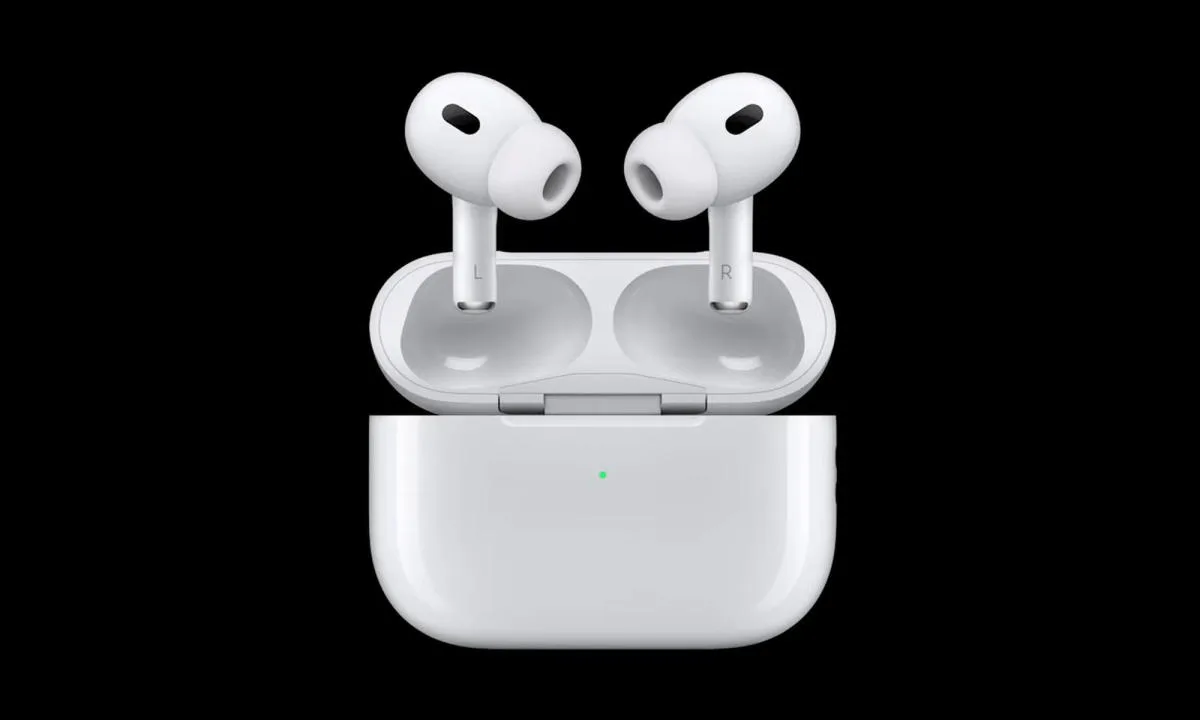
It is important that you check the sound settings in your music app depending on the one you are using. Most of the time it is different from your device volume. Make sure the volumes are at max on the music app then you adjust using your device controls. You should also check the equalizer settings as they can also play a role in making your airpods sound low. Another thing is that you need to ensure the volume level on your earbuds are the same. You can check that on your iPhone by doing the following:
- Go to Settings
- Tap on Accessibility
- Under “Hearing” Tap on “Audio/Visual”
- Ensure that the Left/Right slider under the “Balance” section is in the middle and slide it back if it's not there.
If the previously mentioned methods do not resolve the issue, it may be necessary to contact Apple for servicing. Ensure you have attempted all the methods mentioned earlier, as any of them could be the solution to the problem.
Rounding Up
People have ended up replacing their Airpods because of issues like this. If you have tried all these methods then you need to visit an Apple store. They might replace them for you or fix them depending on the situation. In case you have any questions, feel free to ask in the comment section.