How to Keep Your Phone Battery Healthy: 5 Charging Mistakes to Avoid
If you've ever checked your phone's battery health and noticed the maximum capacity dropped, you've probably wondered what went wrong. Was it because you charged overnight? Is fast charging damaging the battery? Should you stop charging to 100%? Or maybe your charger is to blame?
The truth is, a smartphone battery doesn't suddenly become unhealthy after one night of charging. However, lithium-ion batteries—the type used in virtually every modern smartphone—are consumable components. They naturally lose capacity over time, but the rate at which they degrade depends heavily on your charging habits.
Here are five of the most common charging mistakes that accelerate battery wear, along with practical tips to help your battery stay healthier for longer.
1. Believing Overnight Charging Is Always Bad
One of the biggest myths surrounding smartphone batteries is that charging your phone overnight automatically ruins the battery. Fortunately, that's no longer true for modern devices.
Today's smartphones are designed to stop drawing full charging power once the battery reaches 100%. Instead of continuously pumping electricity into the battery all night, the charging system intelligently manages power delivery.
The real problem isn't overnight charging itself—it's heat.
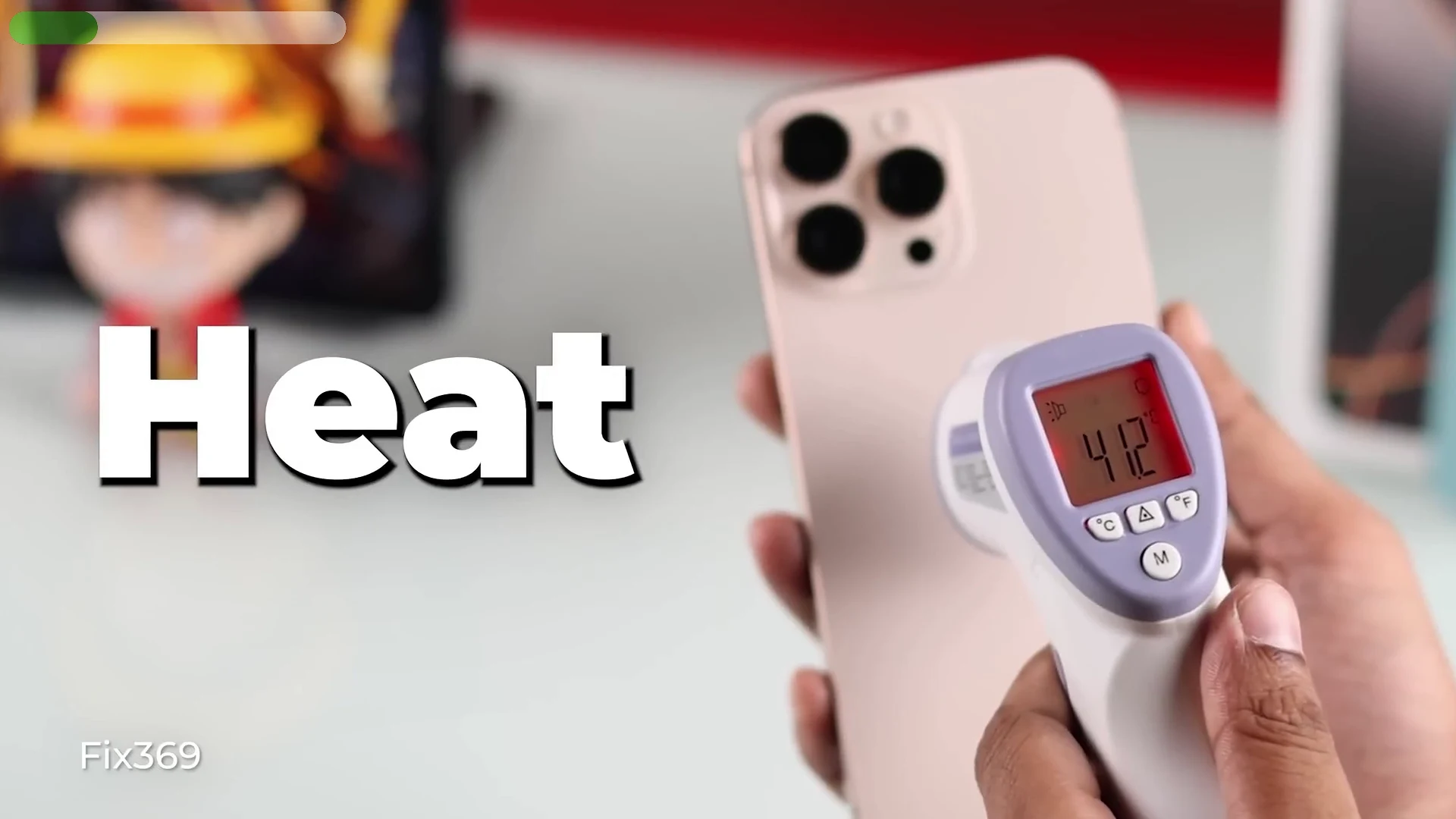
Lithium-ion batteries dislike prolonged exposure to high temperatures, especially when they remain at or near 100% charge for several hours. If your phone is charging under a pillow, inside a thick protective case, or in a hot room, the battery experiences additional stress. Throughout the night, the battery may drop slightly below 100%, recharge to full again, and repeat this cycle. While this isn't immediately harmful, doing it consistently over months or years can contribute to faster battery degradation.
Fortunately, most modern smartphones include battery protection features to minimize this effect.
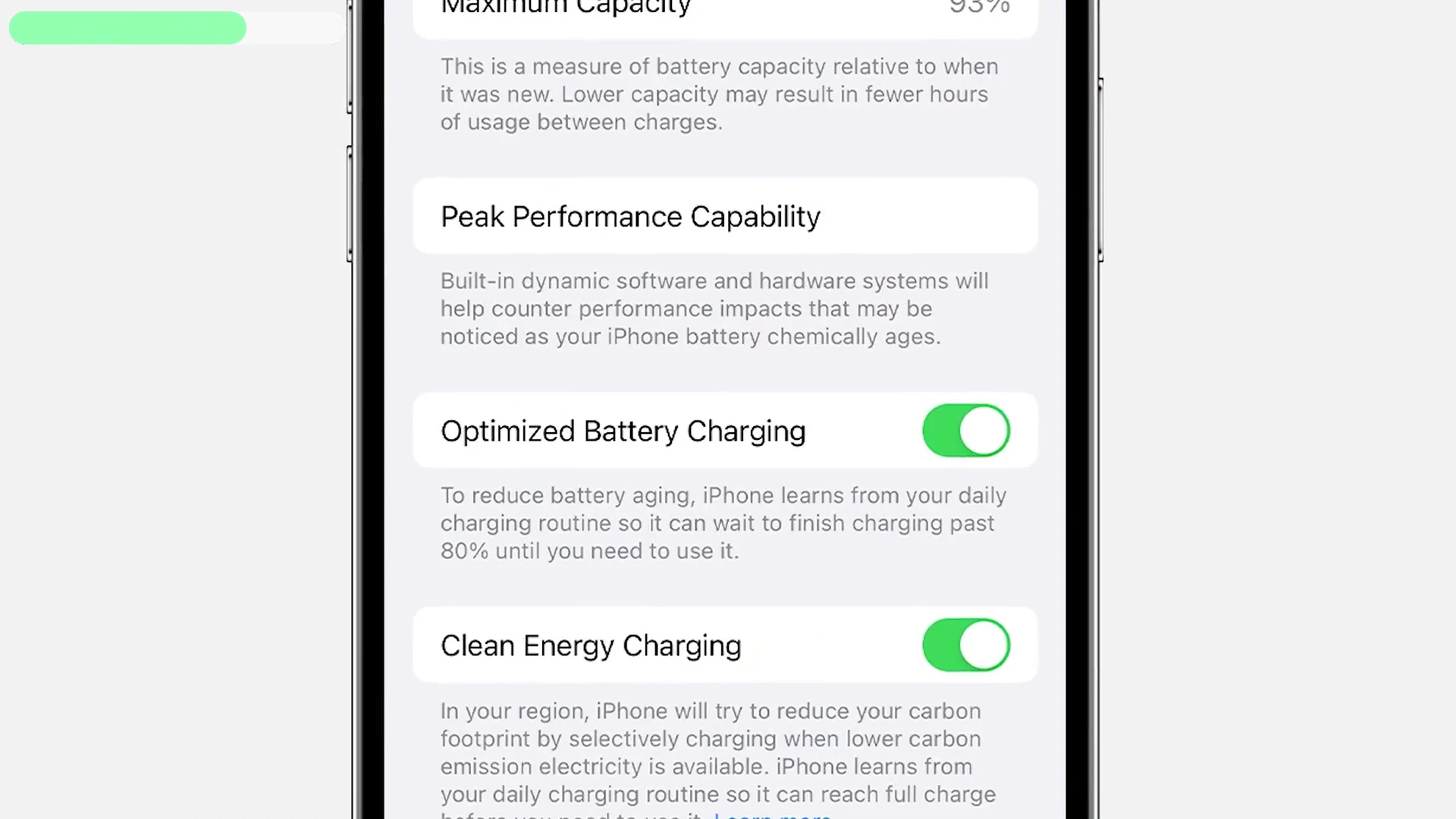
On iPhones, enable Optimized Battery Charging by going to Settings > Battery > Battery Health & Charging. This feature learns your charging routine, pauses charging at around 80%, and finishes charging shortly before you typically wake up. Newer iPhone models also offer customizable charging limits.
Android manufacturers provide similar features under different names, including Adaptive Charging, Charging Limit, Battery Protection, or Smart Charging.
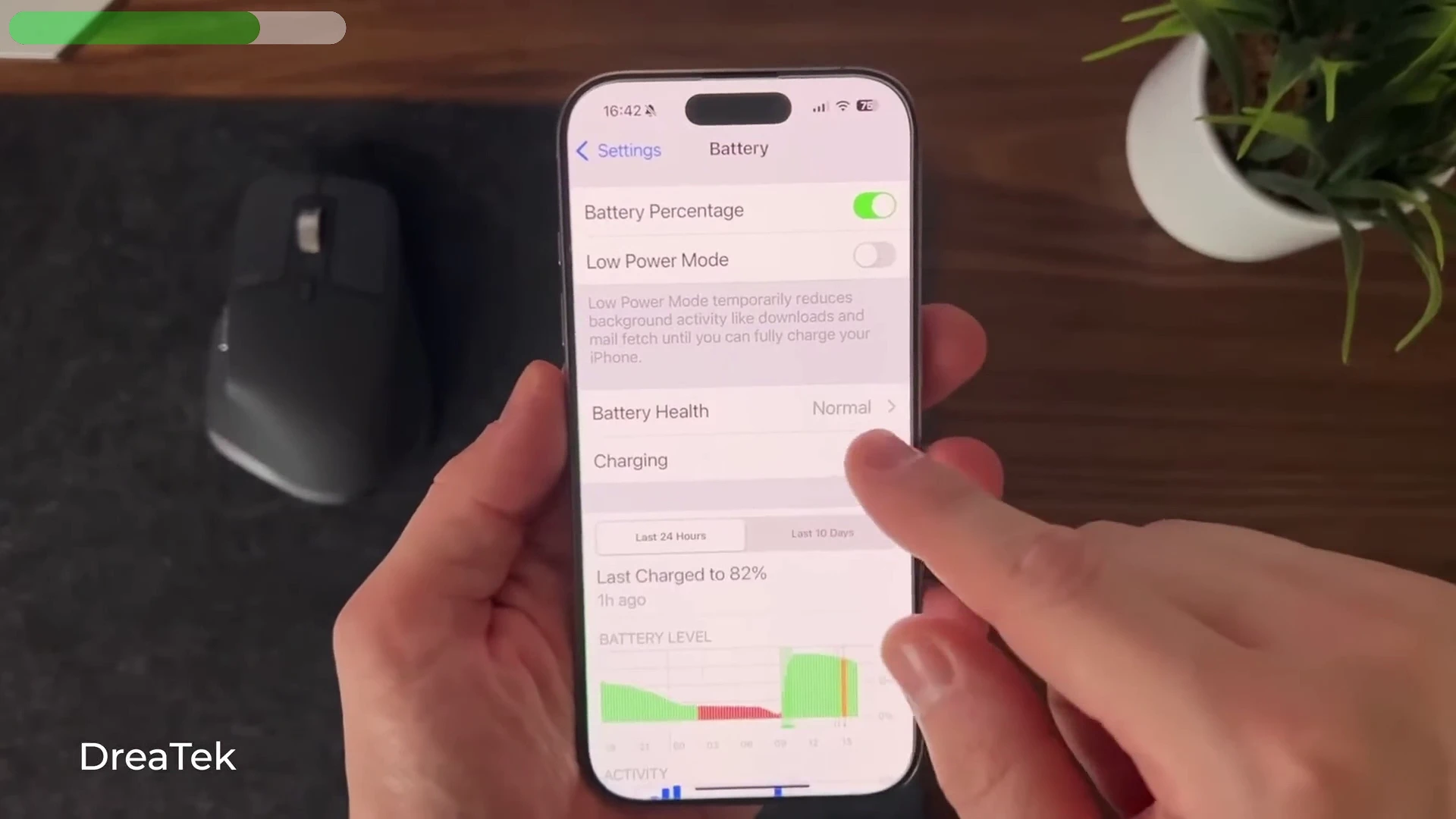
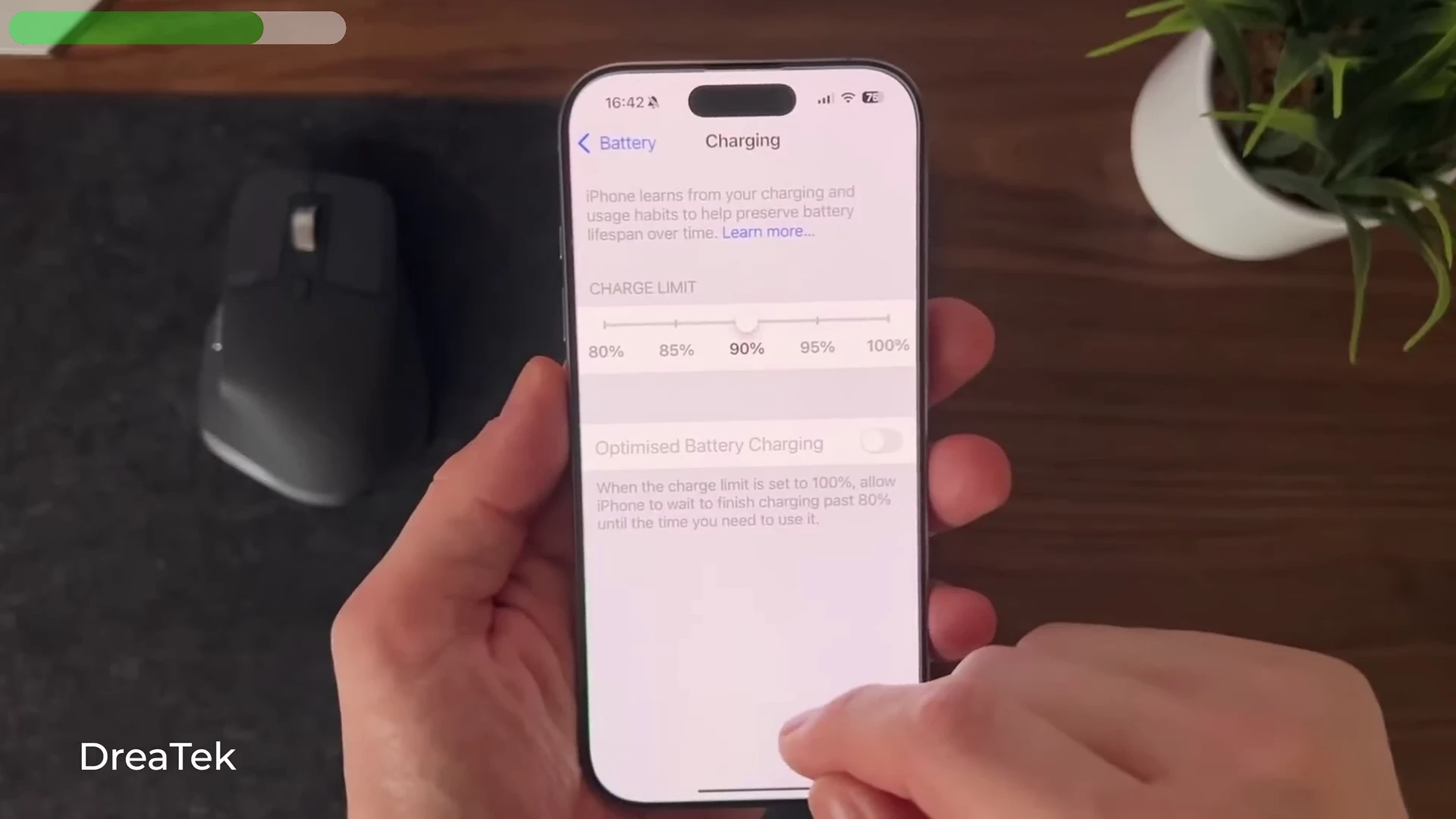
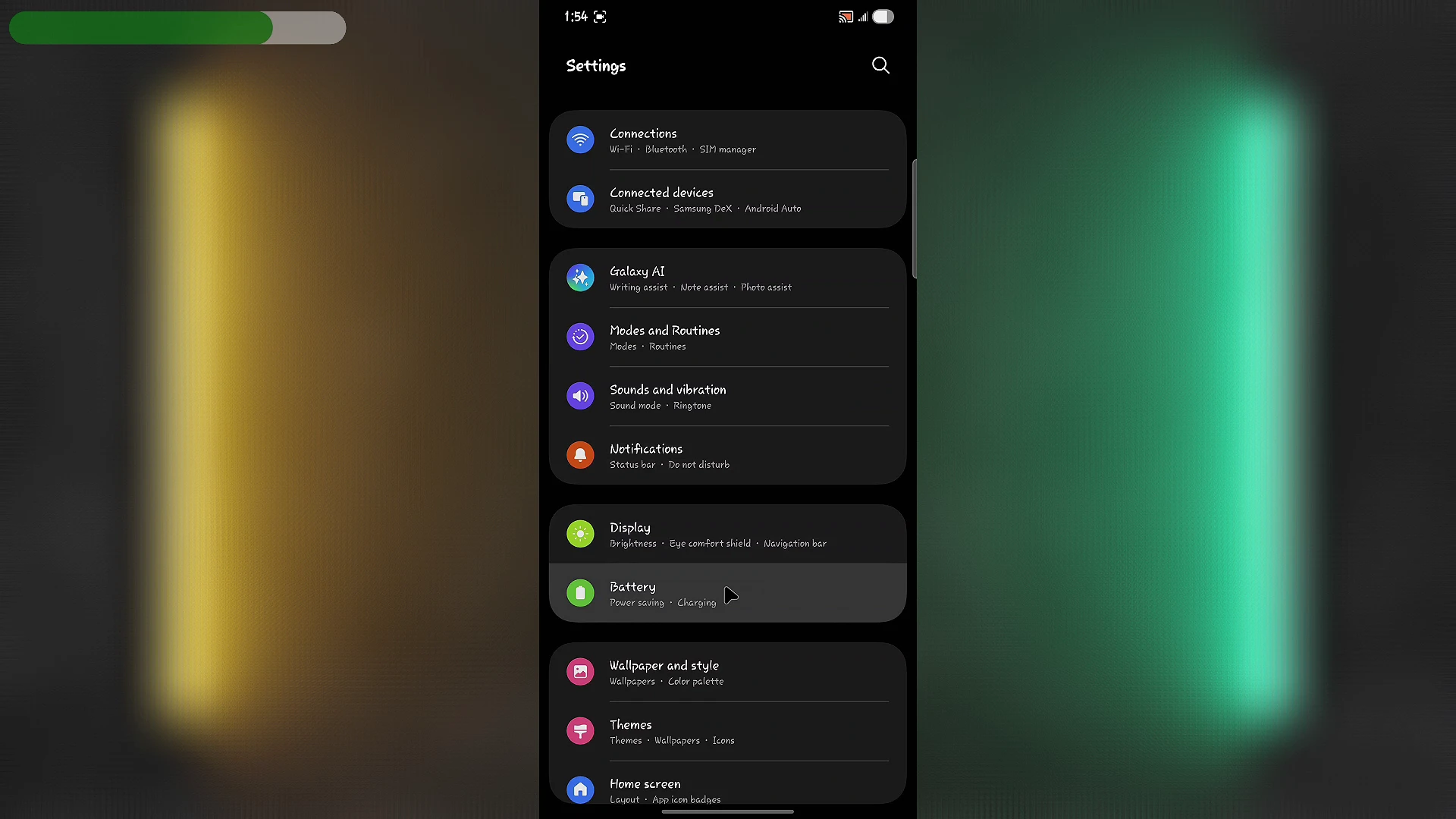
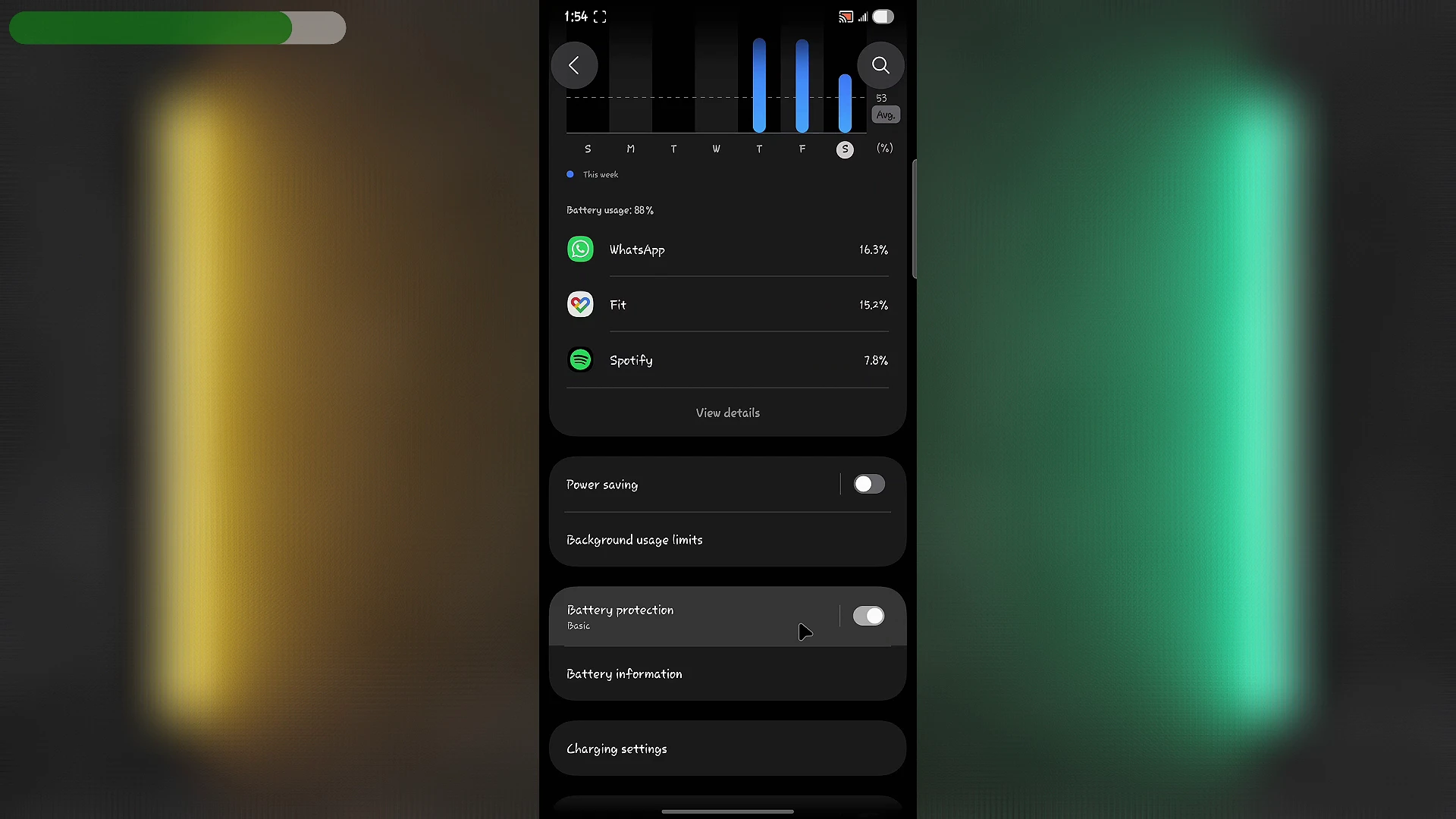
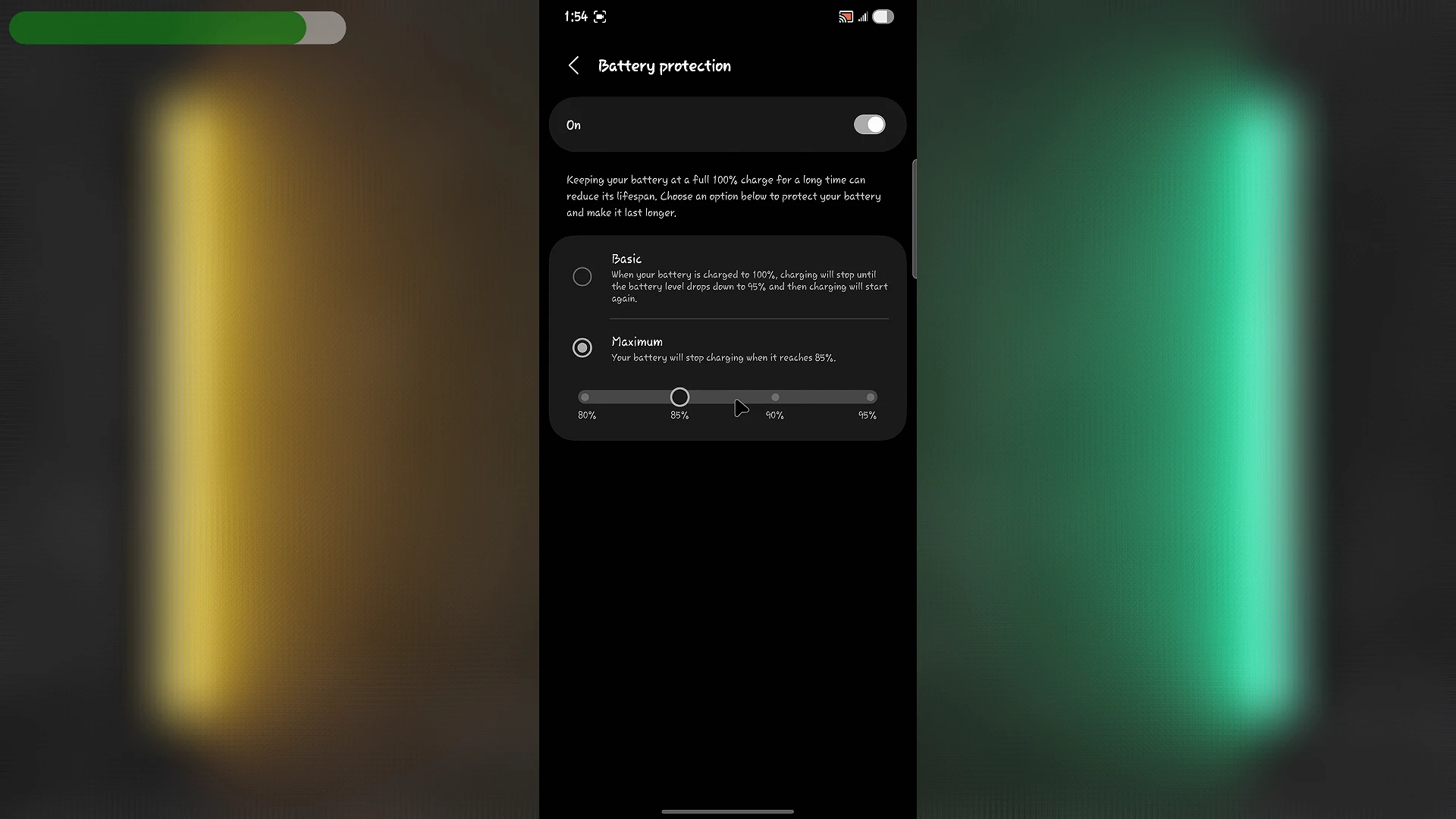
Overnight charging is perfectly acceptable, provided you avoid excessive heat and enable your phone's built-in battery protection features.
2. Frequently Letting Your Battery Reach 0%
Many people still follow charging habits that were useful for older battery technologies, but lithium-ion batteries work differently.
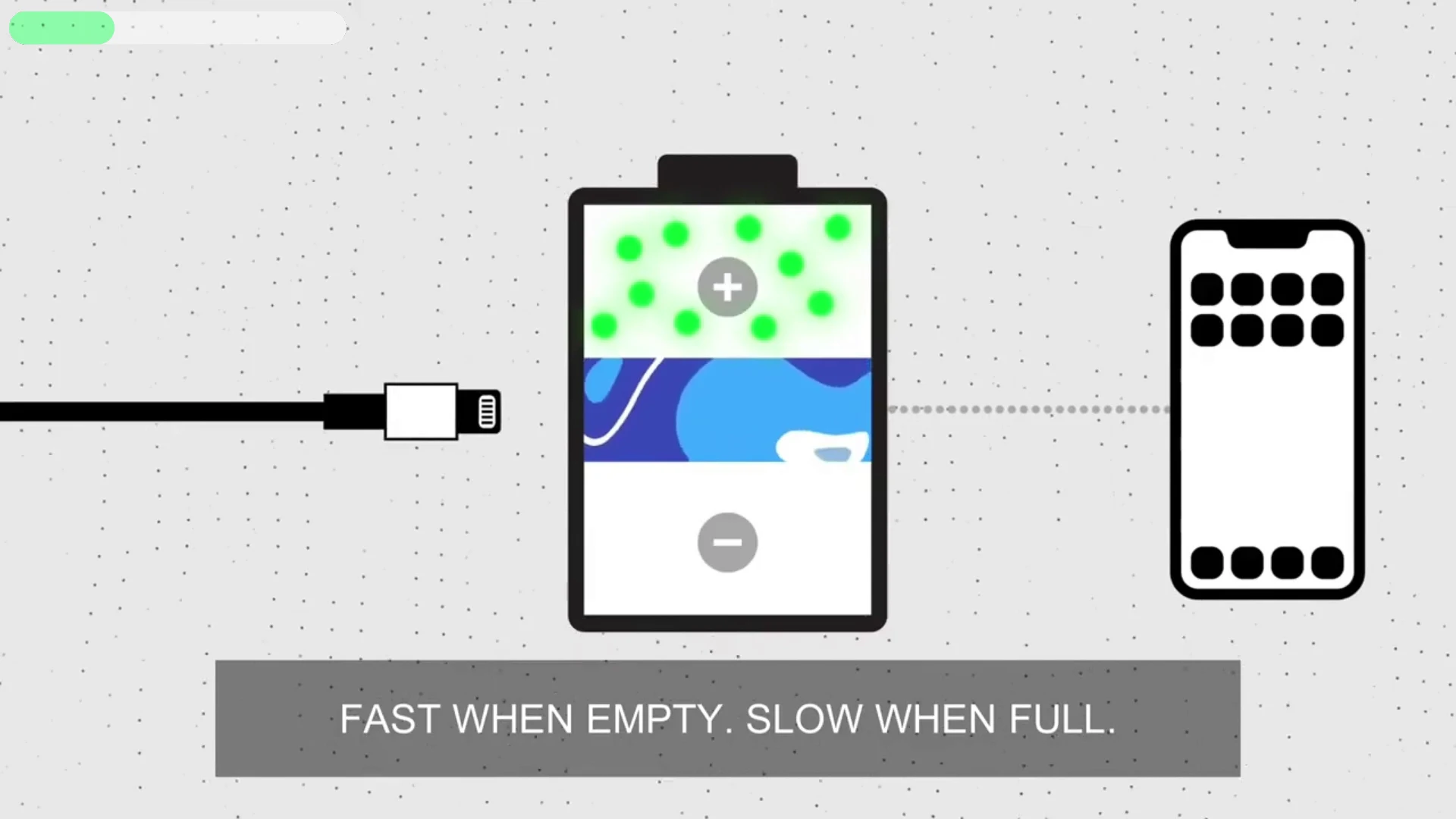
Regularly allowing your battery to drain completely places additional stress on the cells. As battery voltage drops to extremely low levels, the phone has to work harder to maintain normal operation. This may result in temporary slowdowns, increased heat, or unexpected shutdowns.
Occasionally allowing your phone to reach 0% won't permanently damage it. Unexpected situations happen, and batteries are designed to handle occasional deep discharges. However, making it part of your daily routine isn't ideal.
A healthier approach is to recharge your phone when the battery falls to around 20%. It doesn't have to be exact—anything between 15% and 30% is perfectly reasonable. The goal is simply to avoid repeatedly draining the battery to empty.
3. Treating 100% as the Only Acceptable Charging Limit
The popular 20–80 rule has become one of the most discussed battery tips online. The basic idea is simple: keeping your battery between roughly 20% and 80% reduces long-term chemical stress.
There is truth to this advice, but many people apply it too rigidly.
Charging your phone to 100% isn't harmful when you genuinely need maximum battery life. If you're traveling, recording videos, gaming, or spending the day away from a charger, charging fully makes perfect sense.
The problem arises when every charging session ends at 100%, even when it's unnecessary, and the phone remains plugged in while generating heat for extended periods.
If you're working from home or always have access to a charger, stopping at around 80% can reduce long-term battery wear. When you need the extra battery life, don't hesitate to charge to 100%.
Remember, your battery exists to serve your needs—not the other way around.
4. Using Cheap or Damaged Chargers and Cables
Not every charging accessory is created equal.
Some inexpensive cables advertise high-speed charging capabilities they simply can't deliver. Poor-quality chargers may also lack proper safety protections, provide unstable power output, or generate excessive heat.
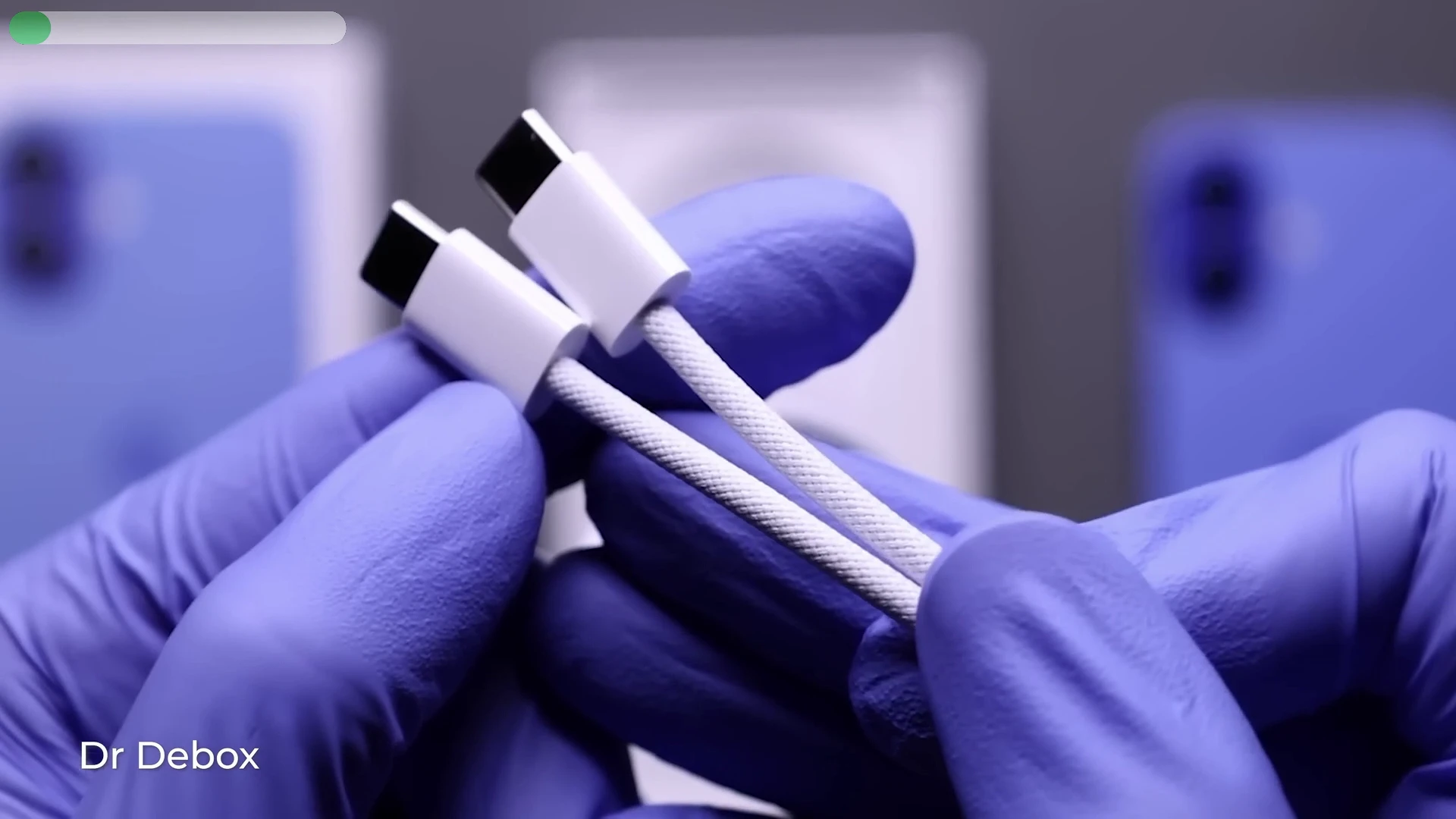
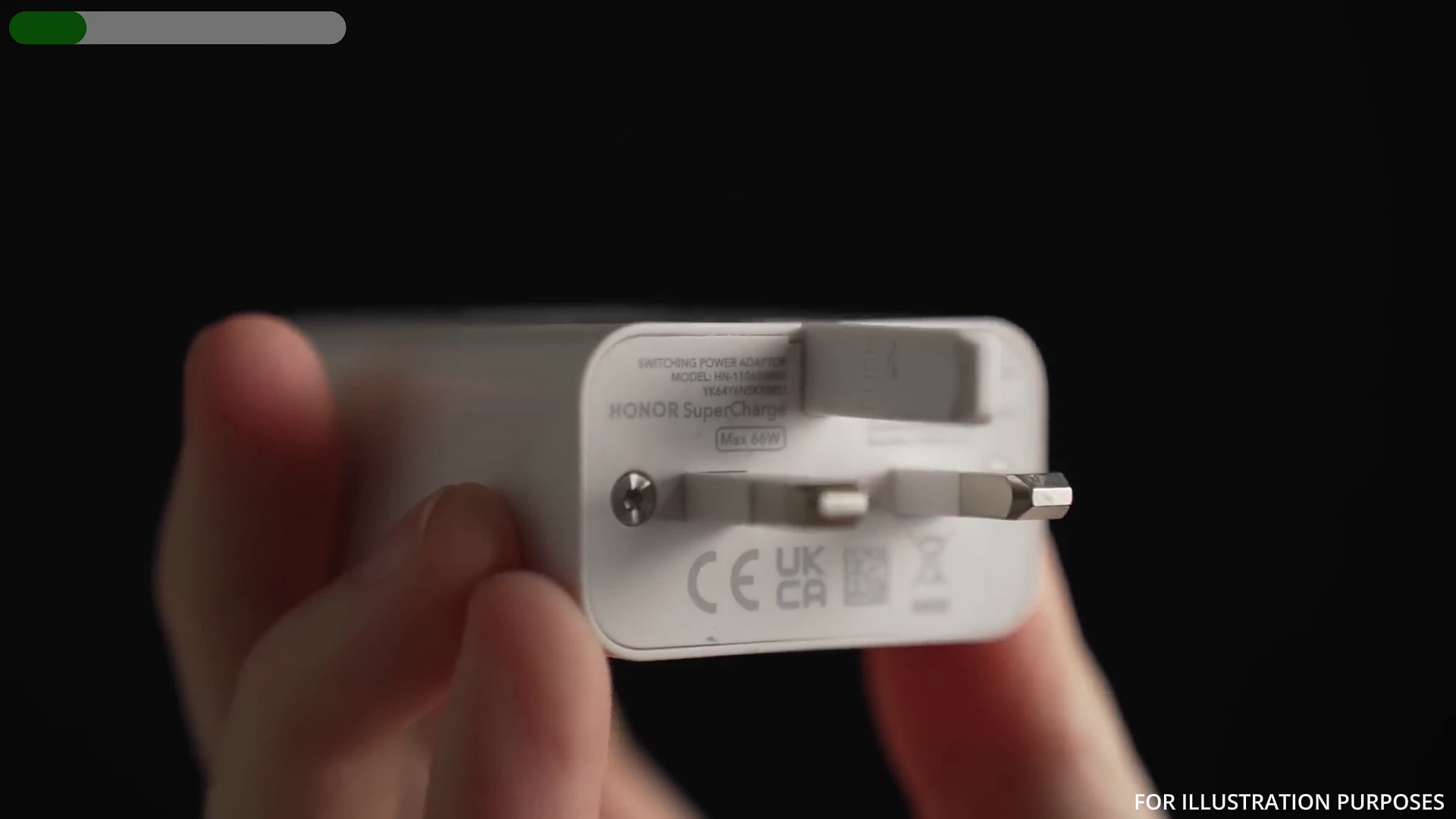
Modern smartphones rely on communication between the charger and the phone through charging standards such as USB Power Delivery (USB-PD) and other proprietary fast-charging protocols. If either the charger or cable fails to communicate properly, charging may become slower, inconsistent, or excessively hot.
Whenever possible, use the original charger and cable supplied with your device.
If you need replacements, purchase products from reputable manufacturers that explicitly support your phone's charging standard. It's also important to inspect charging cables regularly. Frayed insulation, bent connectors, loose plugs, or cables that only work when positioned at a certain angle should be replaced immediately rather than repaired with tape.
5. Ignoring Heat While Charging
If there's one factor that consistently shortens battery lifespan, it's heat.
Even with high-quality chargers and intelligent charging software, prolonged exposure to high temperatures accelerates chemical aging inside lithium-ion batteries.
Several common activities generate excessive heat while charging, including:
- Playing demanding games
- Using mobile hotspot
- Recording long 4K videos
- Leaving the phone in direct sunlight
- Charging inside a hot vehicle
- Using wireless charging for extended periods
Wireless charging deserves special mention because it generally produces more heat than traditional wired charging due to energy loss during the wireless transfer process.
Fortunately, avoiding unnecessary heat is simple.
Charge your phone on a hard, flat surface rather than on beds or couches. Remove unusually thick protective cases if they trap heat. Avoid heavy workloads while charging, and never leave your phone exposed to direct sunlight. Slight warmth during charging is perfectly normal, but excessive heat is not.
How to Check Your Battery Health
Instead of worrying every time your battery percentage changes, it's better to check its actual condition.
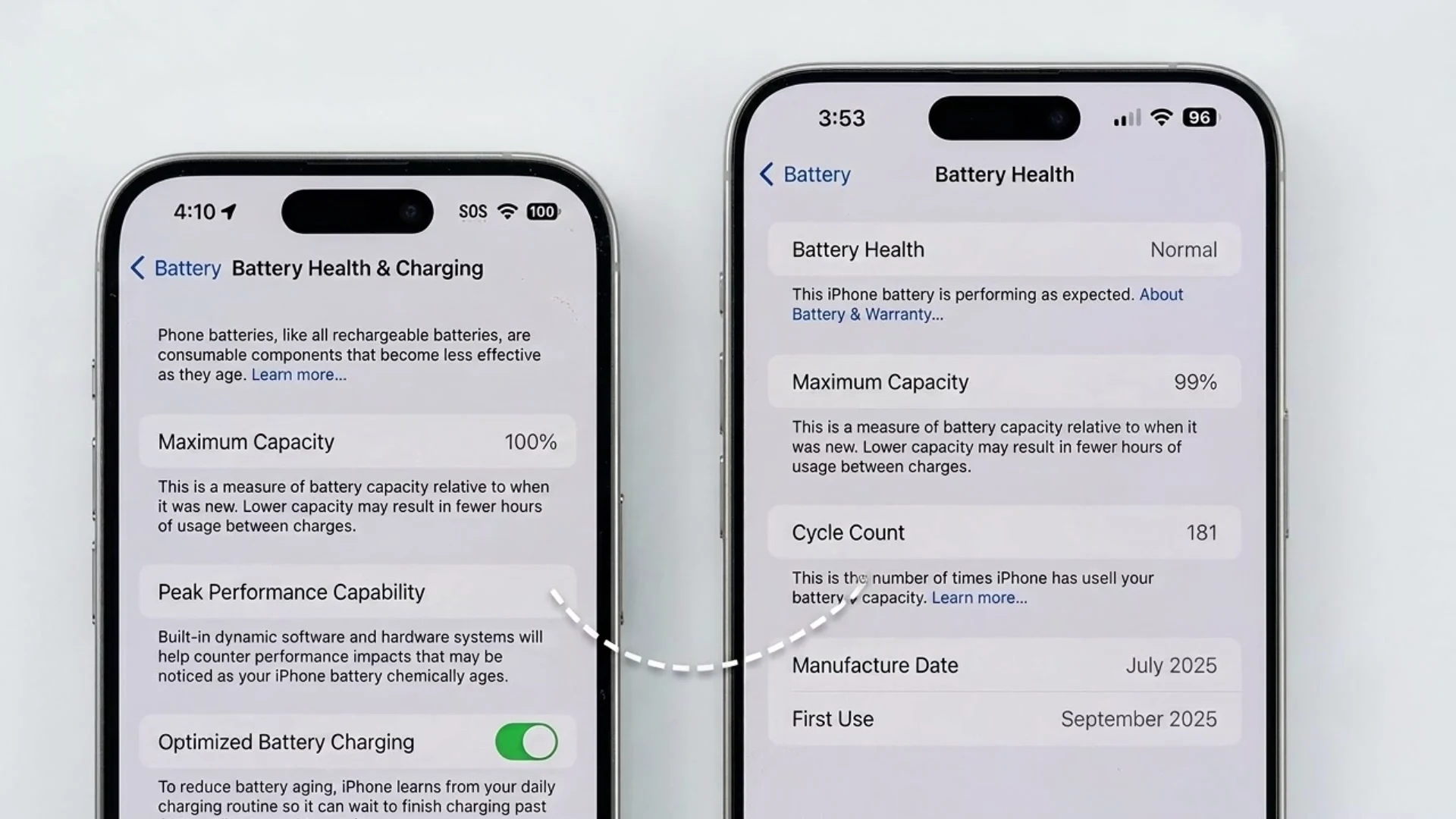
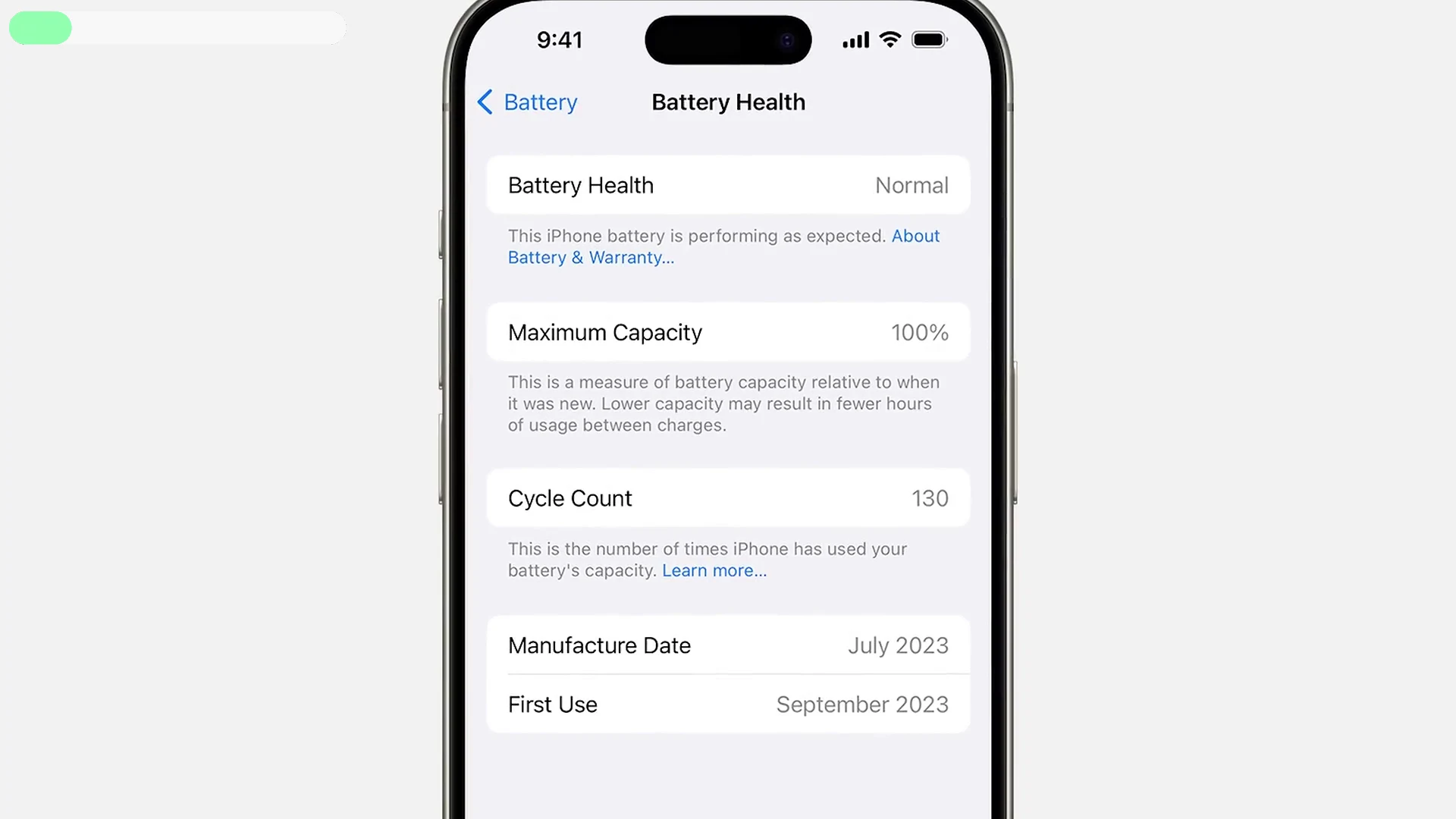
On iPhone, navigate to Settings > Battery > Battery Health & Charging to view your Maximum Capacity. Some newer models also display battery cycle count.
Maximum Capacity represents how much charge your battery can currently hold compared to when it was brand new. For example, a battery showing 90% capacity doesn't mean your phone is failing—it simply stores slightly less energy than it did originally.
Battery information varies on Android devices. Some manufacturers display battery health and cycle count directly within the Battery or About Phone settings, while others don't.
Be cautious when using third-party battery health apps. Although some provide useful estimates, none can guarantee perfectly accurate results.
More importantly, pay attention to how your phone performs in daily use. Rapid battery drain, overheating, unexpected shutdowns, or unusually slow charging are far better indicators of battery condition than repeatedly refreshing the battery health page.
Consider Setting an 80% Charging Alert
If your phone doesn't include a built-in charging limit, creating an alert at around 80% can help develop healthier charging habits.
Many Android devices support battery alerts through built-in automation features or reputable battery monitoring apps. On iPhone, the Shortcuts app can create an automation that notifies you once the battery reaches a specific percentage.
You don't need to follow this every single day. It's simply another tool that can reduce unnecessary battery stress whenever it's convenient.
Final Thoughts
Battery degradation is inevitable. Every lithium-ion battery loses capacity as it ages, and seeing your battery health drop by 1% isn't a reason to panic.
What matters is slowing unnecessary wear by adopting smarter charging habits. Avoid making deep discharges a daily routine, reduce the amount of time your battery spends hot and fully charged, invest in reliable charging accessories, and take advantage of your phone's built-in battery protection features.
Perhaps the biggest takeaway is this: heat is a much greater threat to battery health than charging to 100%. Charging to full isn't inherently harmful, but combining a full battery with prolonged heat on a daily basis can accelerate battery aging.
By avoiding these five common charging mistakes, you'll give your smartphone battery the best possible chance of staying healthy for years to come.