Don’t Buy a Used Phone Until You Check These 10 Things in 2026
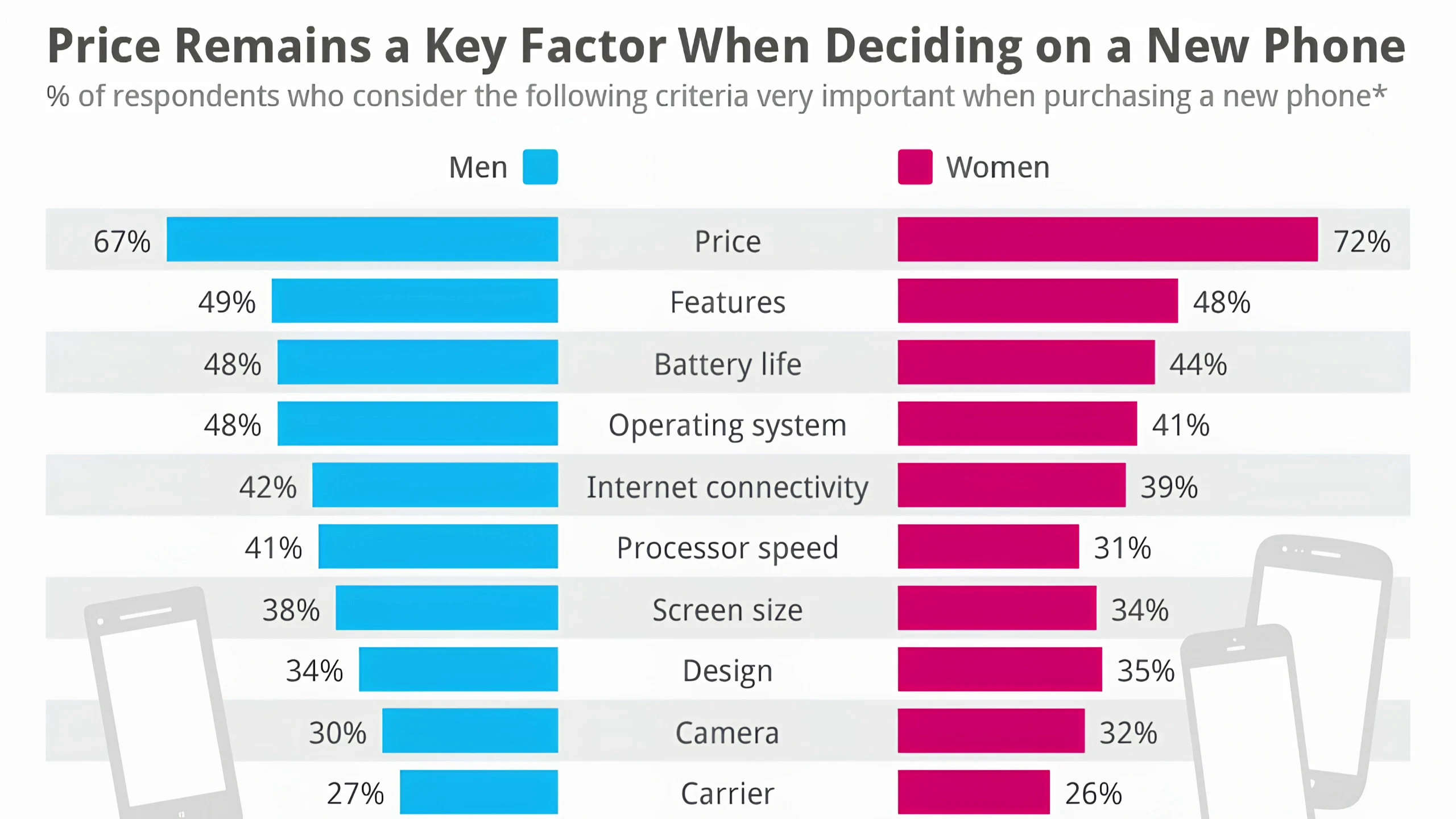
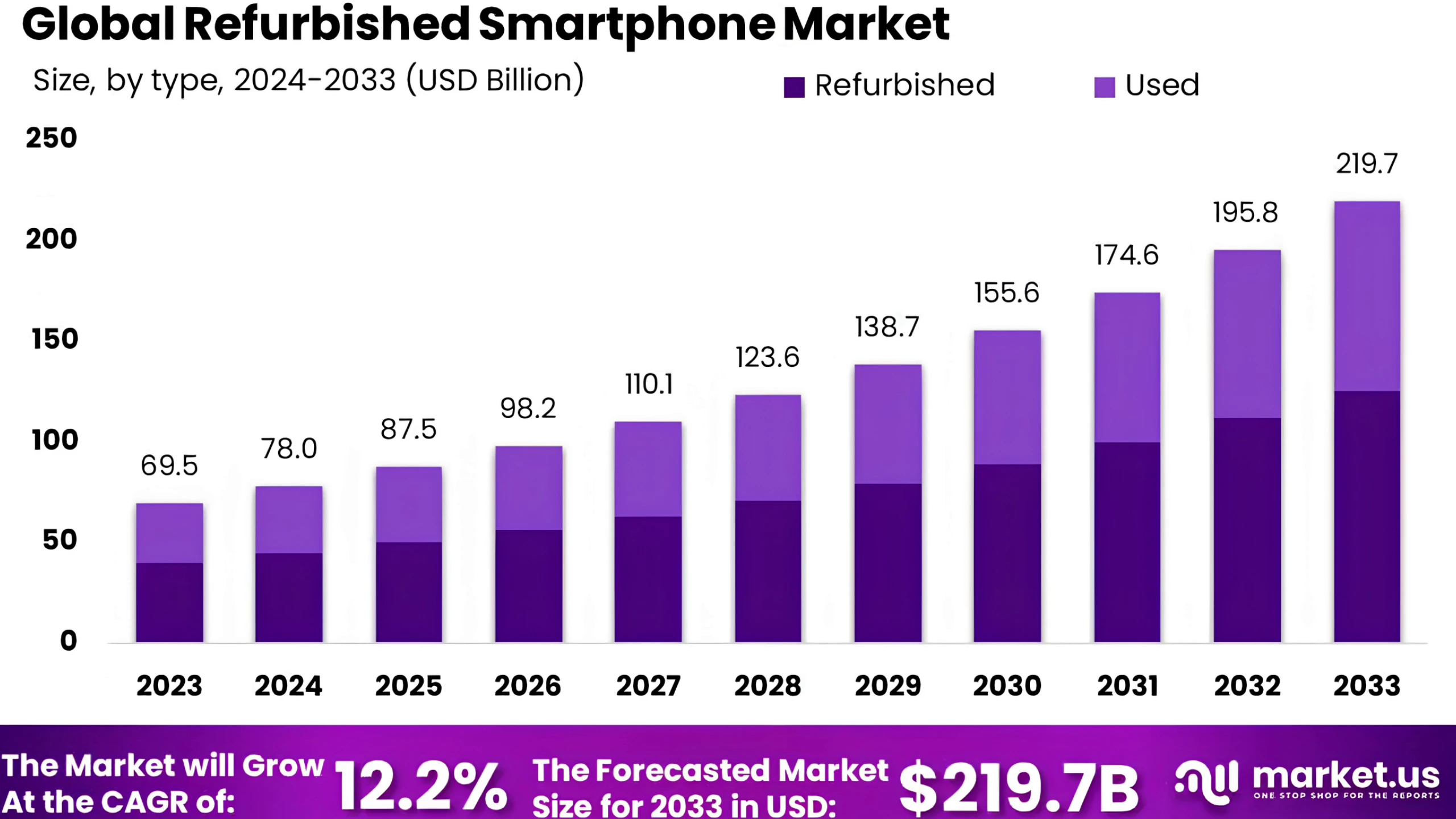
Buying a used smartphone in 2026 is still one of the smartest ways to get premium performance without paying flagship prices. With how expensive new phones have become, many people now prefer picking up slightly older devices that still perform strongly in real life. A well-maintained used flagship can easily outperform most new budget phones, especially in performance, camera quality, and build.
But while the idea sounds financially smart, the reality is far more complicated. The used phone market has grown bigger, faster, and unfortunately, more deceptive. It is now very common to find phones that look clean and fully functional on the outside but carry hidden issues like internal damage, fake replacement parts, software locks, or battery problems that only appear after a few days of use.
That is why buying a used phone today is no longer about luck. It is about process. If you know exactly what to check, you can safely get a great deal. If you don’t, even a “cheap” phone can turn into a very expensive mistake.
Below are the 10 most important things you must check before buying any used phone in 2026.
1. Inspect the Phone Properly, Not Just the Pictures
One of the biggest mistakes buyers make is trusting online images or quick seller demonstrations. In reality, pictures can hide almost everything. Scratches can be edited out, lighting can be adjusted to hide dents, and protective cases can conceal structural damage.
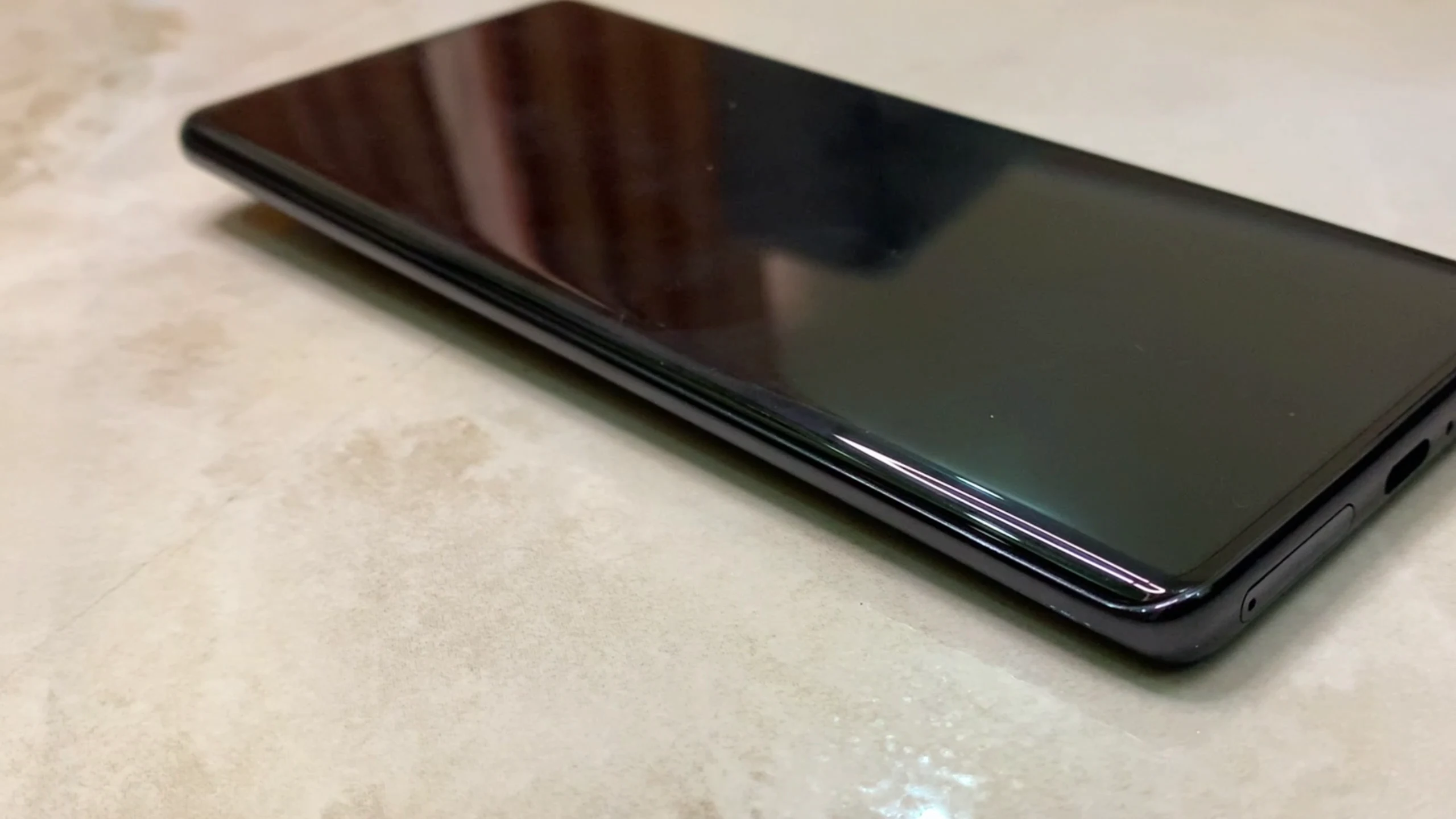
The first real inspection should always happen in person. When you meet the seller, remove any case immediately and study the frame carefully. Don’t just look at the screen or back glass—focus on alignment. A phone that does not sit perfectly flat on a surface is already a warning sign.
This usually indicates one of three things: the frame has been bent from impact, the battery is swollen internally, or the device has suffered internal stress over time. Any of these issues can lead to long-term performance problems or even safety risks. A healthy phone should feel solid, balanced, and evenly aligned on all sides.
2. Never Accept a Dead Phone Without Testing It Yourself
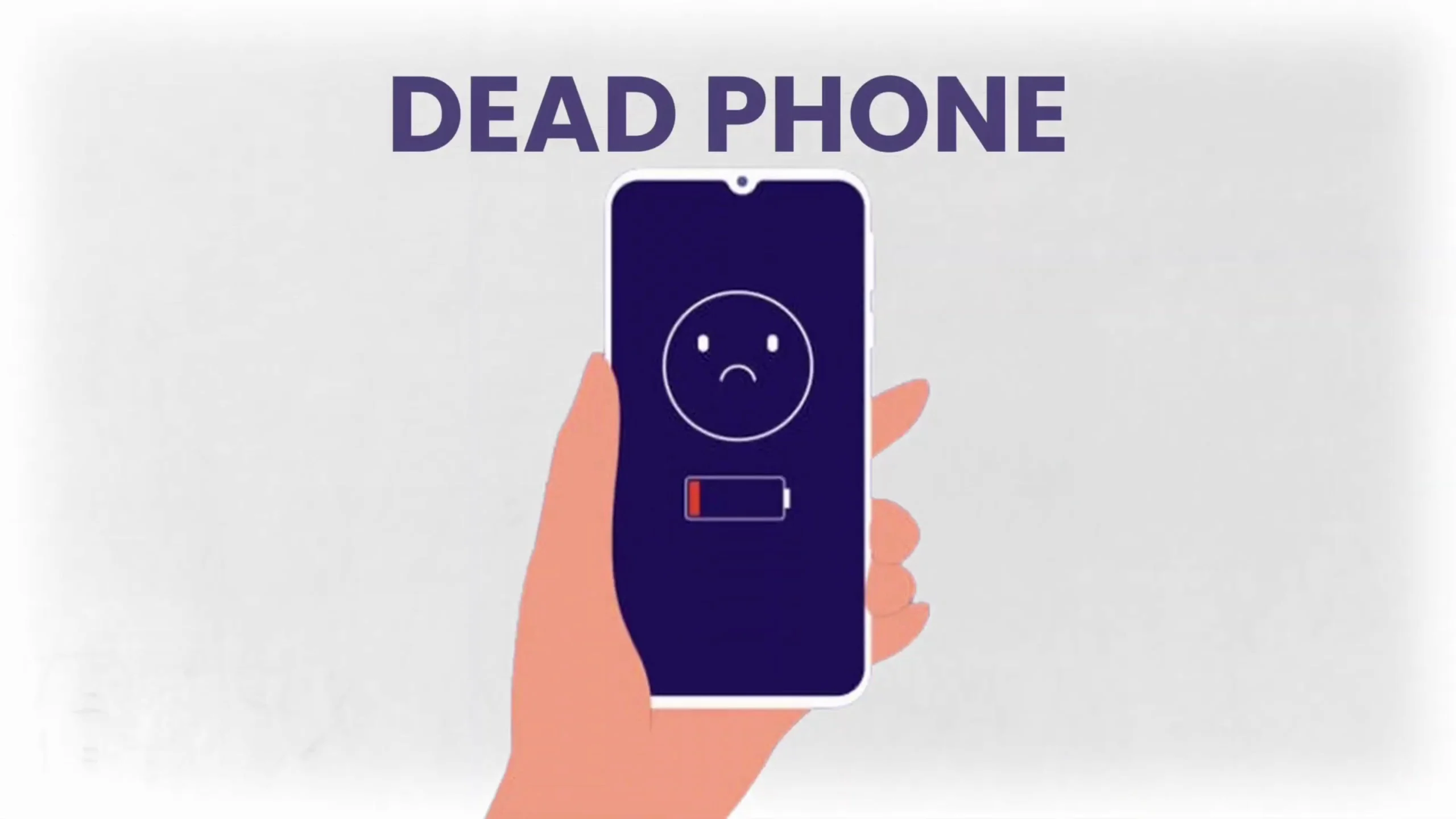
A very common trick in the used phone market is the “battery is dead” excuse. Sellers sometimes present a switched-off phone and claim it simply ran out of charge on the way.
This is why you should never go for a meetup unprepared. Always carry a power bank and a charging cable. The moment you receive the phone, plug it in yourself and observe how it reacts. A properly functioning device should immediately show a charging indicator and respond within seconds.
Beyond just charging, you should ensure it boots properly and doesn’t restart randomly. Pay attention to the charging port as well. If the cable feels loose or the connection keeps cutting, it may indicate internal port damage or previous repair work.
A seller who avoids this step or rushes you through it is often hiding something.
3. Test the Display Beyond Surface Level Damage
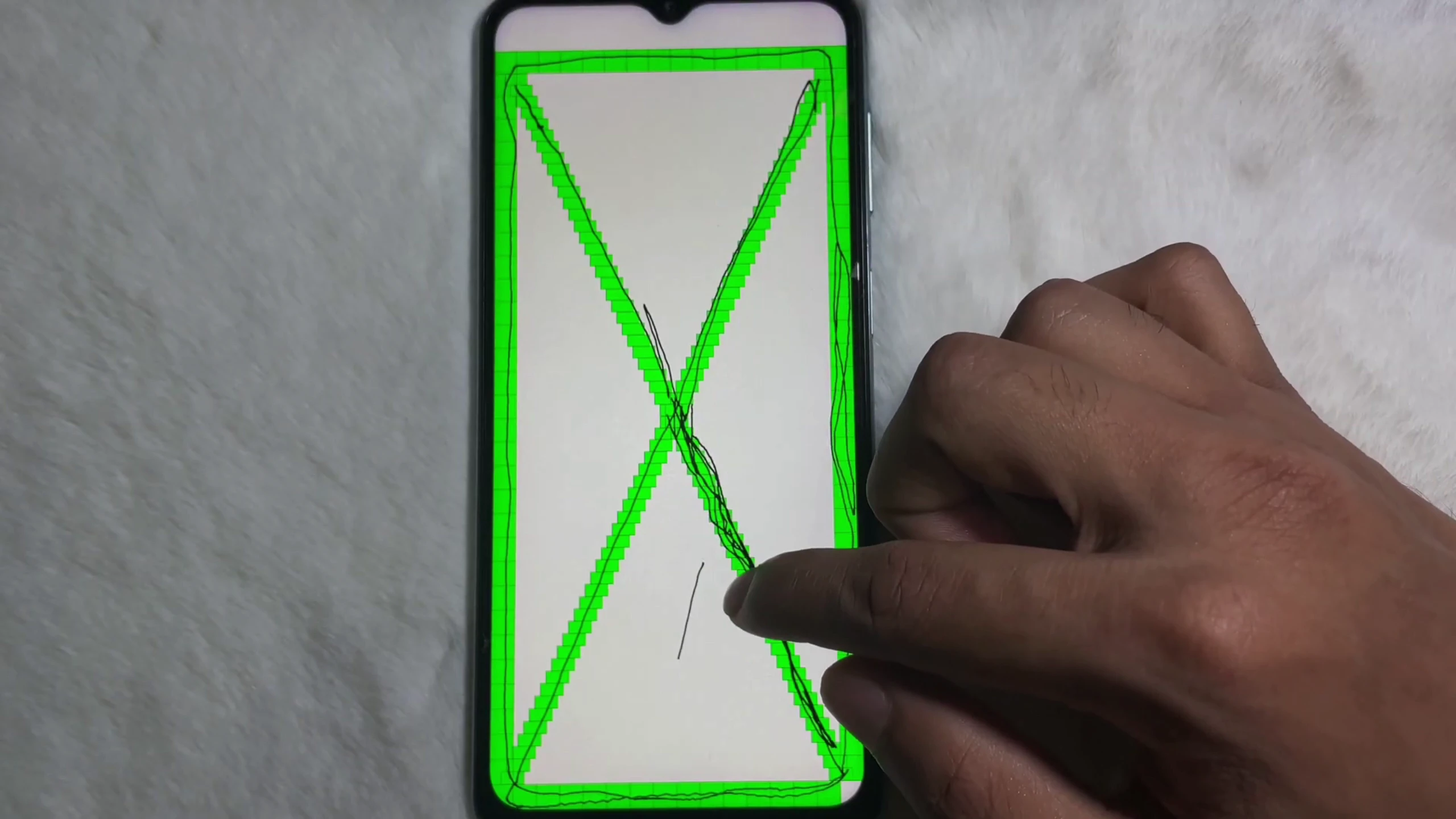
A cracked screen is easy to spot, but modern smartphone displays can have deeper, less obvious issues that affect daily usage far more than scratches.
Once the phone is on, your next step should be a full display test. Playing a solid color video helps reveal dead pixels, screen discoloration, and burn-in issues that are invisible during normal use. Burn-in is especially common on AMOLED screens where static images like keyboards or navigation bars have been displayed for long periods.
Equally important is testing touch responsiveness across the entire screen. Open a notes app and drag icons or your finger across every corner. If there are areas where touch input fails or becomes inconsistent, that usually points to digitizer damage. Even a small dead zone can become frustrating over time, especially when typing or gaming.
4. Check for Hidden Water Damage Signs
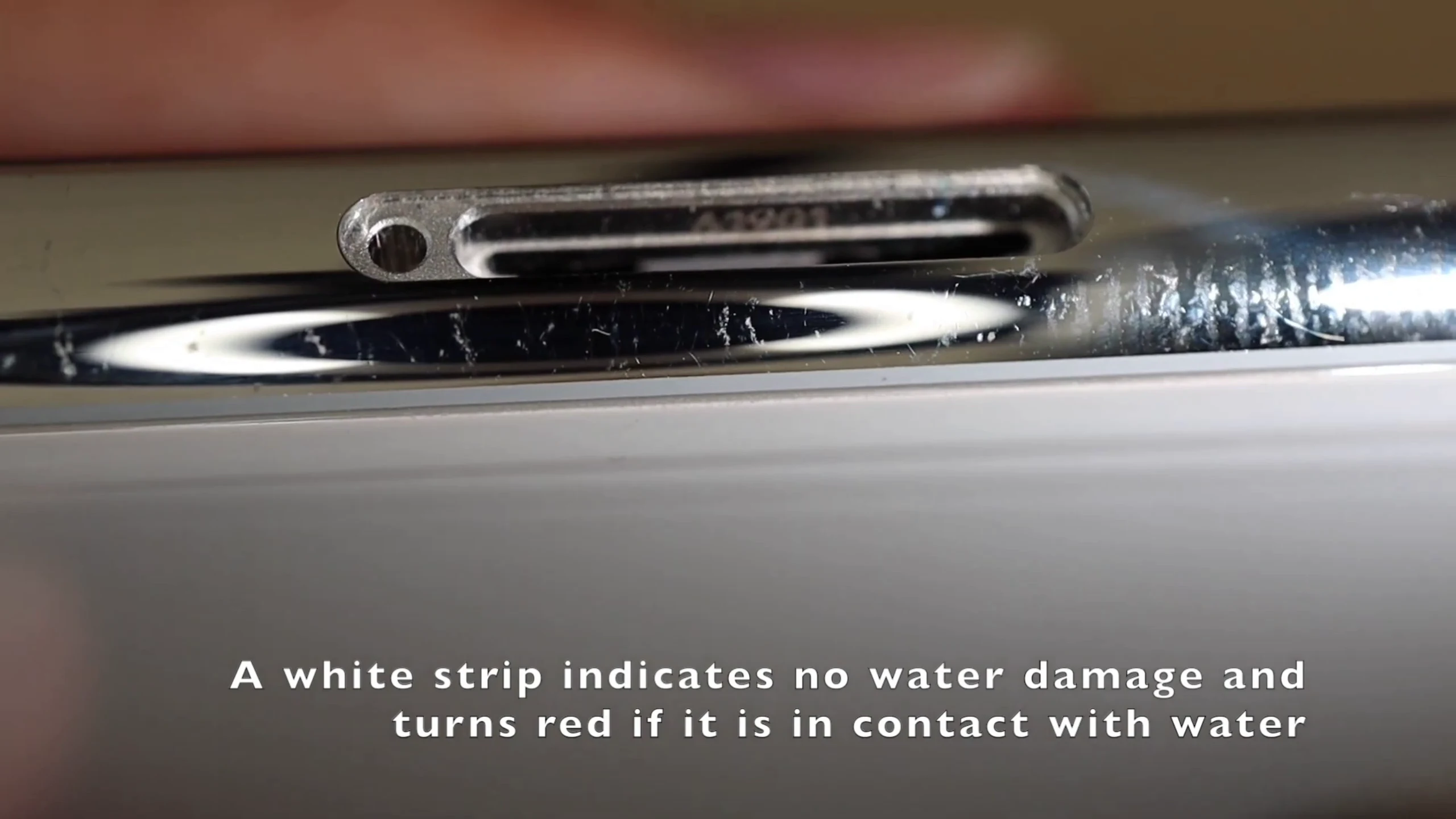
Water damage is one of the most dangerous issues in used phones because it does not always show immediately. A phone can work perfectly for days or even weeks before suddenly developing faults.
Most smartphones include a small Liquid Damage Indicator located inside or near the SIM tray. This indicator changes color when exposed to moisture. A white or silver indicator usually means the device is safe, while a red or pink indicator confirms exposure to liquid.
Even if the phone seems fully functional, water damage often leads to long-term issues like random shutdowns, charging problems, speaker failure, or motherboard corrosion. This is why it is one of the most important checks you should never skip.
5. Watch Out for Rebuilt or Fake-Part Phones
Not every used phone is original in the way it looks. Some devices are rebuilt using third-party components to make them appear newer than they actually are. These are often called “Frankenstein phones.”
In such devices, critical parts like screens, batteries, or cameras may have been replaced with low-quality alternatives that affect performance and durability. While the phone may still function normally, the experience is usually not the same as the original device.
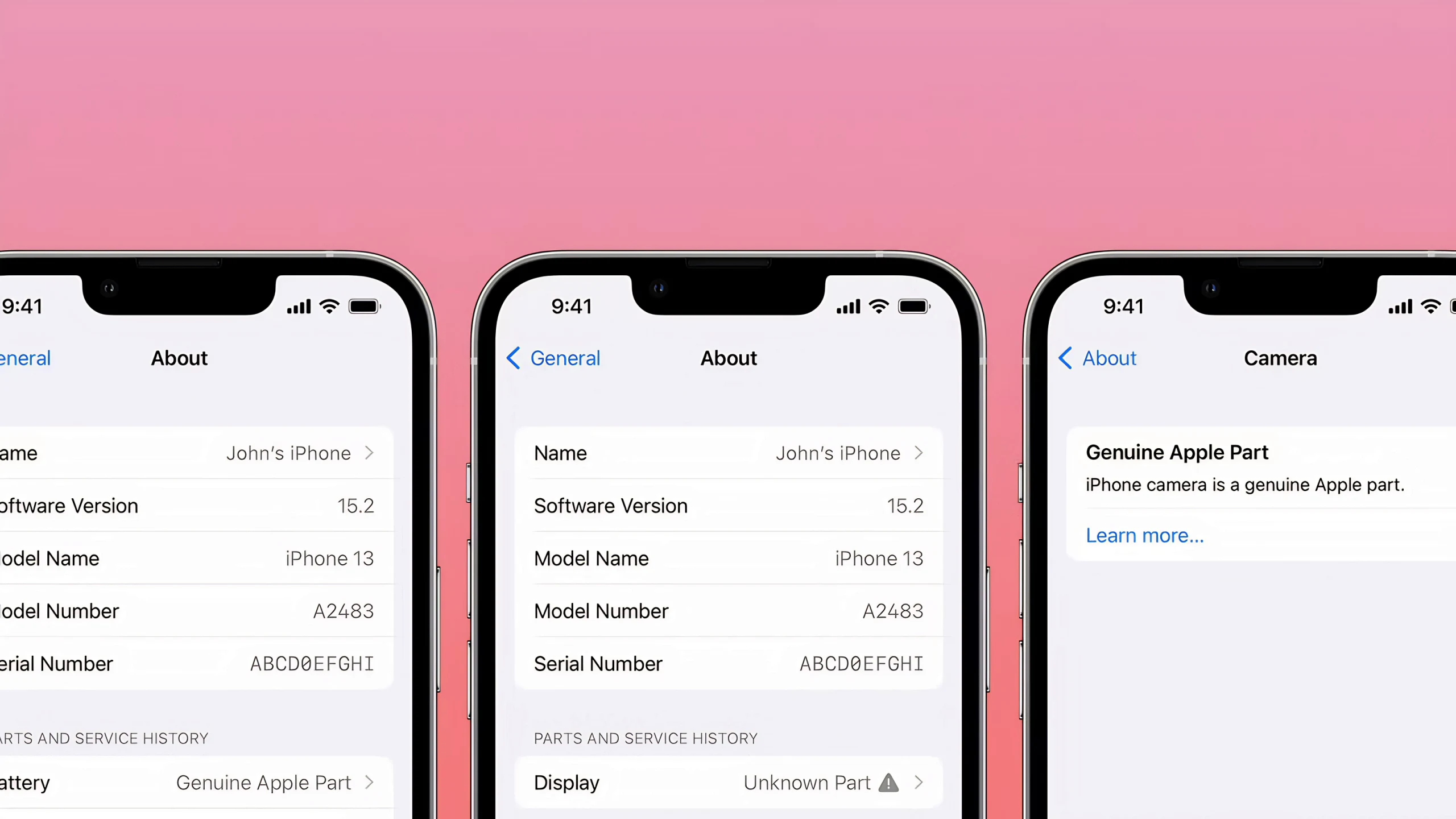
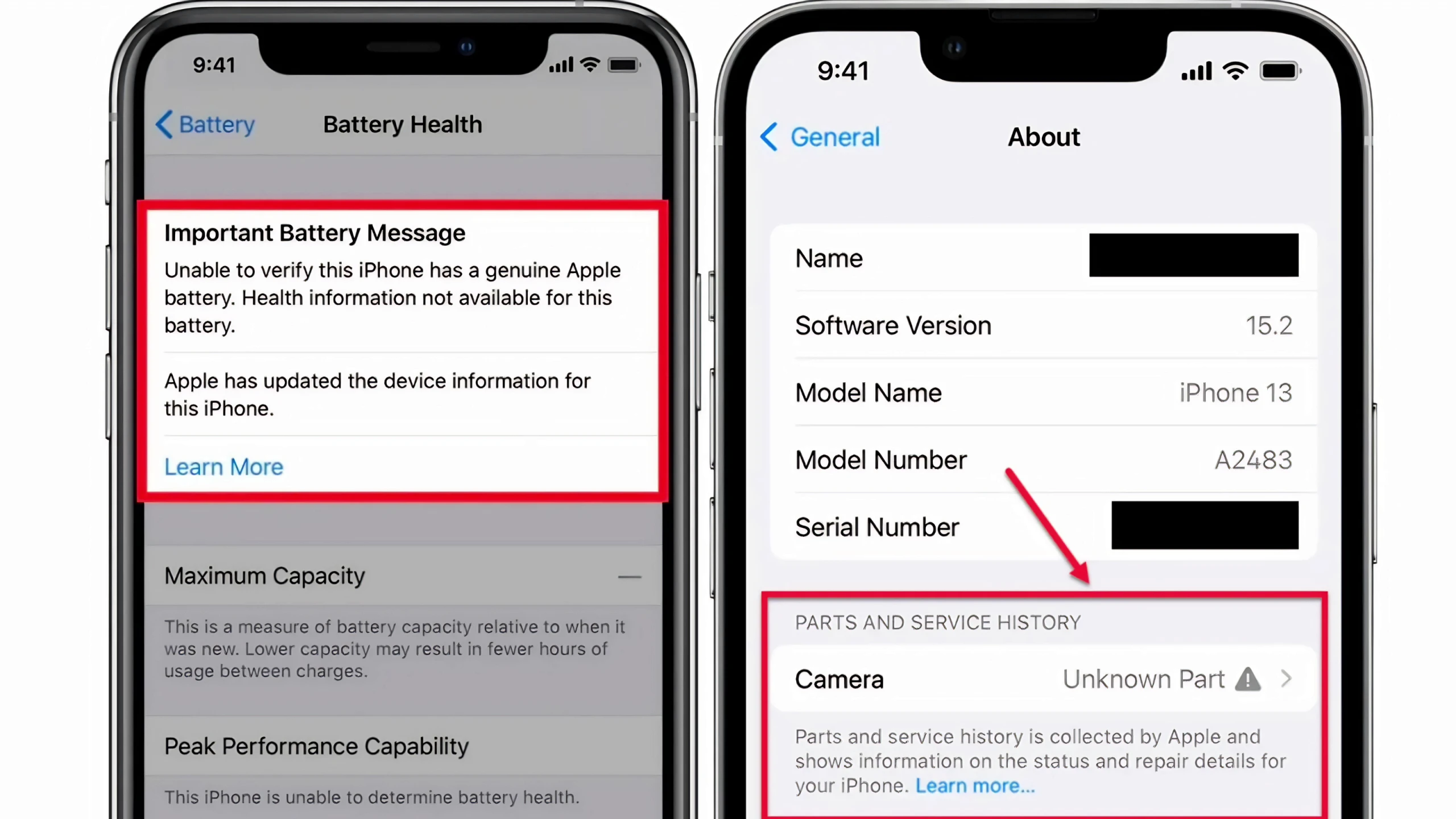
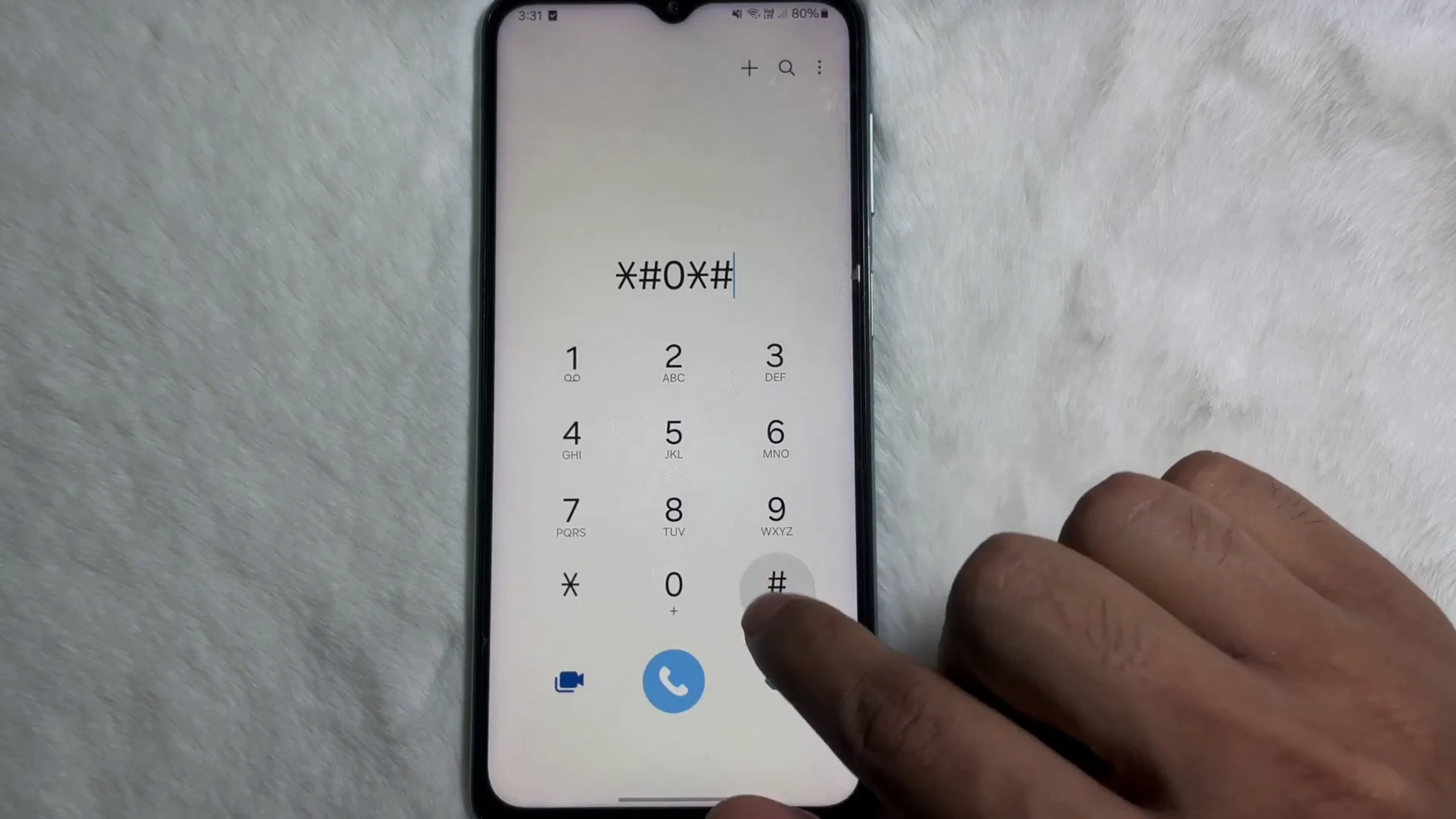
On iPhones, Apple now provides a built-in way to detect this under Parts and Service History. If any component is not genuine, the system will clearly indicate it. On Android devices, checking diagnostic menus or hardware test modes can help identify inconsistencies in performance or sensor behavior.
6. Don’t Trust Battery Health Numbers Alone
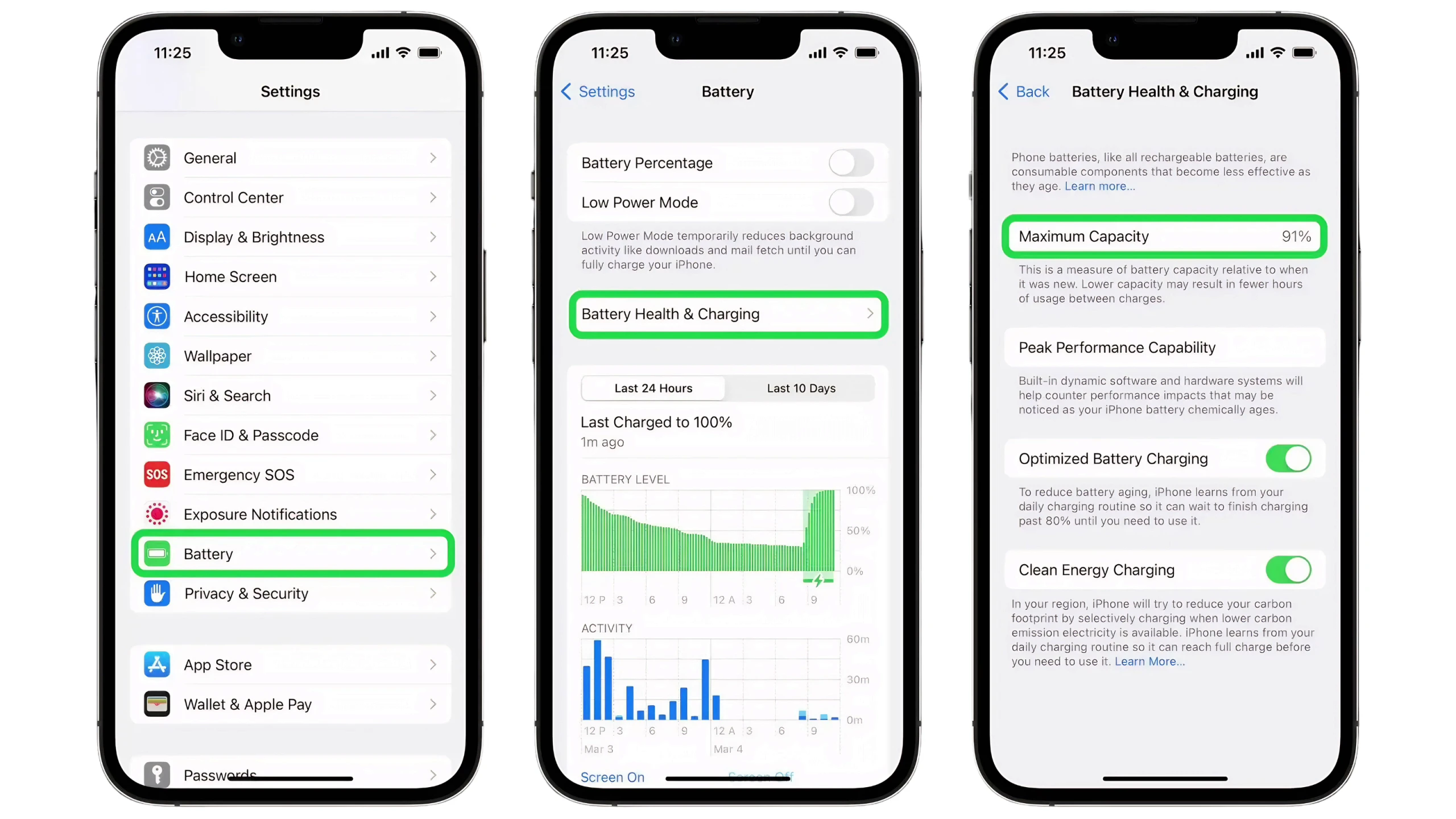
Battery health readings can be misleading, especially on older or repaired devices. A phone showing 100% battery health is not automatically in perfect condition.
In some cases, batteries are replaced or software readings are manipulated to display incorrect values. This is why real-world testing is more reliable than numbers alone.
A simple stress test works better. Record a high-resolution video with maximum brightness and flashlight turned on for a few minutes. Watch how quickly the battery drops and whether the phone heats up excessively. A healthy battery should show gradual and stable discharge, not sudden drops or overheating.
7. Always Check for Loan or Blacklisted Devices
One of the fastest-growing scams in 2026 involves financed smartphones. Some sellers buy phones through installment plans and resell them before completing payments.
When the original buyer stops paying, the device is remotely blacklisted by the financing company. This means the phone may suddenly lose network access or become partially restricted.
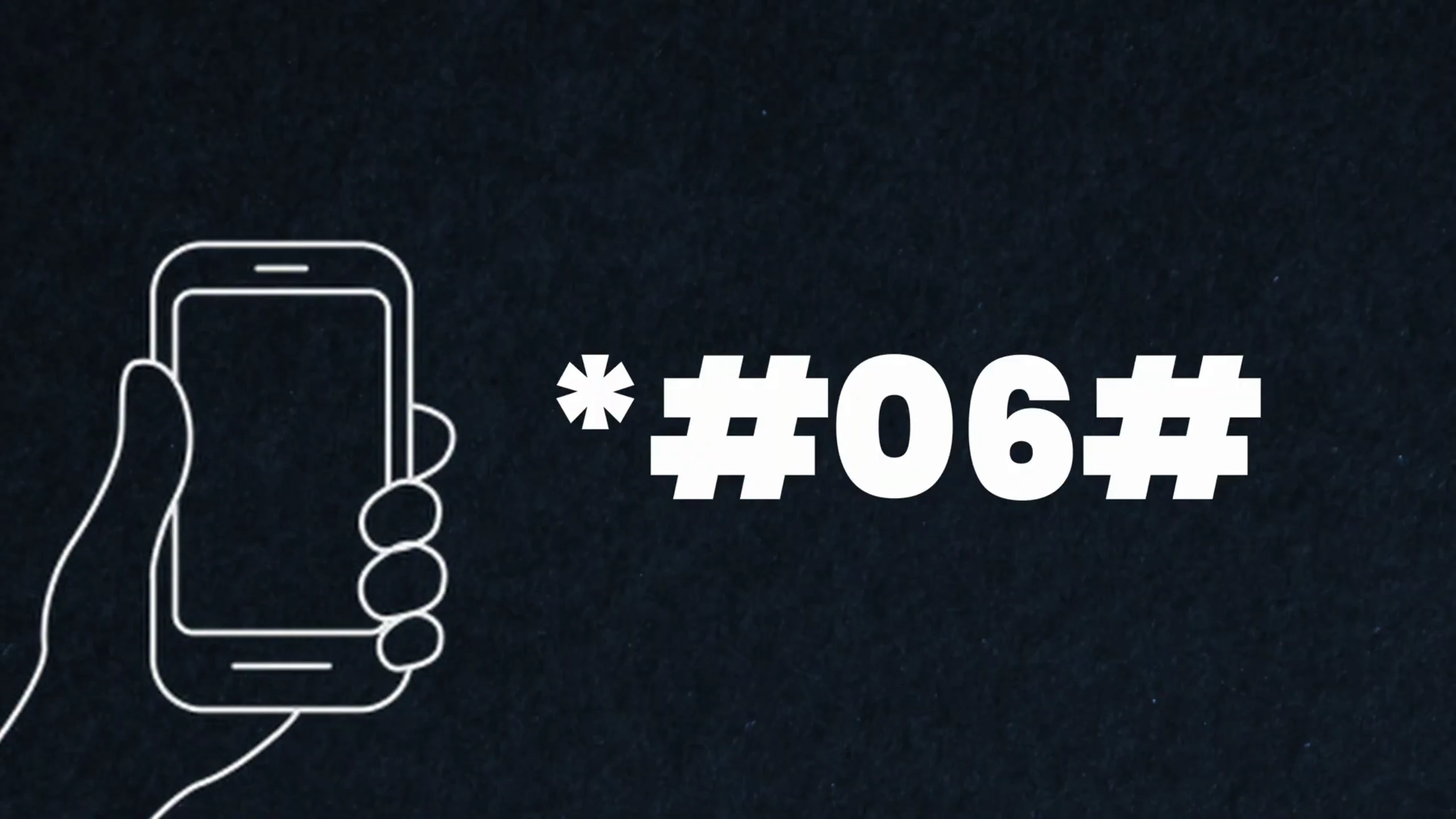
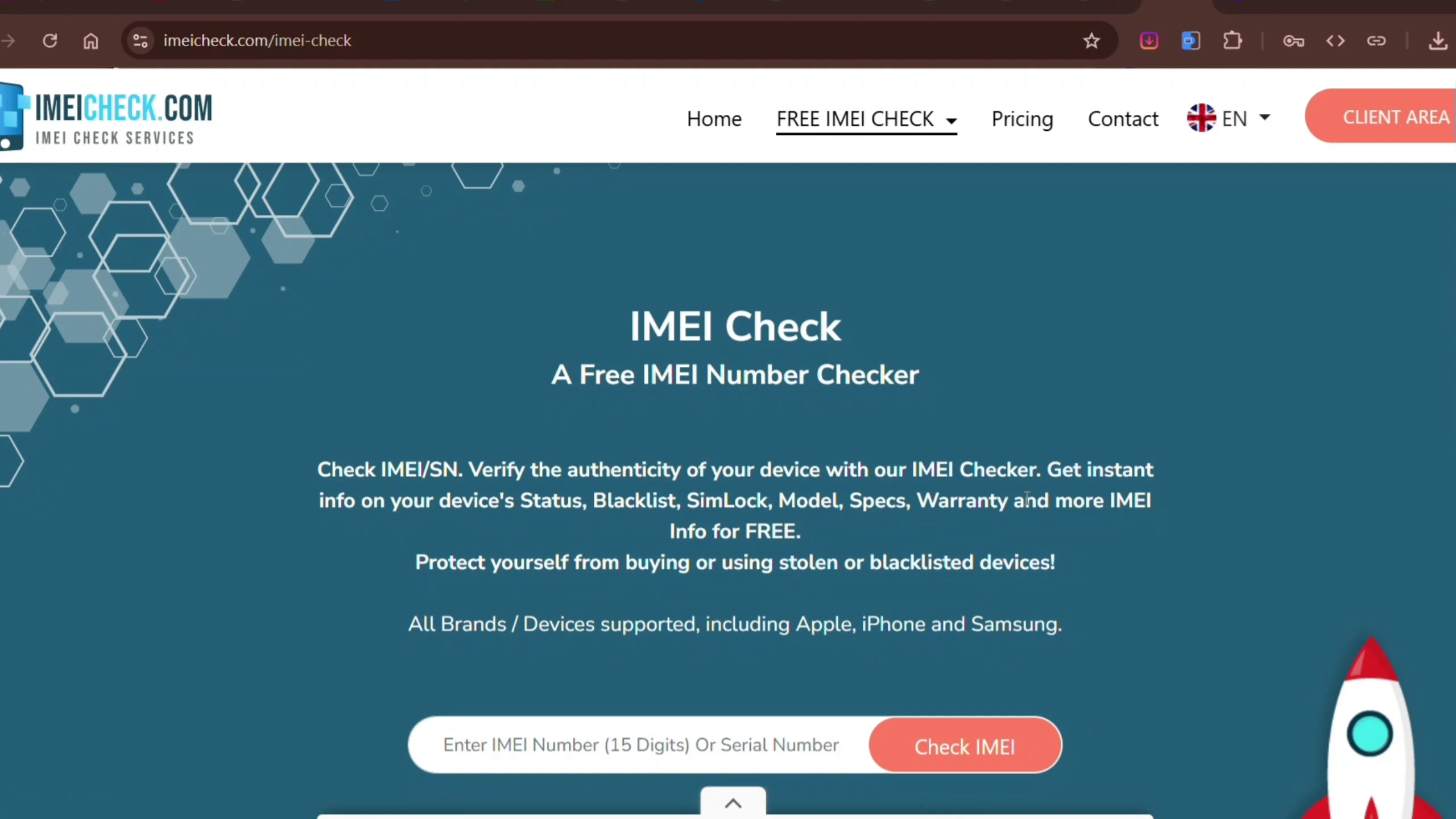
To avoid this, always check the IMEI number before making payment. Dial *#06#, copy the number, and run it through an IMEI verification tool. This helps confirm whether the device is clean, stolen, or under financial restriction.
8. Make Sure All Activation Locks Are Fully Removed
A factory reset does not automatically mean the phone is ready for use. Many devices remain locked to the previous owner’s account even after resetting.
On iPhones, iCloud activation lock can prevent you from using the device entirely. On Android phones, Google Factory Reset Protection (FRP) can do the same thing.
The safest method is to ensure the previous owner logs out completely in your presence. The phone should be fully set up to the home screen under your supervision before you make any payment. Anything less than that is a risk.
9. Test All Hardware Components Properly
A quick glance at the camera or speaker is not enough when buying used devices. You need to test every major hardware component under real conditions.
Take photos using all available lenses, record short videos, and immediately play them back. This helps confirm that cameras, microphones, and speakers are all functioning correctly at the same time.
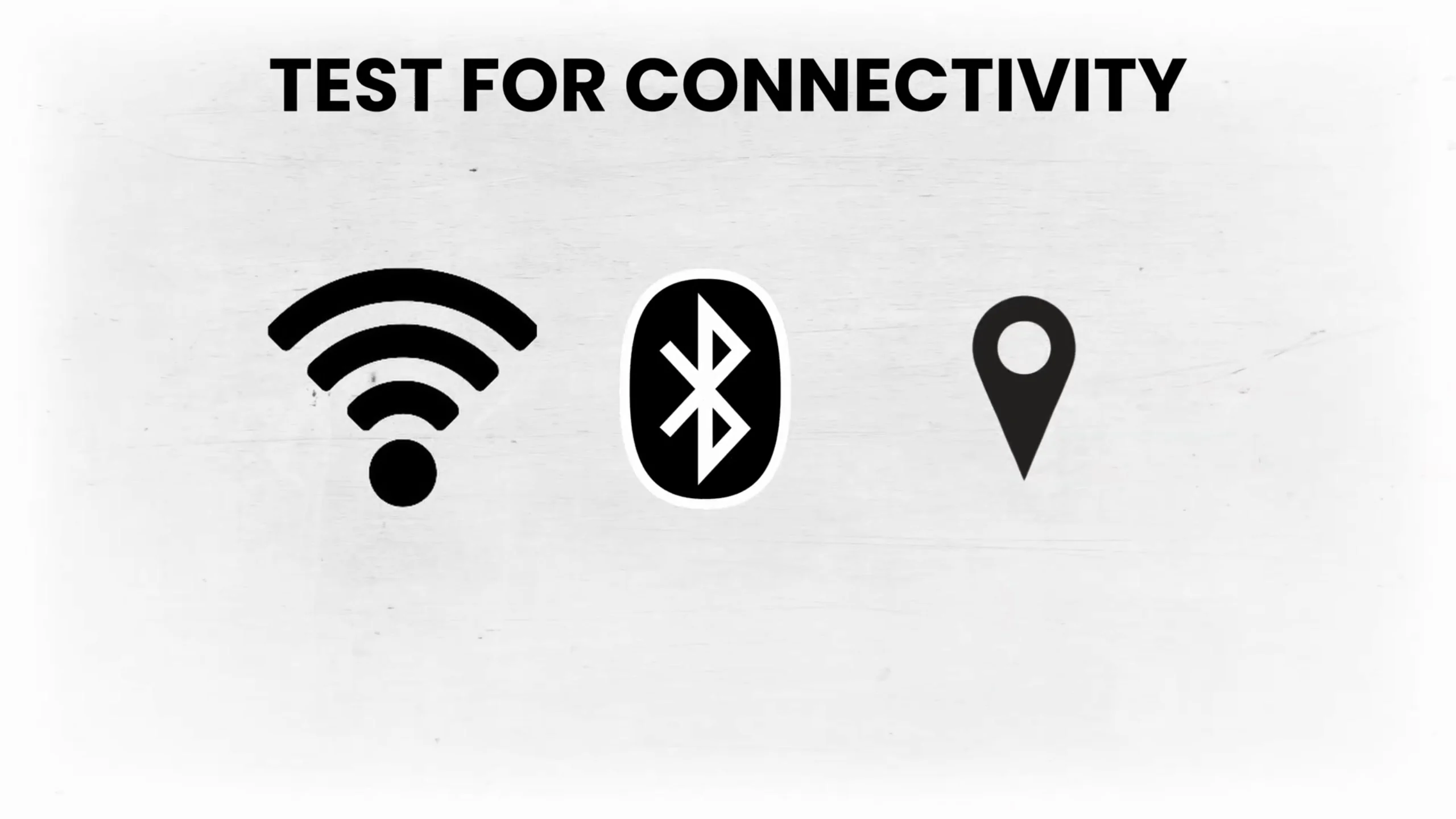
You should also test Wi-Fi, Bluetooth, and actual call quality using a SIM card. Many hidden issues only appear during real usage rather than short demonstrations. A proper test reveals problems that basic inspections miss.
10. Never Skip Receipt or Warranty Protection
Even after thorough inspection, some problems only appear after a few days of usage. Issues like overheating, sudden restarts, or network instability may not show immediately during testing.
This is why buying from a shop without any form of receipt or return policy is risky. Even a short 7-day warranty can save you from unexpected defects that were not visible during purchase.
If a seller refuses to provide any form of proof of purchase or return option, it is usually better to walk away.
Final Thoughts
Buying a used phone in 2026 is not something you should approach casually. The market is full of both great deals and expensive traps, and the difference between the two usually comes down to how careful you are during inspection.
A good used phone should never feel like a gamble. If you take your time, run proper checks, and avoid rushing decisions, you can safely get a device that performs like new for a fraction of the price. The goal is simple: save money, not lose it.