10 Hidden Reasons Your Phone Battery Drains Fast (And How to Fix Them)
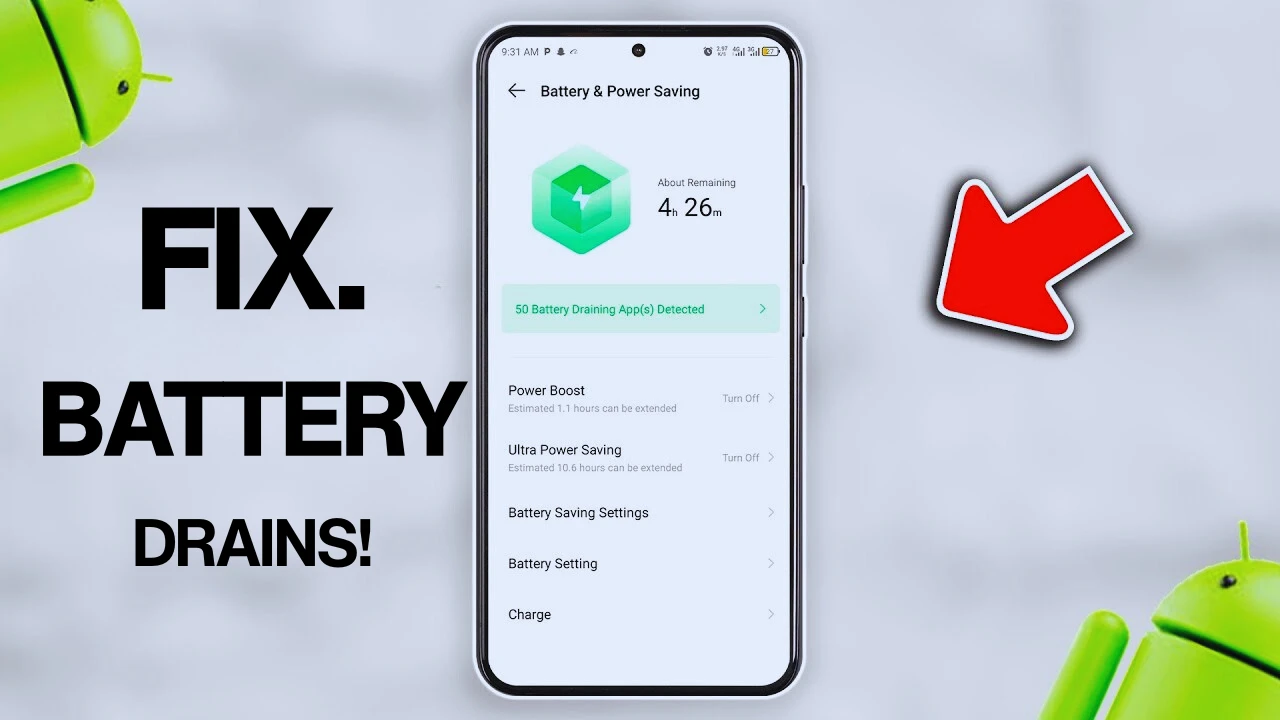
There’s a common belief that once a phone battery starts draining fast, it automatically means the battery is old or damaged. While that can sometimes be true, it’s not always the real problem. In fact, many phones with “terrible battery life” are actually being drained by hidden settings, background processes, poor habits, and apps people never pay attention to.
You’ll even see people rushing to replace batteries or buy new phones when the real issue could have been fixed in just a few minutes inside the settings app.
Modern smartphones are far more powerful than they used to be. They multitask constantly, stay connected to the internet 24/7, sync data across multiple apps, track location in real time, and run several background services simultaneously. All of this consumes power quietly in the background, even when your phone looks idle.
The tricky part is that battery drain usually doesn’t come from one major issue. It’s often several small things adding up together until your battery suddenly feels terrible. Here are some of the hidden reasons your phone battery drains fast — and what actually helps.
Background Apps Are Draining Power Without You Realizing
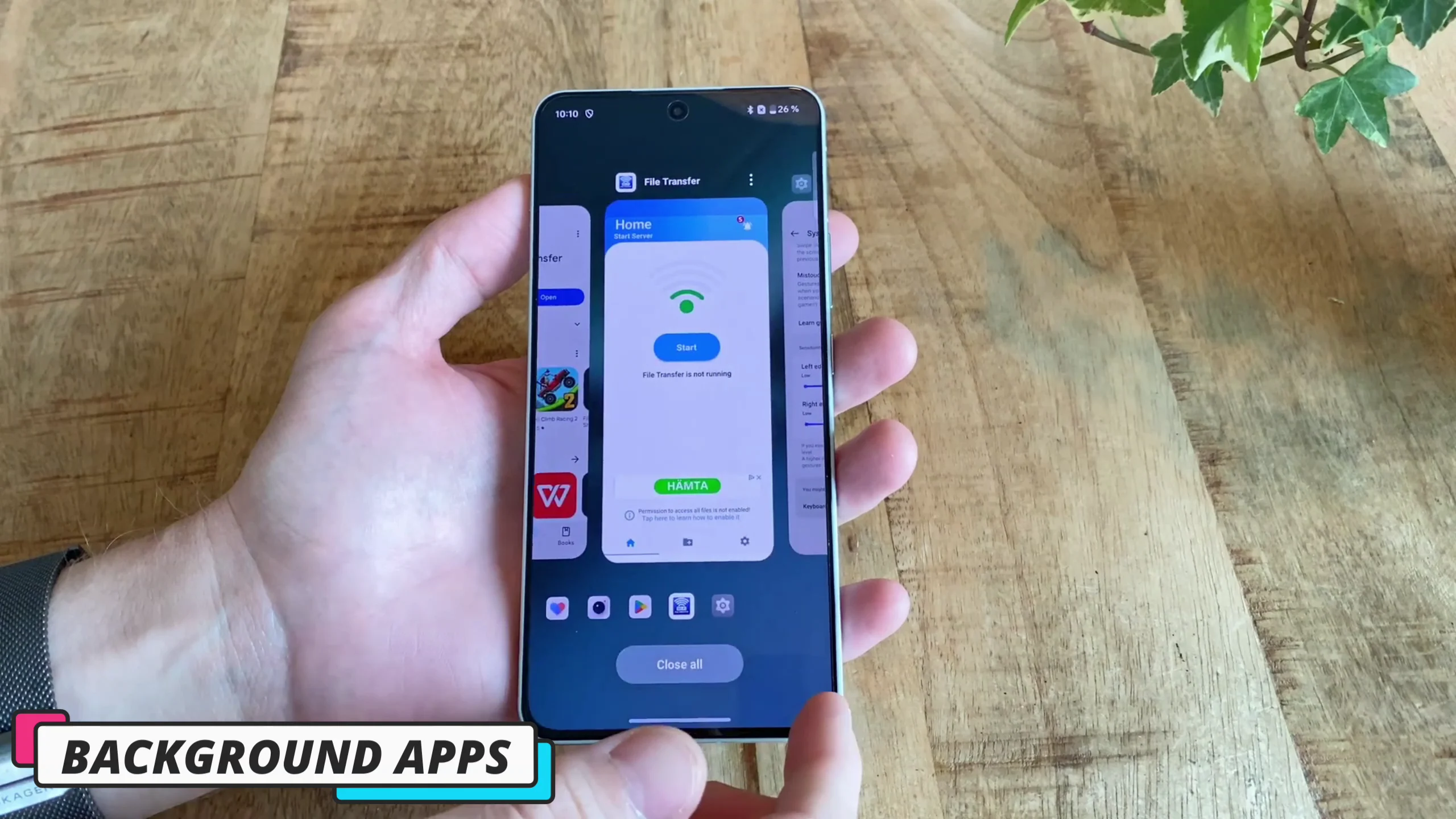
One of the biggest misconceptions people have is thinking that once they leave an app, the app completely stops working. That’s not how smartphones work anymore. Many apps continue running in the background long after you close them. Social media apps constantly refresh notifications, shopping apps check for updates, messaging apps sync messages, and some games quietly keep services active even when you haven’t opened them for days.
Every time an app wakes your phone in the background, it uses a little battery. One or two apps may not seem like much, but dozens of apps doing this repeatedly throughout the day adds up very quickly. This is why some phones lose battery even while sitting untouched on a table.
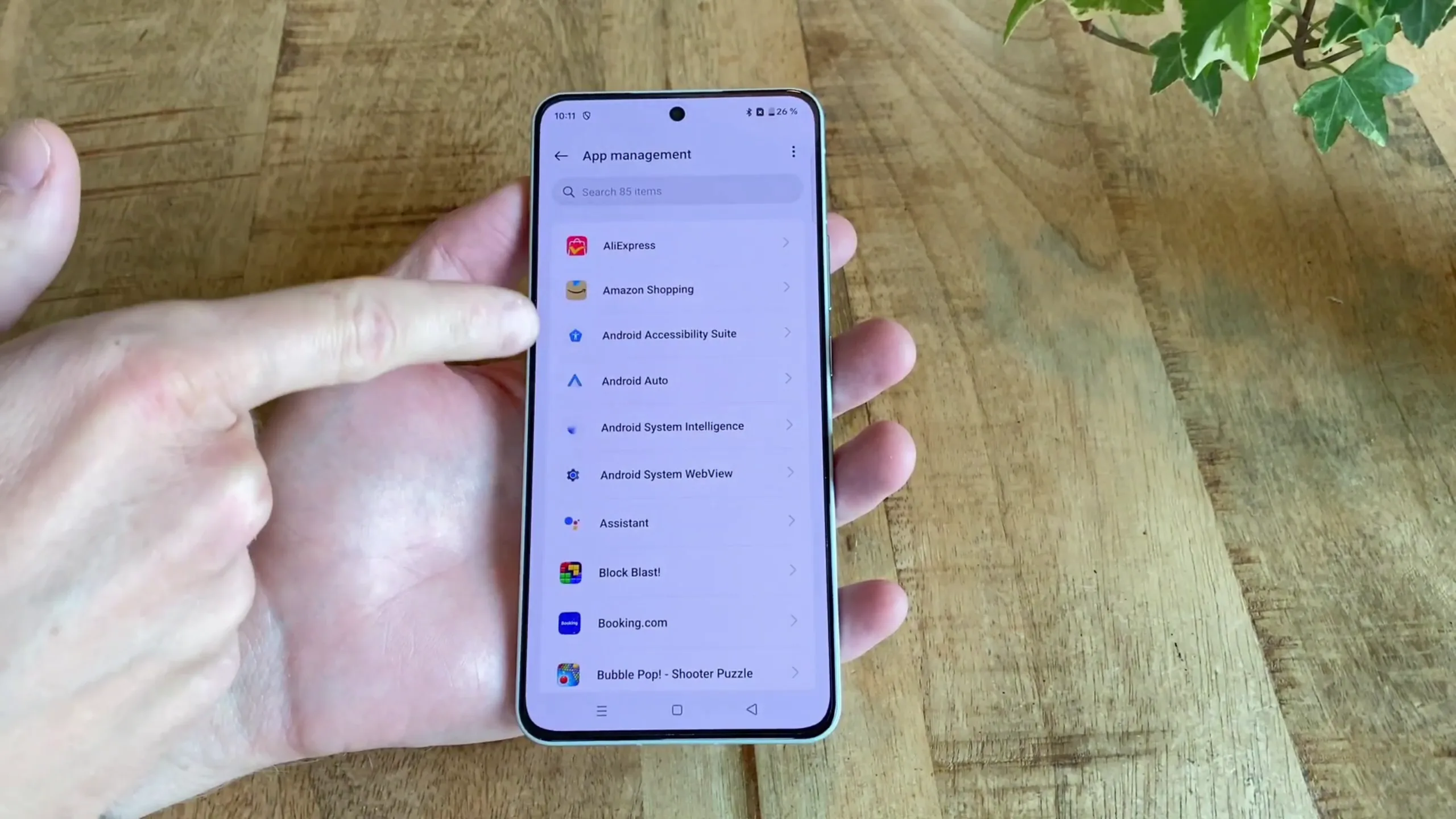
If you check your battery usage page, you’ll sometimes find apps you barely use consuming huge amounts of battery life.
Apps commonly responsible for heavy background drain include:
- TikTok
- Snapchat
- Shopping apps
- Some free games
- VPN apps
- Weather apps
Restricting background activity for apps you rarely use can make a noticeable difference almost immediately.
RELATED: Correct Tips to Extend Your Smartphone's Battery Life
Poor Network Signal Makes Your Phone Work Harder
A weak signal is one of the most overlooked causes of battery drain.
Whenever your phone struggles to maintain a stable mobile network or Wi-Fi connection, it increases power usage to stay connected. This happens constantly in areas with poor reception. If you’ve ever noticed your battery draining unusually fast while traveling, inside elevators, in rural areas, or during power outages affecting mobile towers, this is usually why.
Your phone keeps searching for stronger signals, switching between towers, changing network bands, and boosting radio power repeatedly.
Ironically, many people blame their phone’s battery when the real problem is the network environment around them. In some cases, switching temporarily to airplane mode in poor-signal areas can actually preserve battery life.
Your Charging Habits May Be Hurting Battery Health
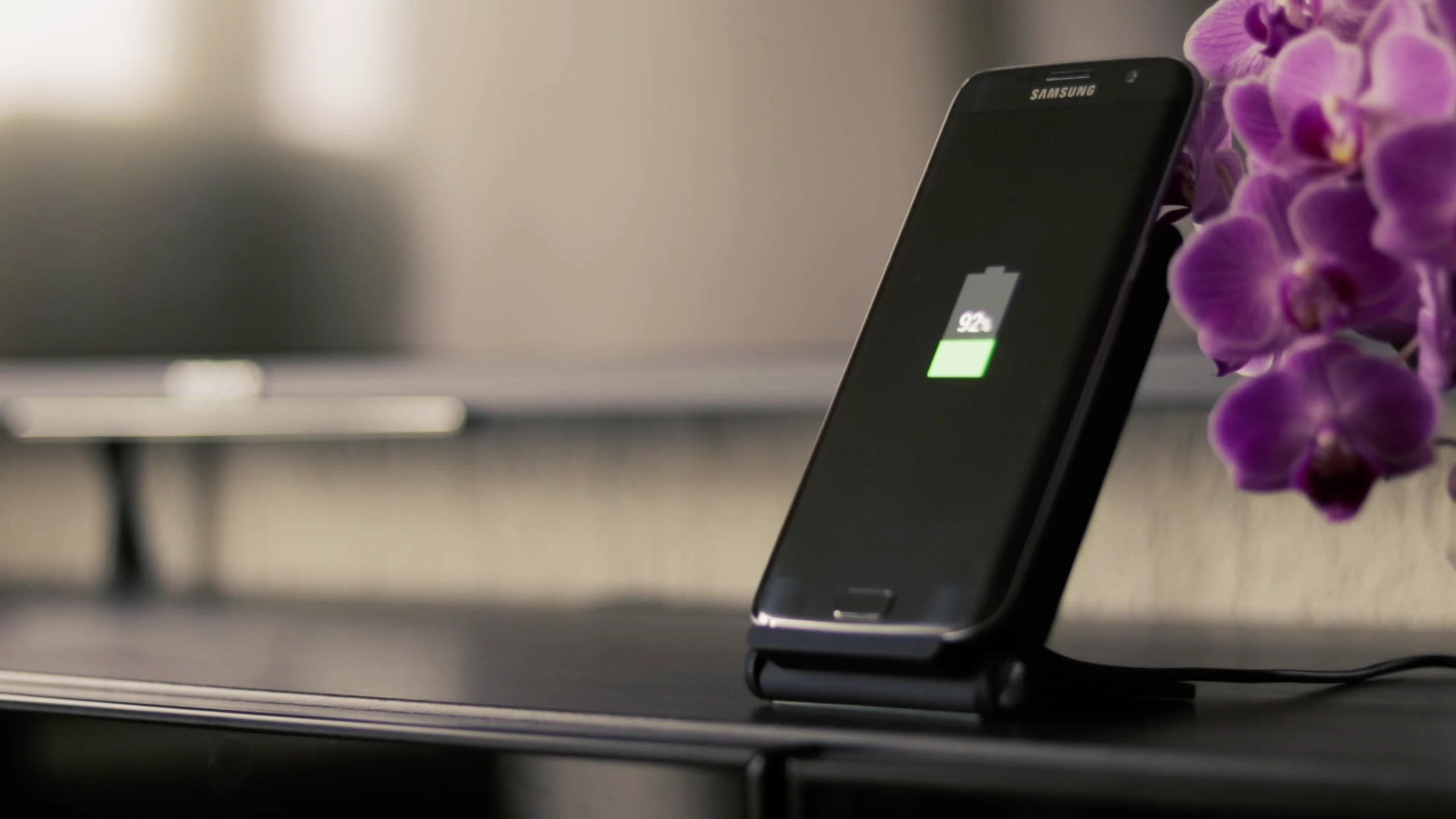
Battery myths are everywhere online, and many people still follow outdated advice. Modern lithium batteries don’t like extremes. Constantly keeping your battery at 100% for long periods stresses the battery over time. Letting it repeatedly drop to 0% is also harmful.
Charging overnight occasionally is fine, but doing it every single night for years can slowly reduce long-term battery capacity.
As batteries age, they physically lose their ability to hold power efficiently. This is when people start noticing:
- Faster battery drain
- Random percentage drops
- Reduced screen-on time
- Sudden shutdowns
Healthy charging habits matter more than people think.
Most experts recommend keeping your battery roughly between 20% and 80% whenever possible for better long-term battery health.
Your Display Is Probably Consuming More Battery
The screen is one of the biggest battery consumers on any smartphone. People often assume automatic brightness always saves power, but that’s not necessarily true.
In bright environments, auto brightness can push your display far brighter than you actually need. High brightness levels dramatically increase power consumption, especially on large AMOLED displays with high refresh rates.
This is why your battery may feel fine indoors but drain much faster outside during the day.
Phones with:
- 120Hz refresh rates
- High peak brightness
- Large displays
- Always-on display features
…tend to consume even more power. Sometimes lowering brightness slightly or switching from 120Hz to 60Hz can extend battery life more than closing multiple apps combined.
Some Apps Are Poorly Optimized
Even powerful smartphones can suffer terrible battery life because of badly optimized apps. Sometimes an app simply isn’t designed properly for your phone’s current Android or iOS version. These apps may:
- Crash silently in the background
- Restart repeatedly
- Get stuck syncing
- Continuously request system resources
You won’t see these problems happening directly, but your battery definitely feels the effect.
This is why updating certain apps — or deleting problematic ones entirely — can suddenly improve battery life without changing anything else. Beta apps are especially notorious for battery drain issues because they’re often unfinished or unstable.
Location Services Quietly Drain Battery All Day
Location tracking is another major hidden battery killer.
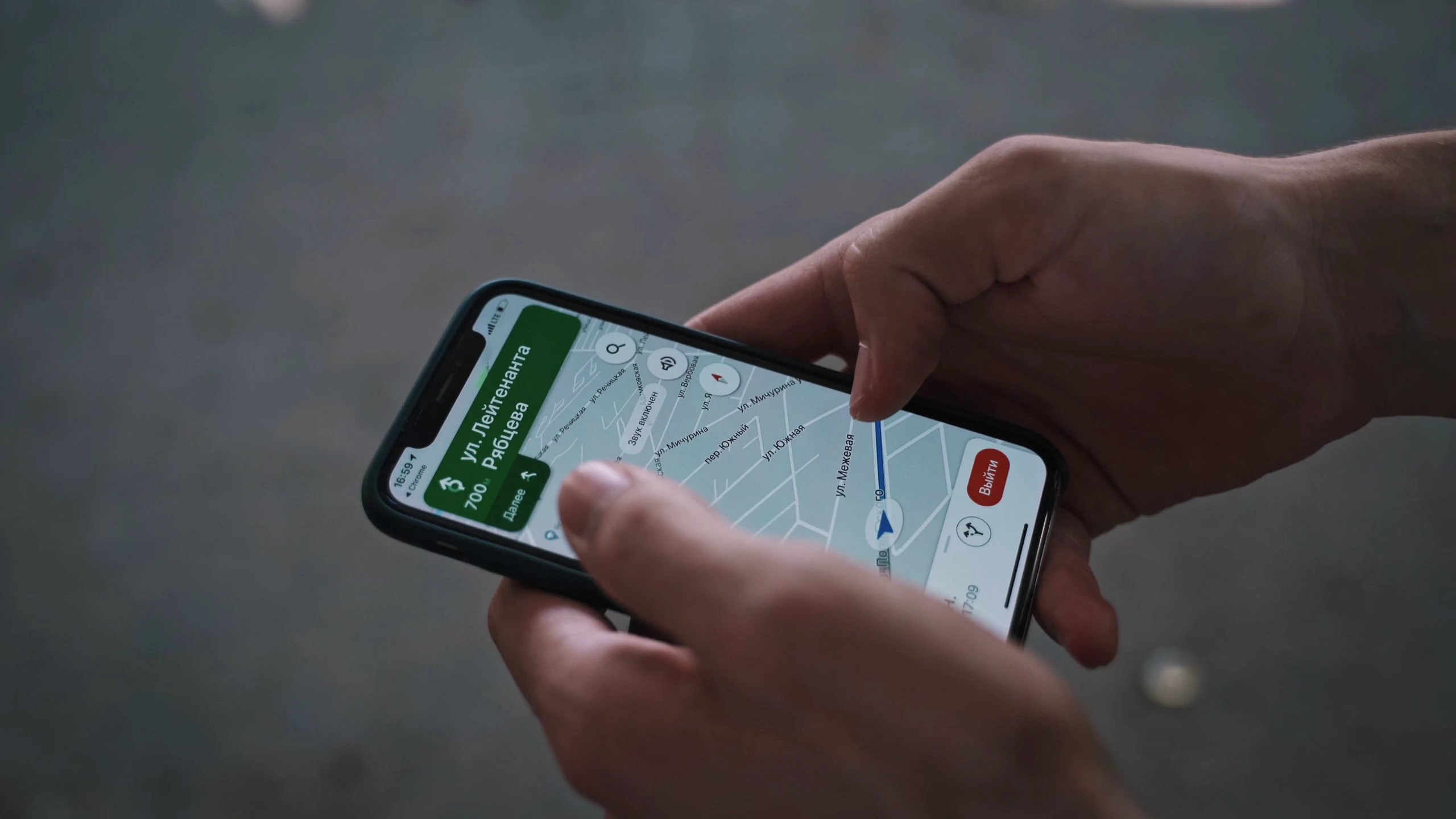
Many apps request location access even when they don’t actually need it. Weather apps, ride-hailing apps, shopping apps, social media apps, and camera apps often continue accessing location data silently in the background.
If location permission is set to “Allow all the time,” your phone keeps checking GPS, Wi-Fi positioning, and nearby mobile towers constantly.
Even when you’re not actively navigating anywhere.
Over an entire day, this drains far more battery than many people realize.
A better approach is changing location access to:
- “Only while using the app” or
- “Ask every time”
This alone can noticeably improve standby battery life.
Widgets and Live Wallpapers Are Always Running
Widgets look small and harmless, but many of them are constantly active.
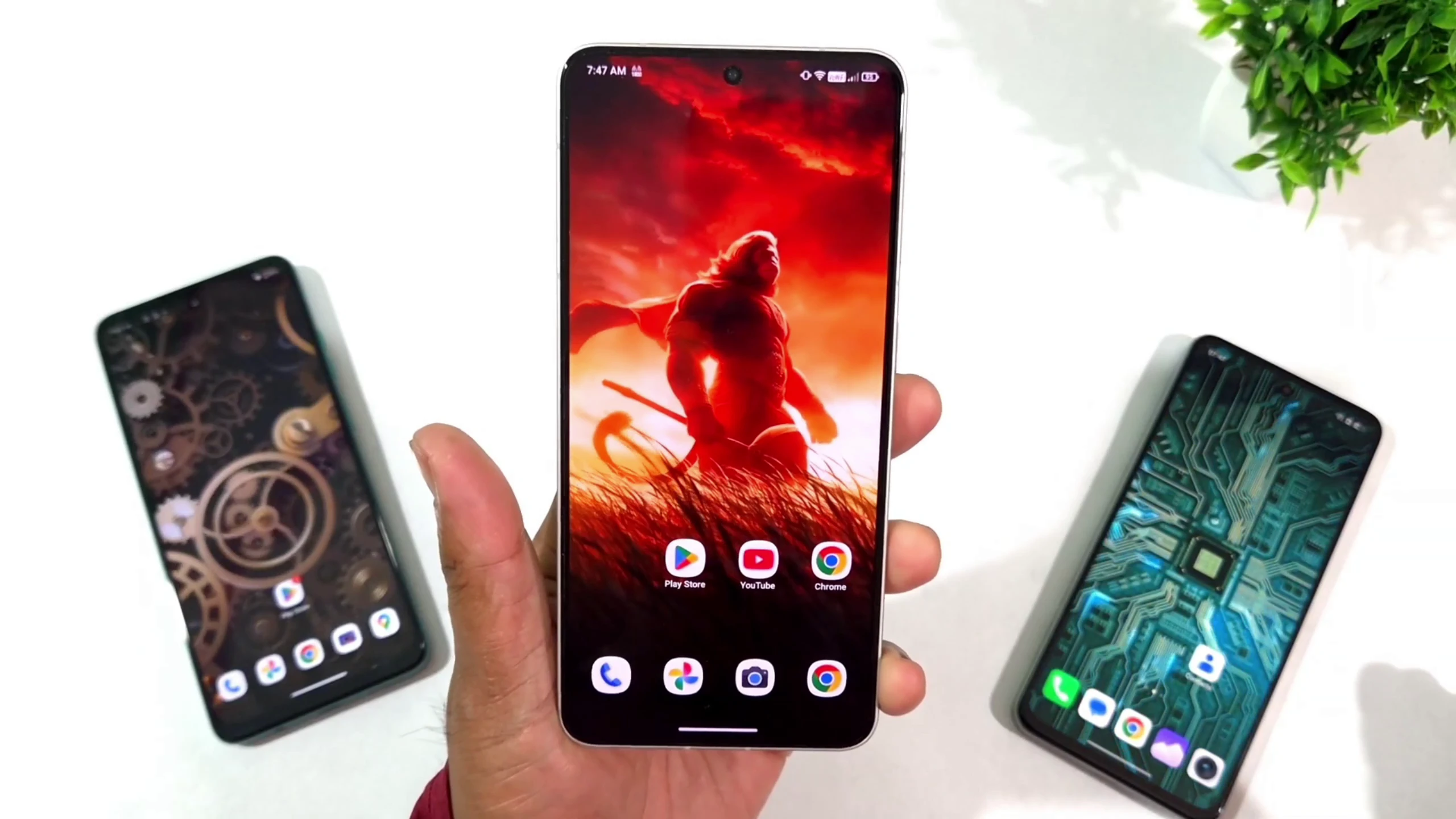
Weather widgets refresh data regularly. Clock widgets update in real time. News widgets constantly sync headlines. Animated wallpapers continuously use GPU resources to create motion effects.
One widget may not seem significant, but several active widgets combined with live wallpapers can quietly drain battery throughout the day. Mid-range phones and older devices usually feel this impact more aggressively because their processors are less power-efficient. Static wallpapers and fewer active widgets can sometimes improve both battery life and overall smoothness.
Background Sync Services Never Let Your Phone Rest
Modern phones are designed to stay connected constantly. Cloud backups, email syncing, photo uploads, smart syncing, and account services quietly run behind the scenes all day.
These features are useful, but when everything syncs instantly, your phone never truly enters a low-power idle state. This explains why some phones lose noticeable battery overnight even when unused.
Apps connected to:
- Google Drive
- iCloud
- OneDrive
- Gmail
- Google Photos
- WhatsApp backups
…can all contribute to constant background activity.
Reducing unnecessary syncing can improve idle battery performance significantly.
Battery Calibration Issues Can Fake Battery Problems
Sometimes your battery percentage behaves strangely even when the battery itself isn’t damaged.
You may notice situations like:
- Battery suddenly dropping from 30% to 10%
- Fast percentage jumps
- Random shutdowns
- Battery staying stuck at one percentage
This can happen because the system loses track of the battery’s true capacity over time.
Battery calibration problems are surprisingly common after major software updates or long periods of irregular charging habits. In some cases, simply using the phone normally for several days after an update helps the system relearn battery behavior.
Software Updates Can Temporarily Worsen Battery Life
One thing many people panic about is battery drain immediately after updating their phone.
After major Android or iOS updates, phones usually spend several days:
- Re-indexing files
- Optimizing apps
- Rebuilding caches
- Adjusting background processes
During this period, battery life often becomes temporarily worse. People immediately assume the update “destroyed” their battery when the phone is actually still stabilizing itself. In many cases, battery performance improves naturally after a few days of regular usage.
Final Thoughts
Fast battery drain is rarely caused by one single problem. Most of the time, it’s several hidden processes stacking together quietly in the background.
Weak network signals, excessive brightness, aggressive syncing, poor charging habits, background apps, widgets, GPS tracking, and software bugs can all combine to destroy battery life without you realizing it.
The good news is that once you understand where your battery is actually going, fixing the problem becomes much easier — and far more effective than random battery-saving tips you see online.
Sometimes you don’t need a new phone or a battery replacement at all. You just need better settings and smarter habits.